

Multimedia & graphics Windows
7GIF for Windows
Play animated GIFs on Windows, inspect individual frames, adjust playback speed and export frames with 7GIF, a free GIF viewer from Xtreme-LAb.
- Operating system
- Windows XP, Vista, 7, 8, 8.1 and 10 (publisher-listed)
- Architecture
- Publisher states compatibility with 32-bit and 64-bit Windows; native package architecture is not specified.
- Download package
- EXE setup; a separate standalone ZIP archive is also offered.
This link is the publisher's EXE setup. XP and Vista require .NET Framework 3.5. Windows 11 support is unconfirmed; Windows Server is not officially supported.
Link checked · Download guidance
What is 7GIF?
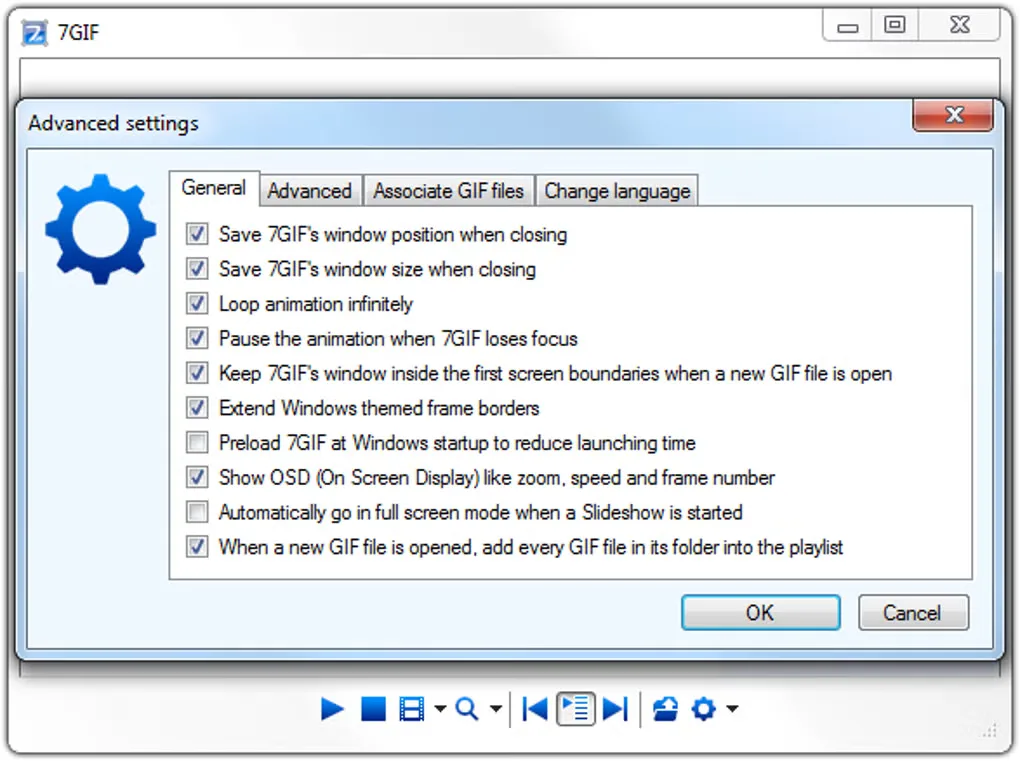
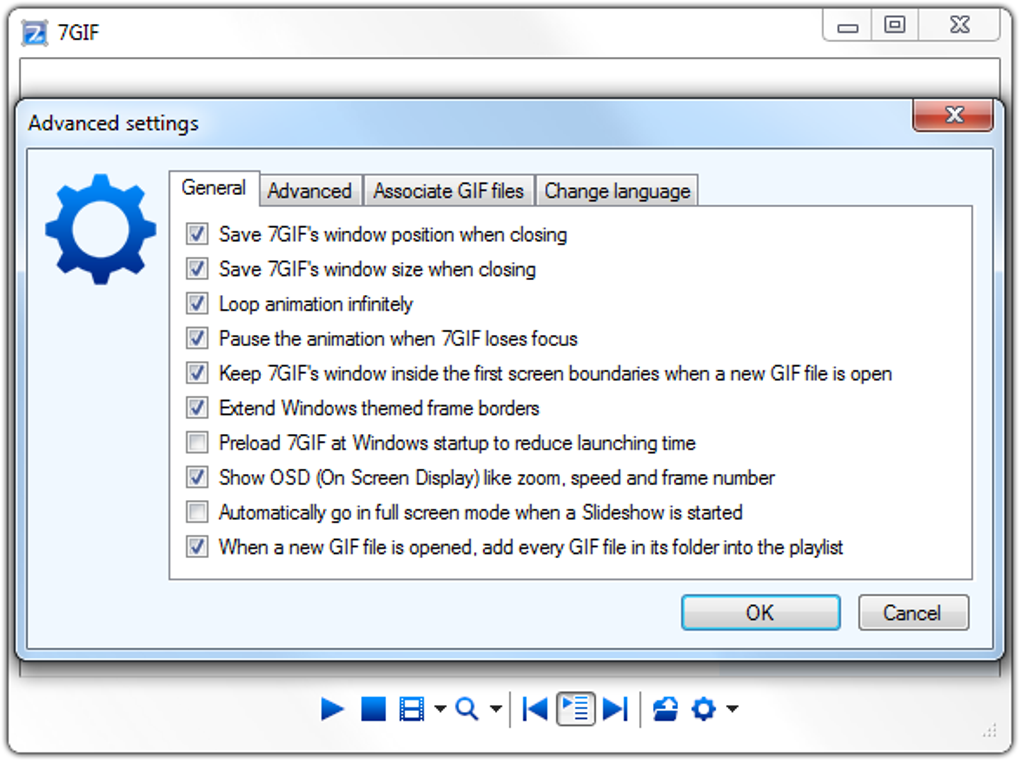
7GIF is a Windows player for animated GIF files. It provides playback controls for pausing an animation, moving through it frame by frame and changing its speed. Zoom and fit-to-window options help when inspecting a small animation, while full-screen playback is available for viewing it without the surrounding desktop.
A sortable playlist and slideshow mode let you browse a collection of GIFs. You can export one frame or all frames as separate images, inspect GIF properties and use Windows File Explorer integration to open files. These are viewing and frame-extraction tools rather than a reason to expect a full image-editing workflow; Softonic's review notes few image-processing options.
The publisher's download catalog identifies version 1.2.2.1298, released on May 9, 2017, and offers an EXE setup plus a separate standalone ZIP archive. This entry links to the EXE setup. The documented Windows support list runs from XP through Windows 10; Windows 11 compatibility is not confirmed by the cited publisher pages. Windows XP and Vista require Microsoft .NET Framework 3.5, according to the publisher's FAQ.
What it offers
- Play, pause, stop and repeat animated GIFs, or inspect them frame by frame.
- Change playback speed and zoom, fit an animation to the window or switch to full-screen viewing.
- Organize multiple GIFs in a sortable playlist and view them as a slideshow.
- Export a single frame or every frame as separate images.
- Inspect GIF properties and open files through Windows File Explorer integration.
Good to know
- The publisher lists support through Windows 10, not Windows 11; compatibility with Windows 11 is unconfirmed.
- Windows XP and Vista require Microsoft .NET Framework 3.5, according to the publisher's FAQ.
- Image-processing options are limited; this is primarily a GIF player and frame viewer, not a full image editor.
Product images
Sources
References used for this listing. Retrieval dates do not indicate hands-on testing.
More in multimedia & graphics
View category ↗
1by1 2.17
Play music directly from folders with 1by1, a free Windows audio player with resume, gapless playback and file tools. Formats beyond MP3 need additional decoders.
3DVista Virtual Tour Pro
Build interactive 360° virtual tours from panoramas, videos and 3D models with 3DVista Virtual Tour Pro for Windows. Commercial software with a 30-day trial.

4DDiG Video Repair
Repair corrupted or unplayable videos in batches with the Video Repair tool in 4DDiG File Repair for Windows. A free trial is available; advanced features require a paid license.