

Multimedia & graphics Windows
ACDSee Photo Studio Home for Windows
Organize a Windows photo library with tags, face recognition and batch tools, then crop, adjust colors or use credit-based generative editing in ACDSee Photo Studio Home.
- Operating system
- Windows 10 (64-bit) and Windows 11
- Architecture
- 64-bit Intel or AMD processor
- Download package
- English EXE installer
Requires 8 GB RAM, 5 GB available disk space and DirectX 12 graphics (feature level 12_0+) with 2 GB VRAM. Activation needs valid email and internet access.
Link checked · Download guidance
What is ACDSee Photo Studio Home?
ACDSee Photo Studio Home combines photo-library management with image editing for Windows. It browses folders directly rather than requiring you to import an entire collection first. Ratings, keywords, categories, color labels and face recognition help you find images again; batch tools handle jobs such as renaming, resizing and format conversion.
Home 2027 adds Reject Tags for marking unwanted shots and generative tools for creating images, filling areas, describing edits and removing objects. Conventional editing tools cover cropping, rotation, color adjustments, red-eye correction, text and watermarks. The generative tools are cloud-based and consume AI credits, so they are not an unlimited offline feature.
This entry links to the publisher’s English Windows EXE for Home 2027, build 30.0.0.3620. The software is commercial, with a free trial offered by the publisher. Activation requires a valid email address and internet connection. Check format support before moving a library: the release notes exclude Canon C-RAW and IPTC metadata for HEIC.
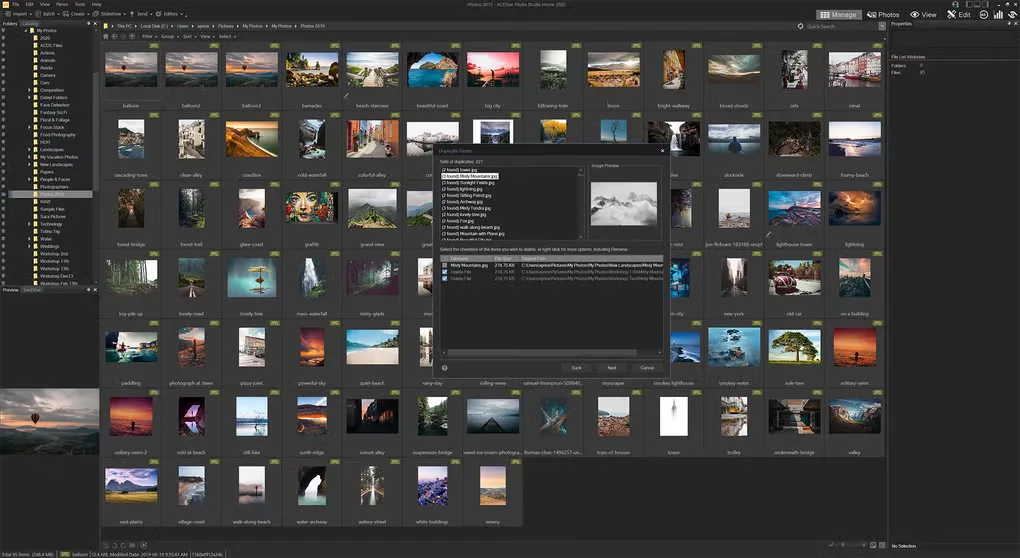
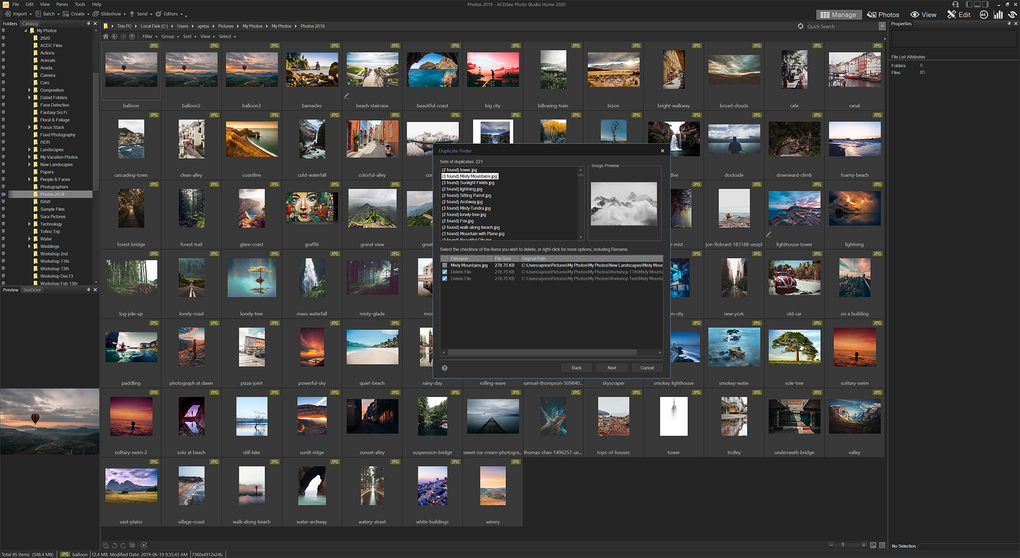
The screenshot shows the older Home 2020 Windows interface and its Duplicate Finder dialog. It illustrates the application’s photo-management layout, not the exact appearance of Home 2027.
What it offers
- Browse photo folders directly and organize images with ratings, tags, keywords, categories and color labels.
- Find people with face detection and facial recognition; narrow searches with advanced AND/OR conditions.
- Batch rename, resize and convert images; find duplicates and mark unwanted photos with Reject Tags.
- Crop, rotate and adjust colors; add text, borders and watermarks.
- Use AI Image Generation, Generative Fill, Generative Edit and AI Remove with cloud-based AI credits.
Good to know
- Commercial software: a free trial is offered, but a continuing license is paid. The Home perpetual license covers one device and does not include free upgrades.
- Activation requires a valid email address and internet connection; generative features additionally consume AI credits.
- Canon C-RAW and IPTC metadata for HEIC are not supported in the Home 2027 release notes.
- AI Remove can produce unexpected results on transparent pixels.
Product images
Sources
References used for this listing. Retrieval dates do not indicate hands-on testing.
More in multimedia & graphics
View category ↗
1by1 2.17
Play music directly from folders with 1by1, a free Windows audio player with resume, gapless playback and file tools. Formats beyond MP3 need additional decoders.
3DVista Virtual Tour Pro
Build interactive 360° virtual tours from panoramas, videos and 3D models with 3DVista Virtual Tour Pro for Windows. Commercial software with a 30-day trial.

4DDiG Video Repair
Repair corrupted or unplayable videos in batches with the Video Repair tool in 4DDiG File Repair for Windows. A free trial is available; advanced features require a paid license.