

Multimedia & graphics Windows
ACDSee Photo Studio Professional for Windows
Organize photo collections and develop RAW images with ACDSee Photo Studio Professional for Windows. The commercial editor combines searchable photo management with non-destructive adjustments.
- Operating system
- Windows 10 (64-bit) and Windows 11
- Architecture
- 64-bit Intel or AMD
- Download package
- English EXE installer
Publisher requirements include 8 GB RAM, 5 GB free disk space and a DirectX 12 graphics adapter with 2 GB VRAM. Activation requires a valid email address and internet connection.
Link checked · Download guidance
What is ACDSee Photo Studio Professional?
ACDSee Photo Studio Professional combines photo-library management and RAW development in one Windows application. Browse folders, sort images with ratings, keywords and categories, and use face recognition to help locate people in a collection. Its non-destructive Develop tools adjust color, lighting and detail without changing the original image.
The 2027 edition adds automatic and custom photo stacks, visual-similarity grouping and reverse image search. These tools help photographers compare related frames and find visually similar shots rather than relying only on filenames or manually entered tags. Stacks are a Manage-mode organization tool: images appear unstacked in other modes.
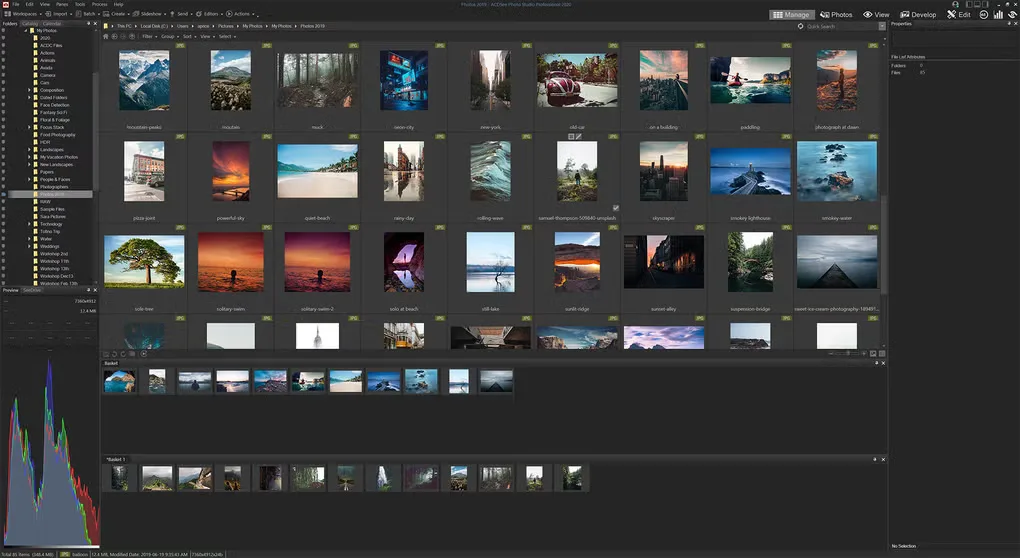
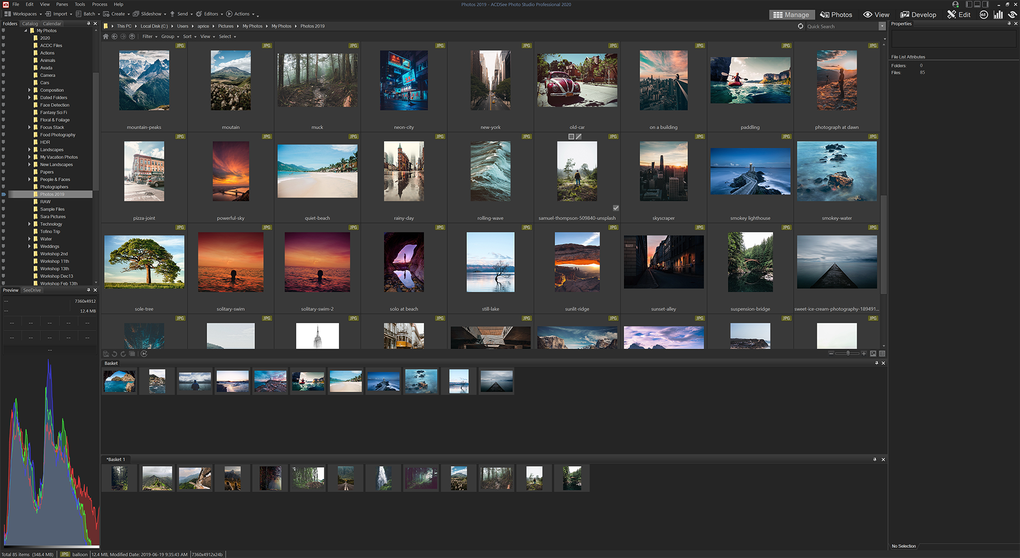
This entry links to the publisher’s English Windows EXE for build 20.0.0.3719. It is commercial software with a trial offered by the publisher, not a permanently free editor. Windows 10 or 11 with 64-bit Intel/AMD support is required; activation requires an email address and an internet connection. The gallery image illustrates an older Professional interface and is not a screenshot of the 2027 release.
What it offers
- Non-destructive RAW development with color, lighting and detail adjustments.
- Photo organization using ratings, keywords, categories and color labels.
- Face detection and recognition to help identify people in a photo library.
- Automatic or custom photo stacks, including grouping by capture time, GPS location or image similarity.
- Visual-similarity grouping and AI Reverse Image Search for finding related photos.
Good to know
- Commercial software; the publisher offers a trial, while continued licensed use requires a purchase or an applicable subscription.
- Stacking works only in Manage mode; stacked photos appear unstacked when opened in other modes.
- Canon C-RAW is not supported in the published 2027 release notes.
- AI Super-Resolution and AI Denoise cannot run on the GPU with less than 4 GB of video memory.
Product images
Sources
References used for this listing. Retrieval dates do not indicate hands-on testing.
More in multimedia & graphics
View category ↗
1by1 2.17
Play music directly from folders with 1by1, a free Windows audio player with resume, gapless playback and file tools. Formats beyond MP3 need additional decoders.
3DVista Virtual Tour Pro
Build interactive 360° virtual tours from panoramas, videos and 3D models with 3DVista Virtual Tour Pro for Windows. Commercial software with a 30-day trial.

4DDiG Video Repair
Repair corrupted or unplayable videos in batches with the Video Repair tool in 4DDiG File Repair for Windows. A free trial is available; advanced features require a paid license.