
Multimedia & graphics Windows
ActivePresenter
Record your screen, webcam and audio, then edit tutorial videos in ActivePresenter for Windows. Free use has non-commercial and feature restrictions.
- Operating system
- Windows 10 and Windows 11
- Architecture
- 64-bit
- Download package
- EXE installer
One installer for Free, Standard and Pro; paid editions activate with a license key. A separate macOS download is available.
Link checked · Download guidance
What is ActivePresenter?
ActivePresenter combines screen recording and video editing for tutorials, demonstrations and training material. Capture a screen area or the whole desktop alongside a webcam, microphone and system audio, then refine the result on a multi-track timeline. Cutting, splitting, joining clips and adding annotations help turn a recording into an explanation rather than an unedited capture. Video export includes MP4 and WebM.
One Windows installer serves the Free, Standard and Pro editions. The Free edition has no trial time limit, but its license permits publishing image and video exports only for personal or non-commercial purposes. Non-free features add a watermark to output, and AI services require a paid license. Standard covers commercial videos and documents; Pro adds interactive course publishing such as HTML5, SCORM and xAPI. Check the edition before building content for a client or an LMS.
What it offers
- Record the full screen or a selected area with webcam, microphone and system audio.
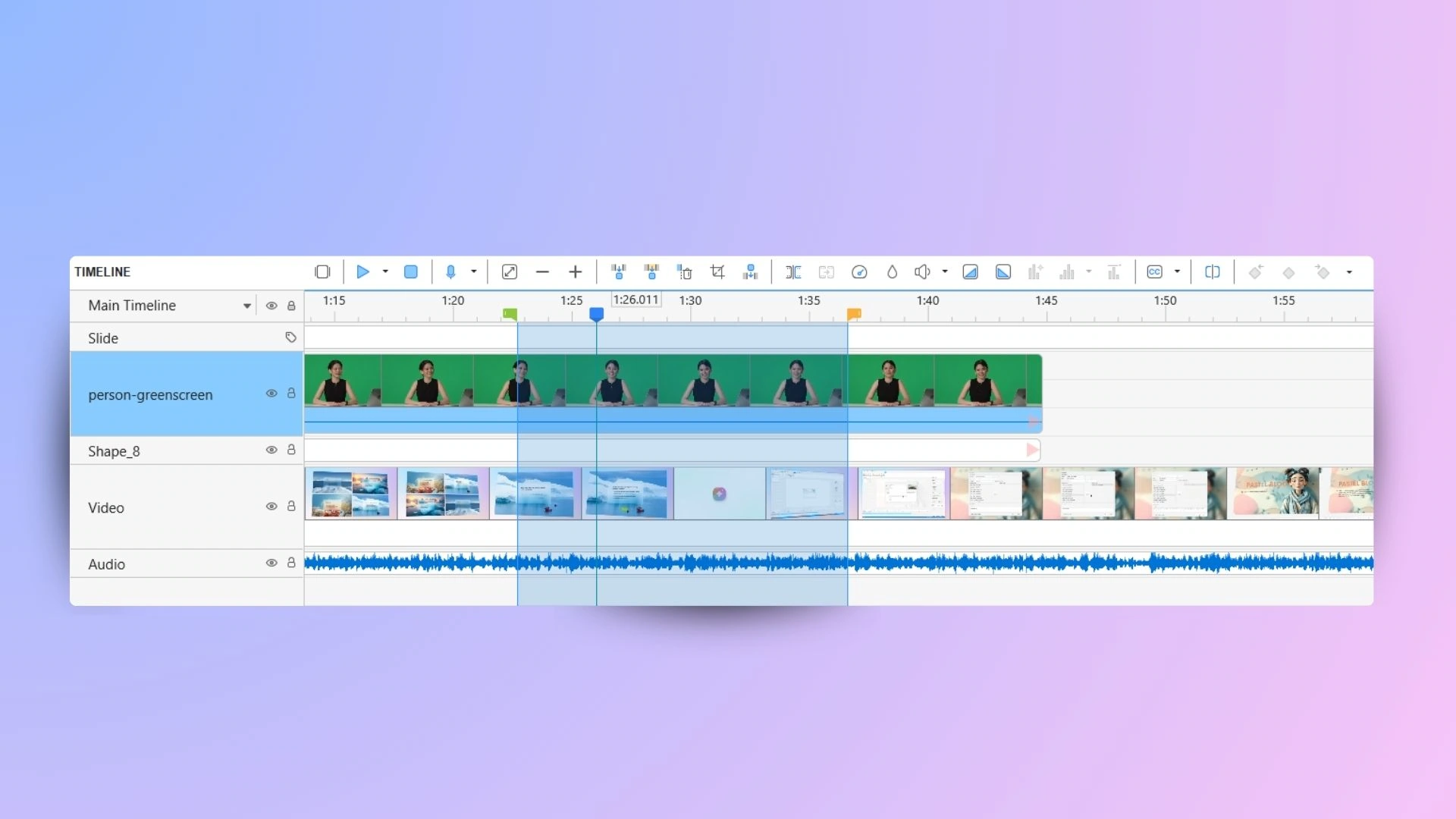
- Cut, split and join clips on a multi-track audio and video timeline.
- Add shapes, images and audio annotations, plus transitions and animation effects.
- Export videos in MP4 or WebM formats.
- Create interactive courses and publish HTML5, SCORM or xAPI output with the Pro edition.
Good to know
- Free-edition image and video exports may be published only for personal or non-commercial purposes; other output is restricted to trial or test use.
- Using non-free features in the Free edition adds a watermark; AI and other third-party services require a paid license.
- The Windows 10.6.2 installer is 64-bit only and targets Windows 10 and 11.
Product images
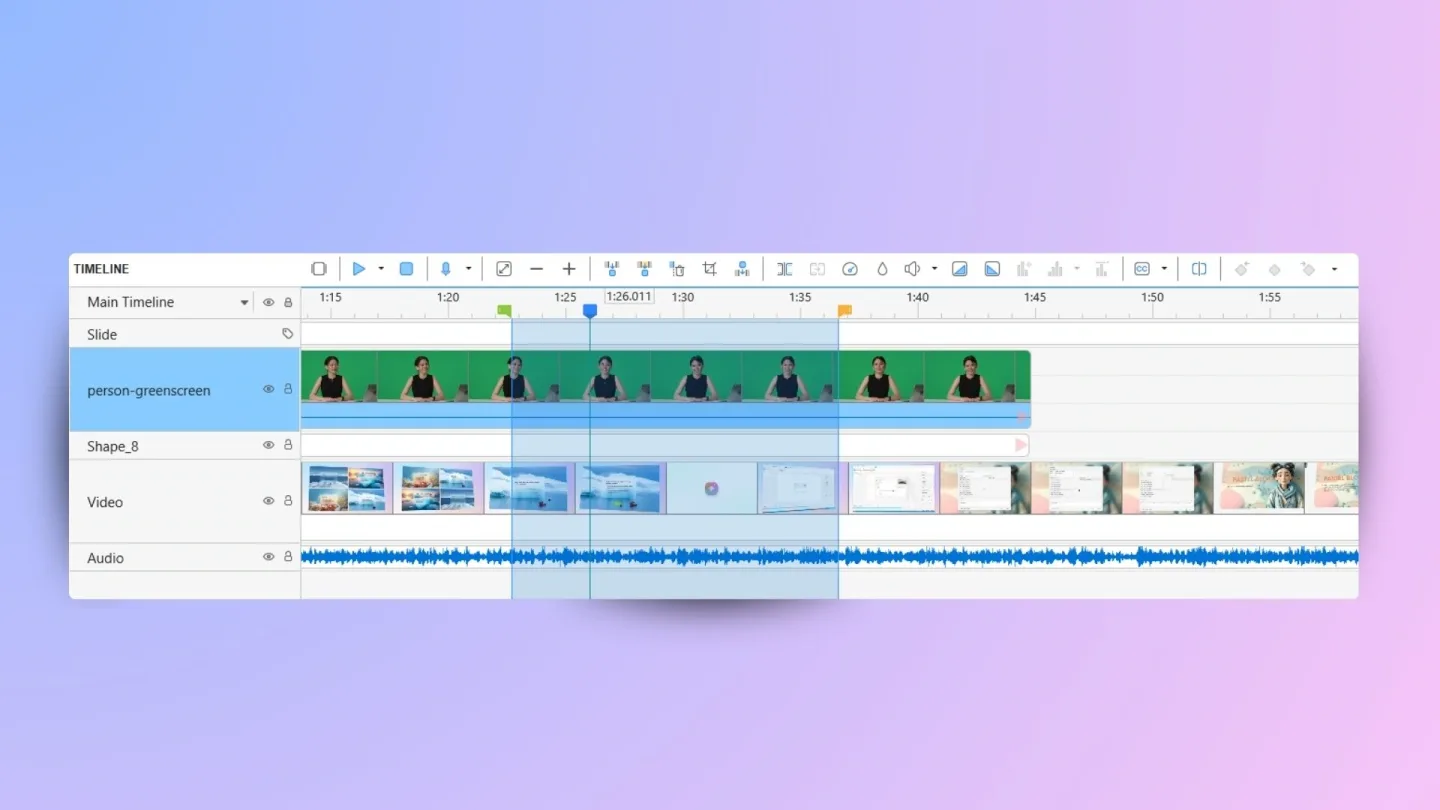
Sources
References used for this listing. Retrieval dates do not indicate hands-on testing.
- ActivePresenter - Download — Windows discovery and gallery ↗Retrieved
- ActivePresenter Free Edition — recording and editing features ↗Retrieved
- Download ActivePresenter 10 for Windows and macOS ↗Retrieved
- ActivePresenter Pricing — edition boundaries ↗Retrieved
- ActivePresenter Free EULA — effective January 16, 2026 ↗Retrieved
More in multimedia & graphics
View category ↗
1by1 2.17
Play music directly from folders with 1by1, a free Windows audio player with resume, gapless playback and file tools. Formats beyond MP3 need additional decoders.
3DVista Virtual Tour Pro
Build interactive 360° virtual tours from panoramas, videos and 3D models with 3DVista Virtual Tour Pro for Windows. Commercial software with a 30-day trial.

4DDiG Video Repair
Repair corrupted or unplayable videos in batches with the Video Repair tool in 4DDiG File Repair for Windows. A free trial is available; advanced features require a paid license.