

Multimedia & graphics Windows
Aegisub for Windows
Create, time and style subtitles with Aegisub, a free open-source editor with audio timing tools and a real-time video preview.
Version 3.5.1 · Direct publisher file
Link checked · Download guidance
What is Aegisub?
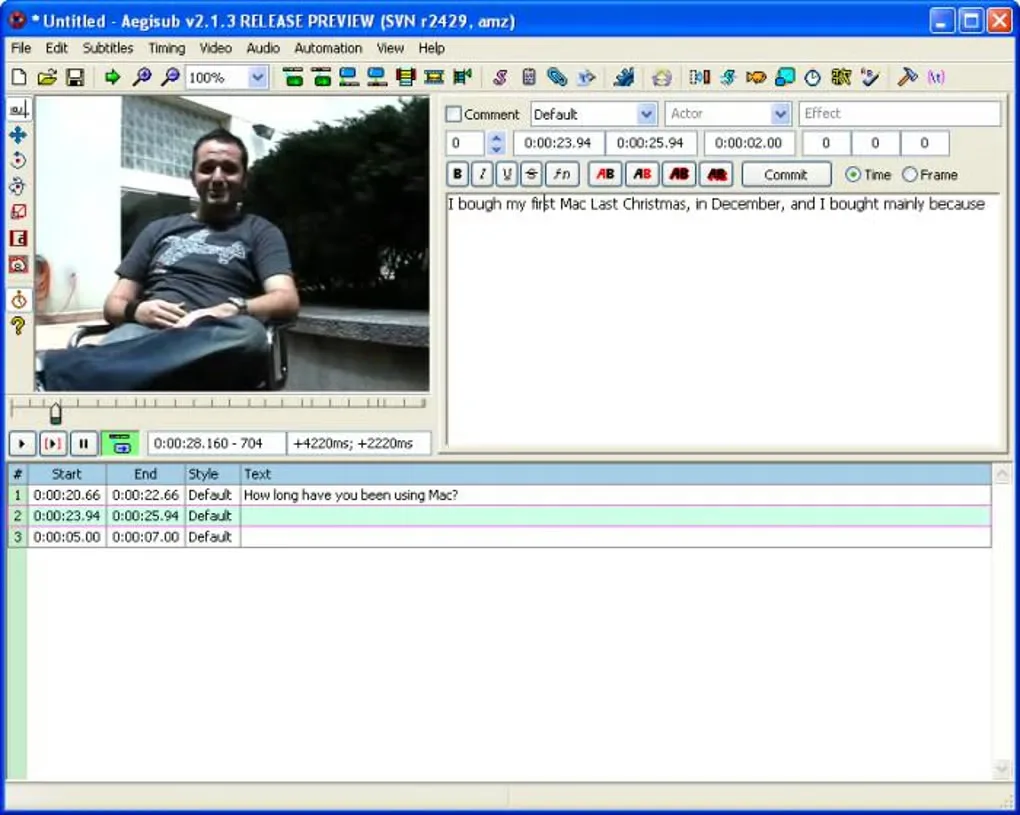
Aegisub helps subtitle authors create and revise dialogue, align it with audio, and adjust its appearance while previewing video. It combines timing controls with styling tools, so you can work on when a line appears and how it looks within the same editor.
This Windows download is the publisher-linked 3.5.1 x64 EXE installer. The publisher also lists a separate portable ZIP package. Advanced timing and styling controls can take practice for beginners; this is an editor for working on subtitles rather than a promise of automatic results.
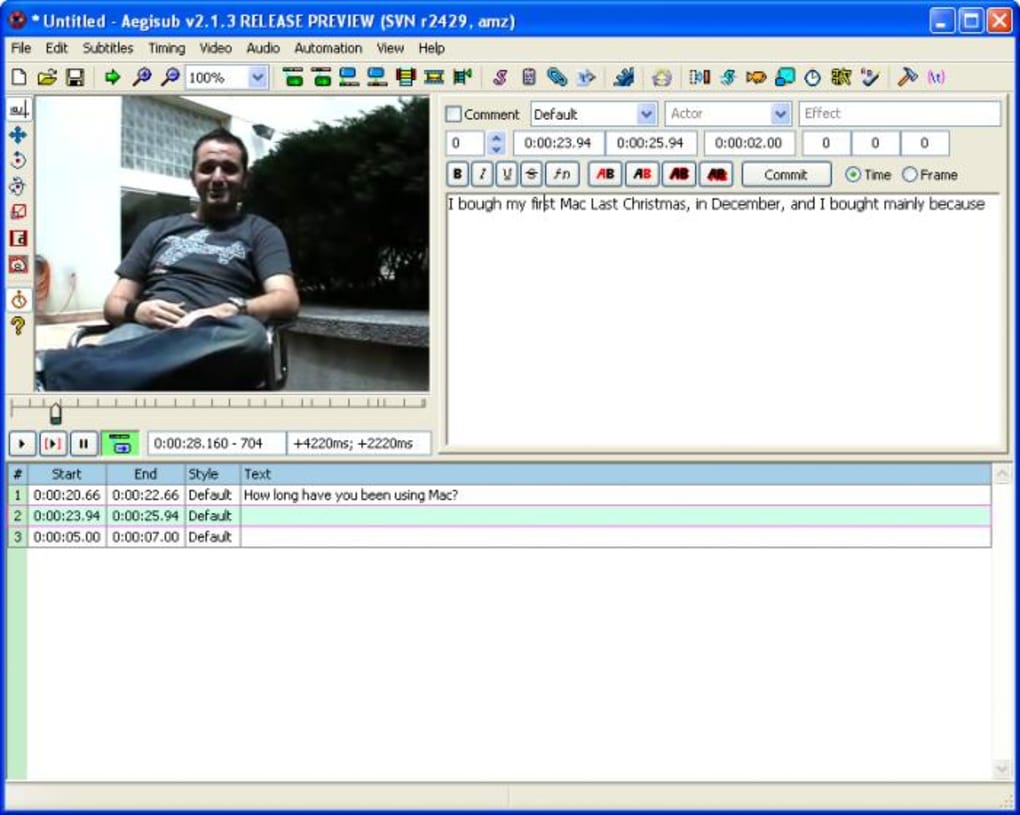
The screenshot shows a historical Aegisub 2.1.3 release-preview interface from the Softonic Windows gallery, not the appearance of version 3.5.1.
What it offers
- Create and modify subtitle text.
- Time subtitles to audio using timing tools and a waveform display.
- Adjust subtitle styles, fonts and positioning.
- Preview subtitles against video in real time.
Good to know
- Advanced timing and styling features have a learning curve for beginners.
Product images
More in multimedia & graphics
View category ↗
1by1 2.17
Play music directly from folders with 1by1, a free Windows audio player with resume, gapless playback and file tools. Formats beyond MP3 need additional decoders.
3DVista Virtual Tour Pro
Build interactive 360° virtual tours from panoramas, videos and 3D models with 3DVista Virtual Tour Pro for Windows. Commercial software with a 30-day trial.

4DDiG Video Repair
Repair corrupted or unplayable videos in batches with the Video Repair tool in 4DDiG File Repair for Windows. A free trial is available; advanced features require a paid license.