

Multimedia & graphics Windows
Ashampoo Face Blur for Windows
Blur, pixelate or cover faces with smileys in photos using Ashampoo Face Blur for Windows. The paid application offers a 14-day trial.
- Operating system
- Windows 11 and Windows 10 (x64)
- Architecture
- x64 listed in publisher requirements
- Download package
- EXE setup downloader
The Ashampoo App is required for installation. Internet activation and recurring license verification are required.
Link checked · Download guidance
What is Ashampoo Face Blur?
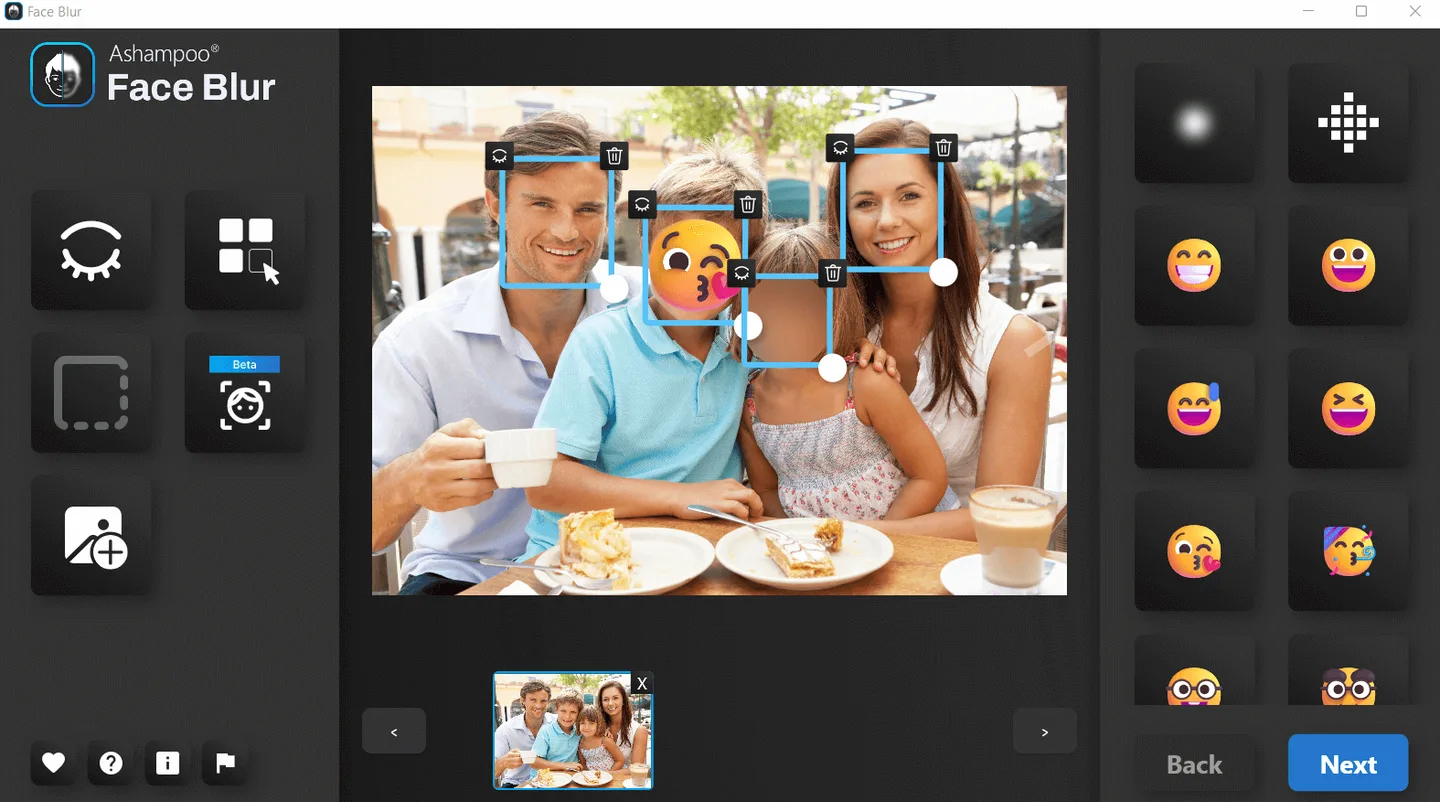
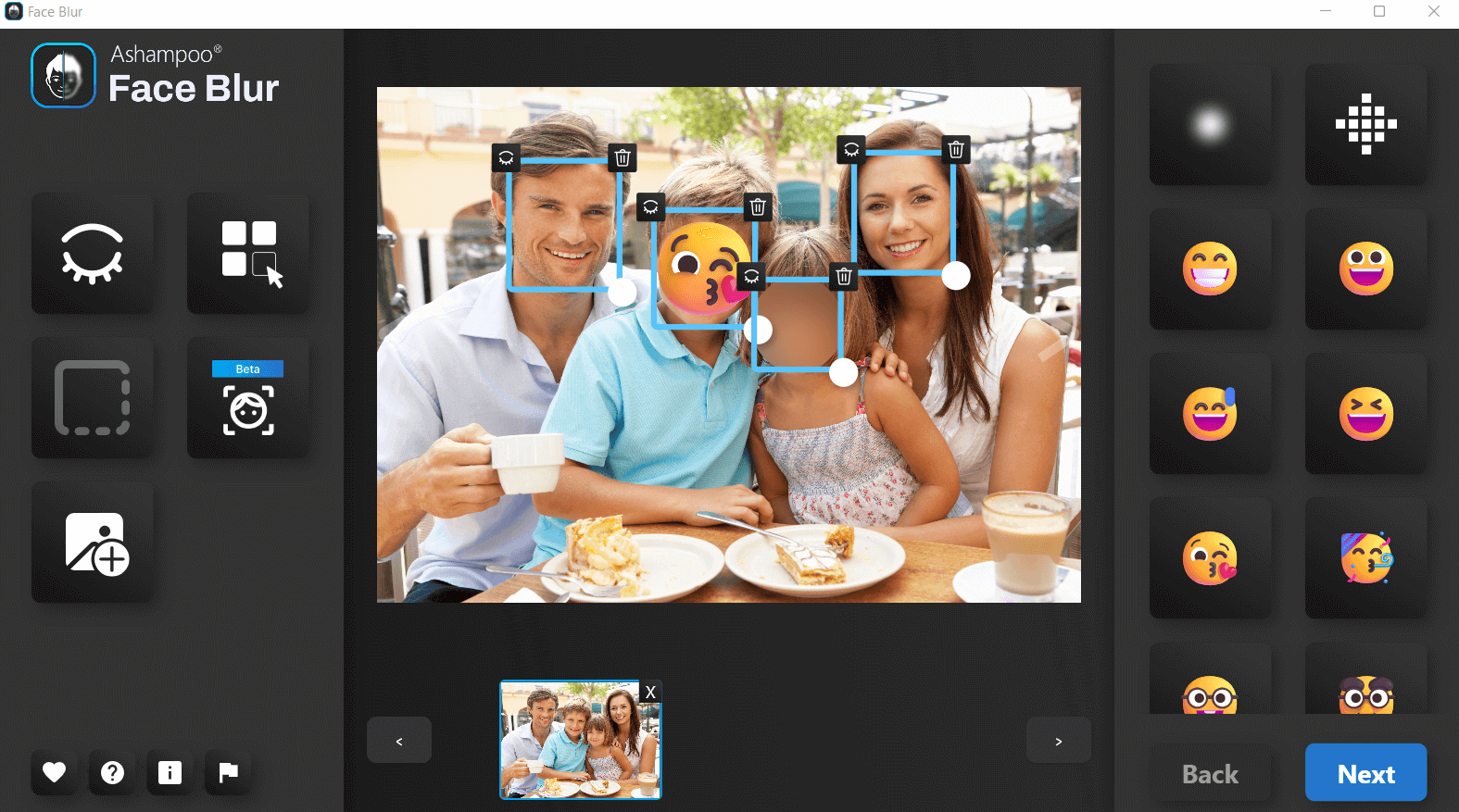
Ashampoo Face Blur helps obscure faces in photos before you share them. It detects faces automatically and lets you choose a blur effect, pixelation or a smiley overlay. Its focus is face anonymization in still images, including group photos for social posts, company presentations and reports.
The publisher offers a 14-day trial and a paid lifetime license. Installation requires the Ashampoo App; an internet connection is needed for activation, and the license is checked again at regular intervals. The linked EXE is the publisher’s Face Blur setup download, not an offline standalone package.
What it offers
- Automatically detect faces in photos, including group pictures.
- Choose blur, pixelation or smiley overlays to obscure faces.
- Prepare photos for social sharing, presentations and reports.
Good to know
- The free trial lasts 14 days; continued use requires a paid license.
- Installation requires the Ashampoo App, with internet activation and recurring license verification.
Product images
Sources
References used for this listing. Retrieval dates do not indicate hands-on testing.
More in multimedia & graphics
View category ↗
1by1 2.17
Play music directly from folders with 1by1, a free Windows audio player with resume, gapless playback and file tools. Formats beyond MP3 need additional decoders.
3DVista Virtual Tour Pro
Build interactive 360° virtual tours from panoramas, videos and 3D models with 3DVista Virtual Tour Pro for Windows. Commercial software with a 30-day trial.

4DDiG Video Repair
Repair corrupted or unplayable videos in batches with the Video Repair tool in 4DDiG File Repair for Windows. A free trial is available; advanced features require a paid license.