

Multimedia & graphics Windows
Avidemux for Windows
Trim video, apply filters and convert files with Avidemux, a free Windows video editor. This download is the 2.8.1 64-bit installer.
- Operating system
- Windows; minimum release not specified on the official download page
- Architecture
- 64-bit (Win64)
- Download package
- EXE installer — Win64/VC++ 2.8.1
Not a 32-bit package or portable archive. Publisher advice: disable OpenGL in Preferences if it crashes after loading a video.
Link checked · Download guidance
What is Avidemux?
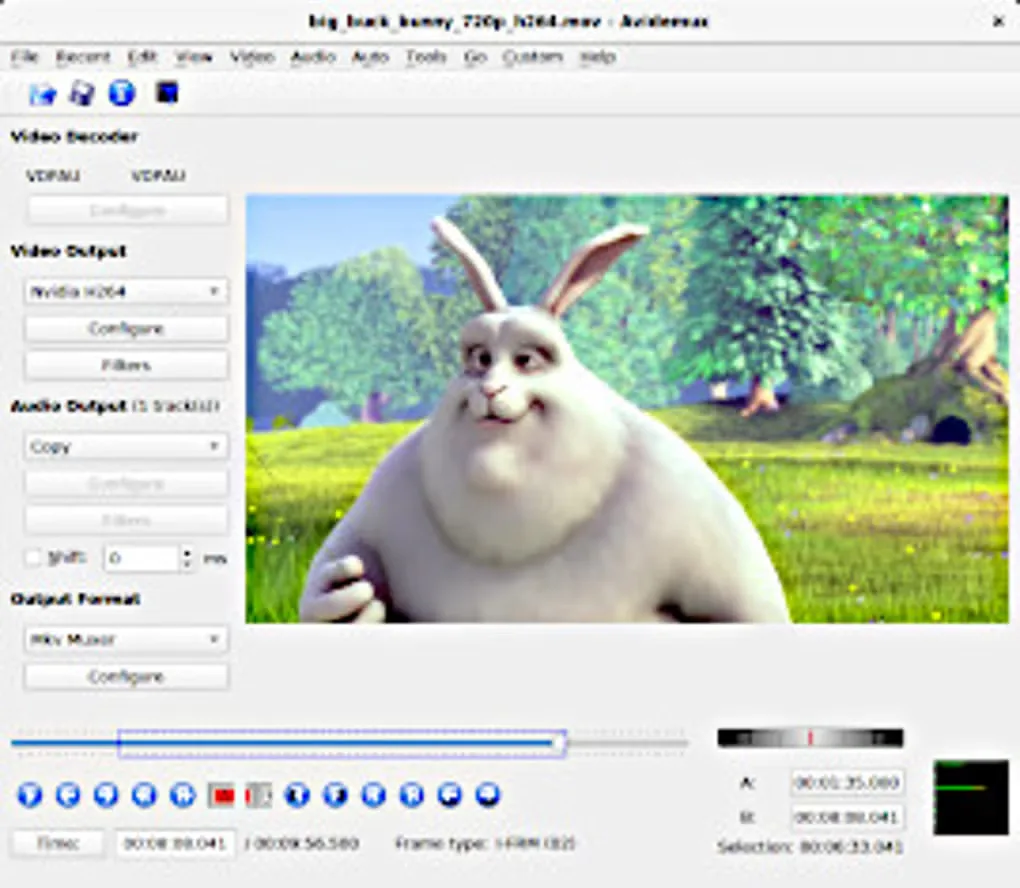
Avidemux is useful when a video needs a shorter cut, a different size or a different encoding. Mark a section with the A and B controls to save an excerpt or remove unwanted footage. The editor supports formats including AVI, MP4, ASF and DVD-compatible MPEG, with separate choices for video encoding, audio encoding and the output container.
For a straightforward cut, Copy mode can preserve the existing streams without re-encoding them. Cut positions still matter: compressed video depends on keyframes, so an arbitrary frame is not always a usable starting point in Copy mode. Choose an encoder when you need a precise cut that Copy mode cannot handle. Cropping, resizing and deinterlacing also require re-encoding; selecting a filter does not make it apply to copied video. Projects, the job queue and scripting help repeat processing tasks.
The linked package is Avidemux 2.8.1 Win64/VC++, supplied as an EXE installer through the publisher-linked SourceForge mirror. It is a 64-bit Windows package, not a portable archive or a 32-bit installer. The official download page does not specify a minimum Windows release. It also advises disabling OpenGL in Preferences if the application crashes after loading a video.
What it offers
- Use A and B markers to select an excerpt to save or a section to remove.
- Work with AVI, MP4, ASF and DVD-compatible MPEG files using supported codecs.
- Copy compatible streams without re-encoding, or select encoders to convert them.
- Apply video filters such as crop, resize and deinterlace when re-encoding.
- Repeat processing tasks with projects, a job queue and scripting.
Good to know
- Copy-mode cuts must respect keyframe dependencies; precise cuts away from suitable keyframes may require re-encoding.
- Video filters do not apply in Copy mode. Select a video encoder to use them.
Product images
Sources
References used for this listing. Retrieval dates do not indicate hands-on testing.
- Avidemux — official main page ↗Retrieved
- Avidemux — official downloads and Windows package ↗Retrieved
- Avidemux — publisher-linked SourceForge 2.8.1 files ↗Retrieved
- Avidemux documentation — Quickstart ↗Retrieved
- Avidemux documentation — Video filters ↗Retrieved
- Avidemux - Download — Windows screenshot gallery ↗Retrieved
More in multimedia & graphics
View category ↗
1by1 2.17
Play music directly from folders with 1by1, a free Windows audio player with resume, gapless playback and file tools. Formats beyond MP3 need additional decoders.
3DVista Virtual Tour Pro
Build interactive 360° virtual tours from panoramas, videos and 3D models with 3DVista Virtual Tour Pro for Windows. Commercial software with a 30-day trial.

4DDiG Video Repair
Repair corrupted or unplayable videos in batches with the Video Repair tool in 4DDiG File Repair for Windows. A free trial is available; advanced features require a paid license.