
Multimedia & graphics Windows
AVS Video ReMaker
Cut unwanted scenes, rearrange clips and join compatible videos without reconversion with AVS Video ReMaker for Windows. It also captures video and creates DVD or Blu-ray menus.
- Operating system
- Windows 11, 10, 8.1, 8, 7, Vista and XP, as listed by the publisher
- Architecture
- Installer architecture not specified on the cited product page
- Download package
- EXE installer
Publisher lists no macOS or Linux support. Administrative permissions are required for installation; Internet access is required for activation.
Link checked · Download guidance
What is AVS Video ReMaker?
AVS Video ReMaker focuses on removing unwanted footage and putting existing scenes in order without reconverting the video. Use it to cut a recording, change the scene sequence or join several files with similar parameters. The publisher lists MP4, MOV, MKV and AVI support, including video encoded with H.265/HEVC, alongside camera formats such as AVCHD and MTS/M2TS.
For disc projects, it can split footage into chapters, apply a menu template and burn a DVD or Blu-ray disc. Camera capture and screen capture provide other ways to bring material into a project.
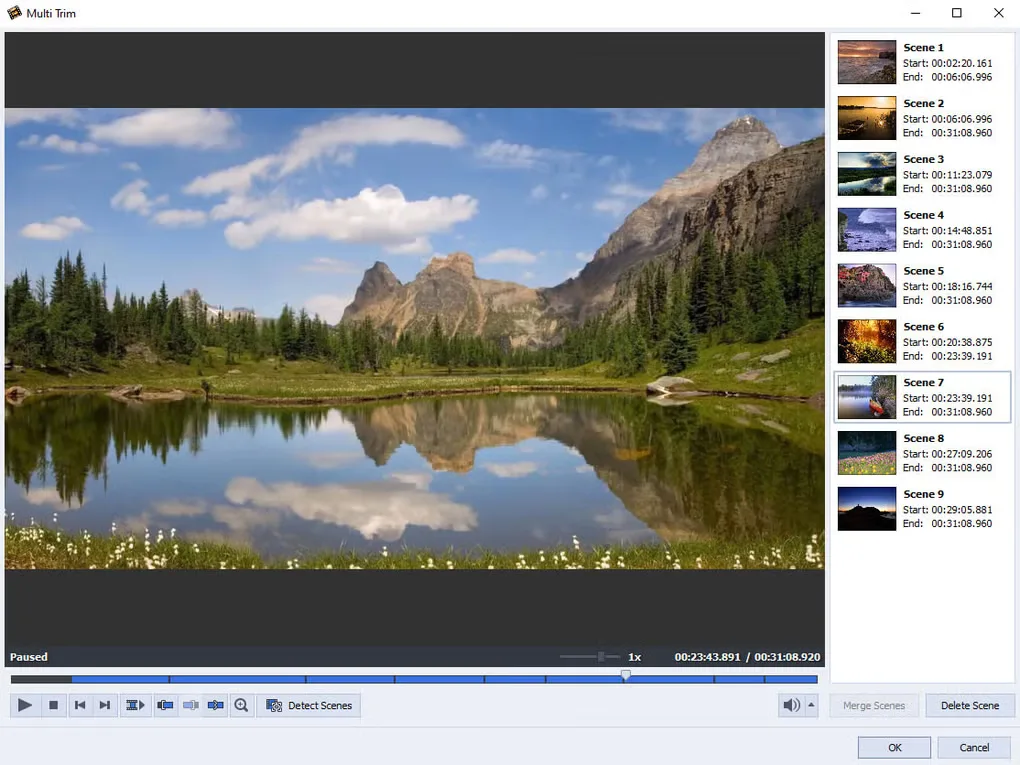
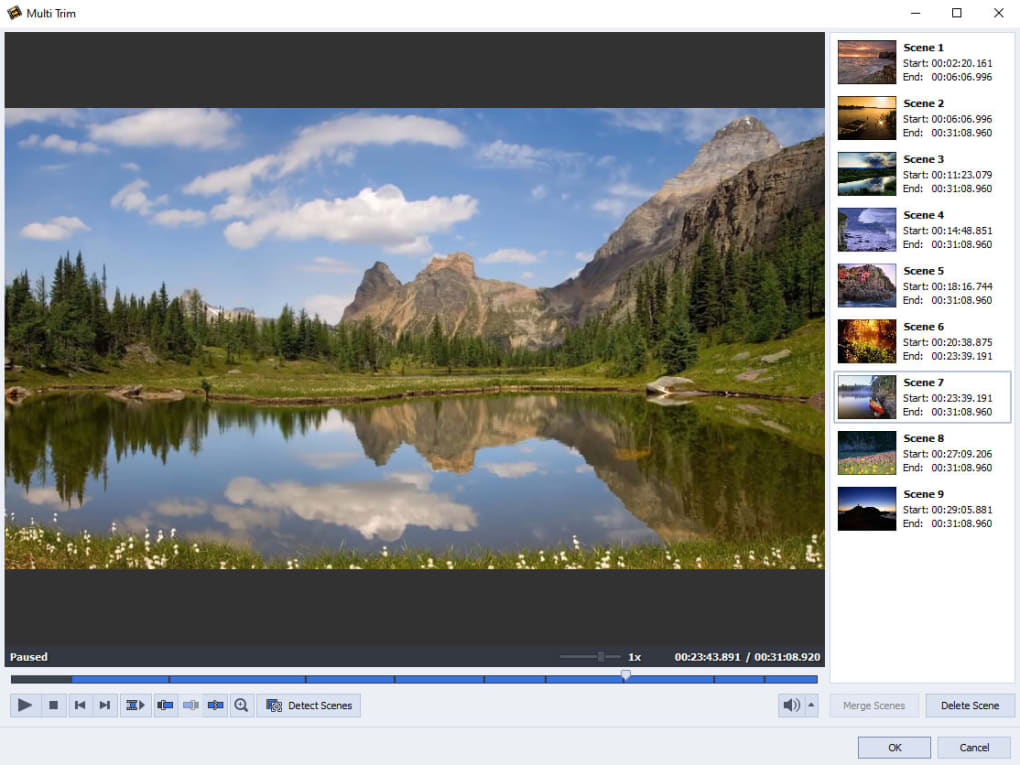
The join workflow requires files with similar parameters; do not assume that arbitrary mixed-format clips can be combined unchanged. This is proprietary commercial software with a trial offering, not freeware. The publisher licenses AVS4YOU per computer and requires an Internet connection for activation. The gallery image shows the Multi Trim interface supplied on Softonic's Windows product page; it is not a screenshot captured from an installed copy or proof of the current release's appearance.
What it offers
- Cut unwanted scenes and rearrange their sequence without video reconversion.
- Join video files with similar parameters.
- Work with MP4, MOV, MKV and AVI, including H.265/HEVC video, plus supported camcorder formats.
- Capture footage from supported cameras or record the PC screen.
- Create chapters and DVD or Blu-ray menus, then burn video discs.
Good to know
- The publisher specifies similar video parameters for merging files; arbitrary mixed-format joining is not promised.
- The commercial AVS4YOU license is bound to one computer; another computer requires an additional license.
- Installation requires administrative permissions, and activation requires an Internet connection.
Product images
Sources
References used for this listing. Retrieval dates do not indicate hands-on testing.
More in multimedia & graphics
View category ↗
1by1 2.17
Play music directly from folders with 1by1, a free Windows audio player with resume, gapless playback and file tools. Formats beyond MP3 need additional decoders.
3DVista Virtual Tour Pro
Build interactive 360° virtual tours from panoramas, videos and 3D models with 3DVista Virtual Tour Pro for Windows. Commercial software with a 30-day trial.

4DDiG Video Repair
Repair corrupted or unplayable videos in batches with the Video Repair tool in 4DDiG File Repair for Windows. A free trial is available; advanced features require a paid license.