

Multimedia & graphics Windows
Bandicut Video Cutter for Windows
Cut, split and join videos or extract MP3 audio with Bandicut for Windows. The unregistered version adds a watermark; a paid license removes it.
- Operating system
- Windows 11, 10, 8 and 7 (64-bit)
- Architecture
- 64-bit
- Download package
- EXE installer
Publisher lists separate older 32-bit packages. This entry links to the Bandicut 2025 download; older perpetual licenses may require Bandicut 2024.
Link checked · Download guidance
What is Bandicut Video Cutter?
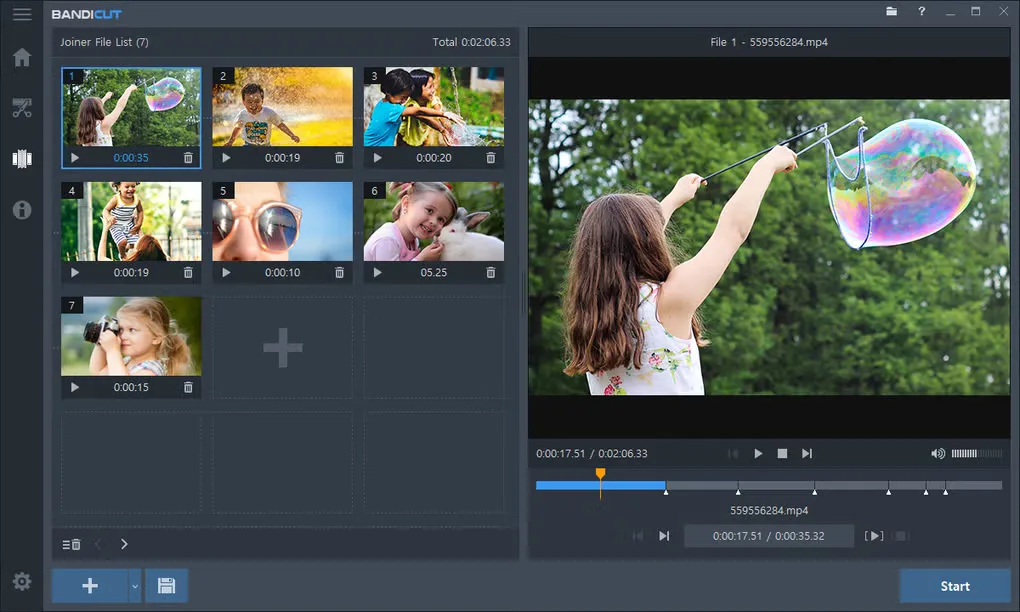
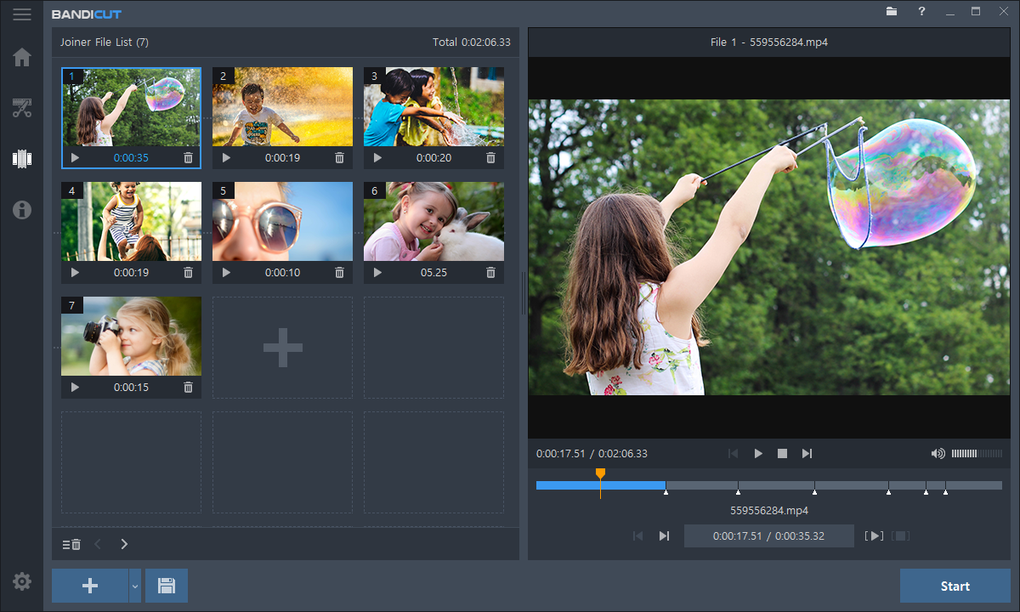
Bandicut is a Windows video cutter for saving selected sections of a recording, removing unwanted parts, splitting a long video into clips or joining several files. It also extracts audio to MP3. The interface provides a file list, preview and segment controls for choosing what to keep.
High-Speed mode can process supported videos without re-encoding, while Encoding mode is available when conversion is needed. Bandicut 2025 adds multiple-file editing in Cut mode, video rotation and flipping, and playback-speed adjustment from 0.1x to 99.9x.
The download is shareware, not an unrestricted free editor. Unregistered exports carry a Bandicut watermark, and unregistered High-Speed mode is limited to AVI, MP4 and MOV. The selected EXE is the publisher’s 64-bit Windows download; 32-bit packages are separate. Owners of a Perpetual License purchased before November 18, 2023 are directed by the publisher to Bandicut 2024 instead.
What it offers
- Keep selected video sections, remove unwanted parts or split a video into multiple clips.
- Join several video files and extract audio to MP3.
- Use High-Speed mode without re-encoding supported video, or choose Encoding mode for conversion.
- Edit multiple files in Cut mode, rotate or flip video, and adjust playback speed from 0.1x to 99.9x.
Good to know
- The unregistered version adds a watermark to exported video; removing it requires registration.
- Unregistered High-Speed mode supports AVI, MP4 and MOV; the registered version supports additional formats.
- Perpetual licenses bought before November 18, 2023 require the publisher’s Bandicut 2024 download rather than this Bandicut 2025 package.
Product images
Sources
References used for this listing. Retrieval dates do not indicate hands-on testing.
More in multimedia & graphics
View category ↗
1by1 2.17
Play music directly from folders with 1by1, a free Windows audio player with resume, gapless playback and file tools. Formats beyond MP3 need additional decoders.
3DVista Virtual Tour Pro
Build interactive 360° virtual tours from panoramas, videos and 3D models with 3DVista Virtual Tour Pro for Windows. Commercial software with a 30-day trial.

4DDiG Video Repair
Repair corrupted or unplayable videos in batches with the Video Repair tool in 4DDiG File Repair for Windows. A free trial is available; advanced features require a paid license.