

Multimedia & graphics Windows
Batch Picture Protector for Windows
Add text, a logo or repeating watermarks to groups of photos with Batch Picture Protector for Windows. The demo previews marks; saving marked photos requires the full version.
- Operating system
- Windows 7, 8, 10 and 11, according to the publisher
- Architecture
- Not specified by the publisher on the cited product page
- Download package
- EXE installer
The publisher supplies BatchWatermark.exe. Its product page does not identify the download's CPU architecture or version.
Link checked · Download guidance
What is Batch Picture Protector?
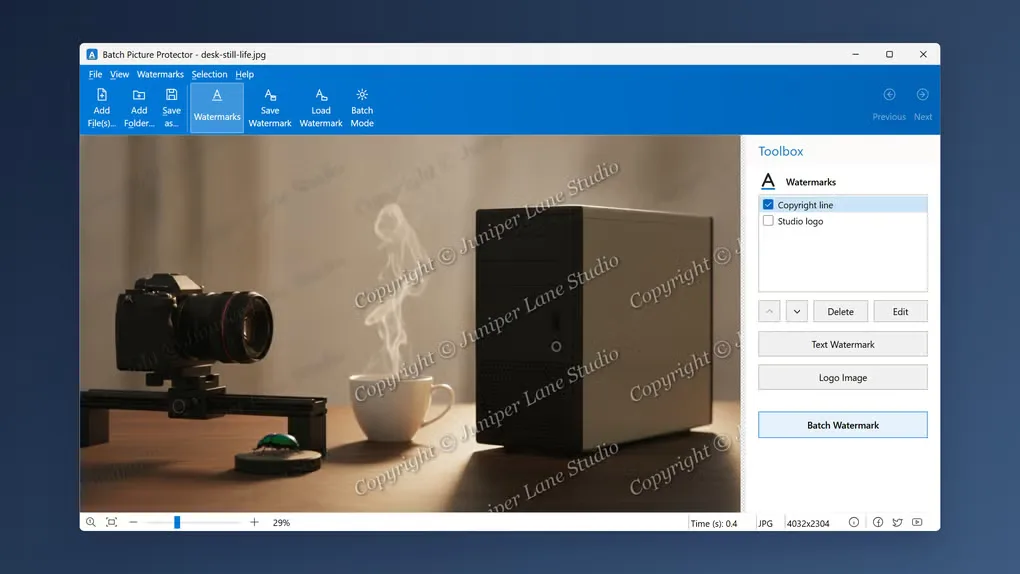
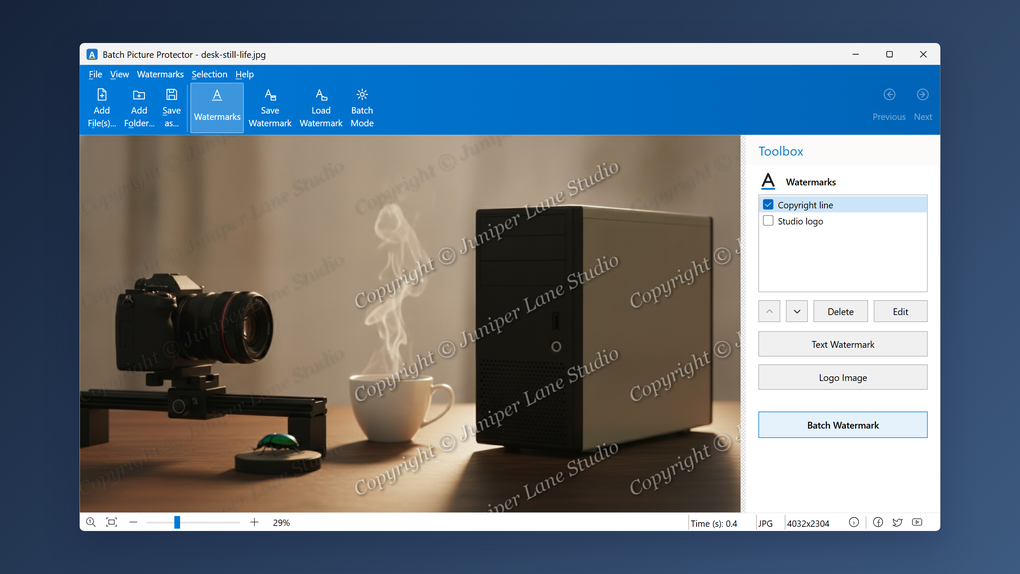
Batch Picture Protector applies a text watermark, a logo or a combination of both to photos on a Windows PC. It suits photographers preparing client proofs and sellers adding a consistent mark to product pictures. Load files or a folder, arrange the watermark on a sample image, and reuse that layout for the batch.
The editor lets you adjust transparency, size, angle and placement, including a tiled pattern across the image. Saved watermark sets can be loaded again for later jobs, and the publisher documents a command-line mode that uses a watermark file created in the graphical editor. Processing runs locally rather than uploading your photos to a web service.
Treat the download as a trial, not an unrestricted free editor: the Softonic author's description says the demo previews watermarks but requires the full version to save marked pictures. The publisher also labels the download a free trial, despite using free-software wording elsewhere on its page.
What it offers
- Apply text and logo watermarks together to multiple photos.
- Adjust transparency, position, rotation and size, or repeat a watermark across the image with tiling.
- Preview the watermark on a photo before saving and reuse saved watermark sets.
- Automate processing with the documented command-line mode and a watermark file prepared in the graphical editor.
- Work locally with formats including JPEG, PNG, TIFF, BMP, GIF, TGA and PCX.
Good to know
- The demo previews watermarks, but saving marked photos requires the full version, according to the Softonic author's description.
Product images
Sources
References used for this listing. Retrieval dates do not indicate hands-on testing.
More in multimedia & graphics
View category ↗
1by1 2.17
Play music directly from folders with 1by1, a free Windows audio player with resume, gapless playback and file tools. Formats beyond MP3 need additional decoders.
3DVista Virtual Tour Pro
Build interactive 360° virtual tours from panoramas, videos and 3D models with 3DVista Virtual Tour Pro for Windows. Commercial software with a 30-day trial.

4DDiG Video Repair
Repair corrupted or unplayable videos in batches with the Video Repair tool in 4DDiG File Repair for Windows. A free trial is available; advanced features require a paid license.