

Multimedia & graphics Windows
Batch Picture Resizer for Windows
Resize folders of photos on Windows with Batch Picture Resizer. Set dimensions, convert formats, rename files and add watermarks; the download is a commercial trial.
- Operating system
- Windows 11, 10, 8.1, 8 and 7, as listed by the publisher
- Architecture
- Publisher lists 32-bit and 64-bit Windows; selected installer architecture is unconfirmed
- Download package
- EXE download
Publisher lists 4 GB RAM, 1 GB free disk space and a 1280 × 768 display. Installer payload, installed version and runtime compatibility were not tested.
Link checked · Download guidance
What is Batch Picture Resizer?
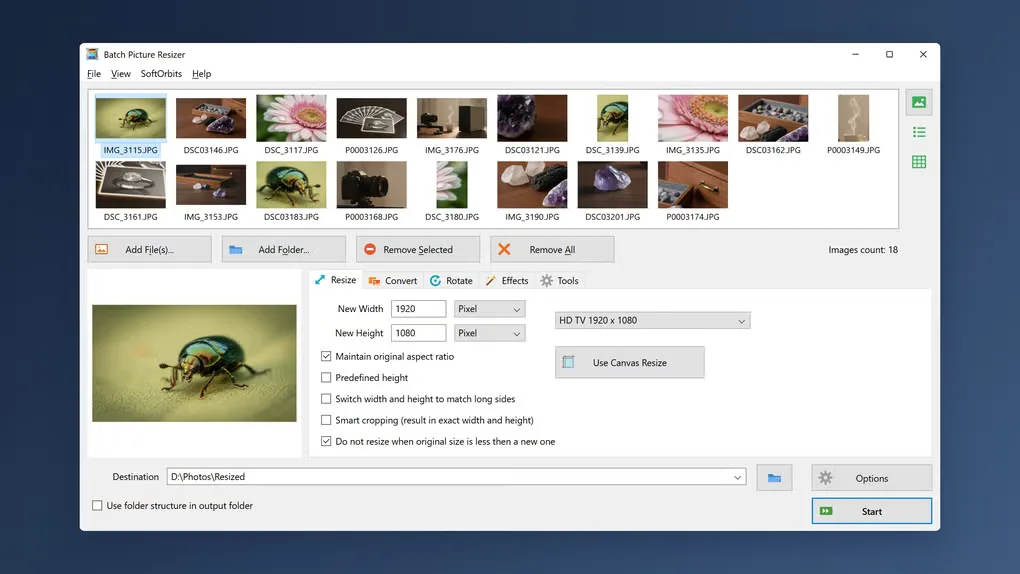
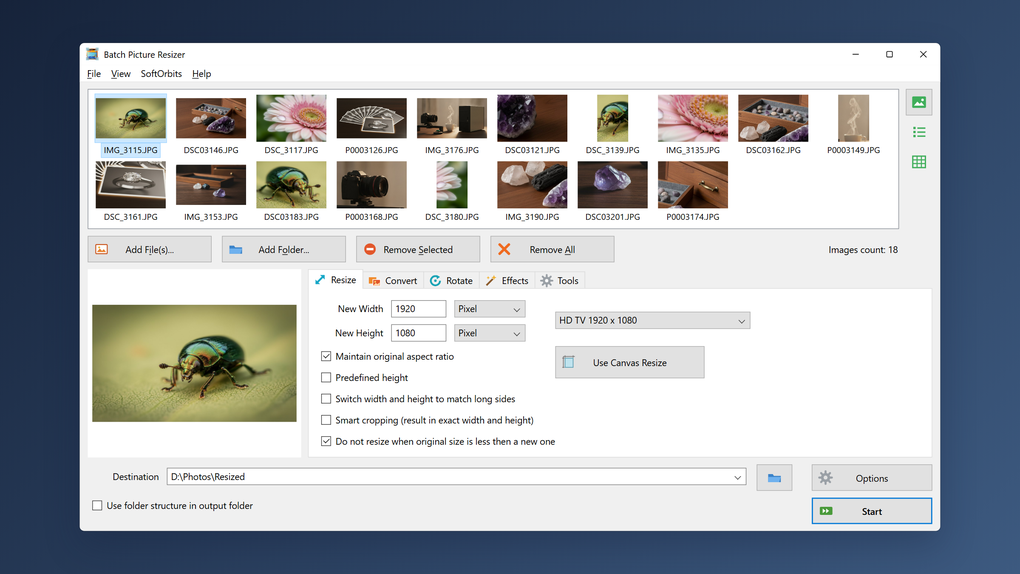
Batch Picture Resizer applies shared resizing settings to a collection of photos instead of handling each image separately. Add files or a folder, choose pixel dimensions or a percentage, and select an output folder. Aspect-ratio controls, smart cropping and an option to skip enlarging smaller originals help adapt a mixed collection to the same output requirements.
The SoftOrbits application also converts image formats, including RAW-to-JPEG workflows, and offers batch renaming, rotation and text or image watermarks. It can preserve EXIF tags and the input folder structure. A command-line mode is available for repeatable jobs.
This is a paid application with a free trial, not unrestricted freeware. SoftOrbits says unregistered batches show reminder countdowns and that processing requires a license key after the trial ends. Choose a separate destination folder if you want to retain the originals: the program also offers an overwrite option.
What it offers
- Resize batches using pixel dimensions or percentages, with aspect-ratio and smart-cropping controls.
- Convert supported image formats, including camera RAW files to JPEG.
- Rename, rotate and watermark multiple photos in one workflow.
- Preserve EXIF tags and the source folder structure when exporting resized files.
- Use the graphical interface or command-line mode for batch jobs.
Good to know
- The free download is a commercial trial. Unregistered processing shows reminder countdowns, and a license key is required after the trial ends.
- Selecting the overwrite option replaces the original files; use a separate destination folder to keep them.
Product images
Sources
References used for this listing. Retrieval dates do not indicate hands-on testing.
More in multimedia & graphics
View category ↗
1by1 2.17
Play music directly from folders with 1by1, a free Windows audio player with resume, gapless playback and file tools. Formats beyond MP3 need additional decoders.
3DVista Virtual Tour Pro
Build interactive 360° virtual tours from panoramas, videos and 3D models with 3DVista Virtual Tour Pro for Windows. Commercial software with a 30-day trial.

4DDiG Video Repair
Repair corrupted or unplayable videos in batches with the Video Repair tool in 4DDiG File Repair for Windows. A free trial is available; advanced features require a paid license.