
Multimedia & graphics Windows
BatchPhoto
Resize, convert, crop and stamp groups of photos with BatchPhoto for Windows. Paid editions add features such as watermarking, RAW development and folder monitoring.
- Operating system
- Windows 10 and Windows 11
- Architecture
- x86-64 (64-bit)
- Download package
- EXE installer; Home, Pro and Enterprise in one package
Choose the evaluation edition at startup. Older 32-bit Windows uses a separate legacy installer, not this download.
Link checked · Download guidance
What is BatchPhoto?
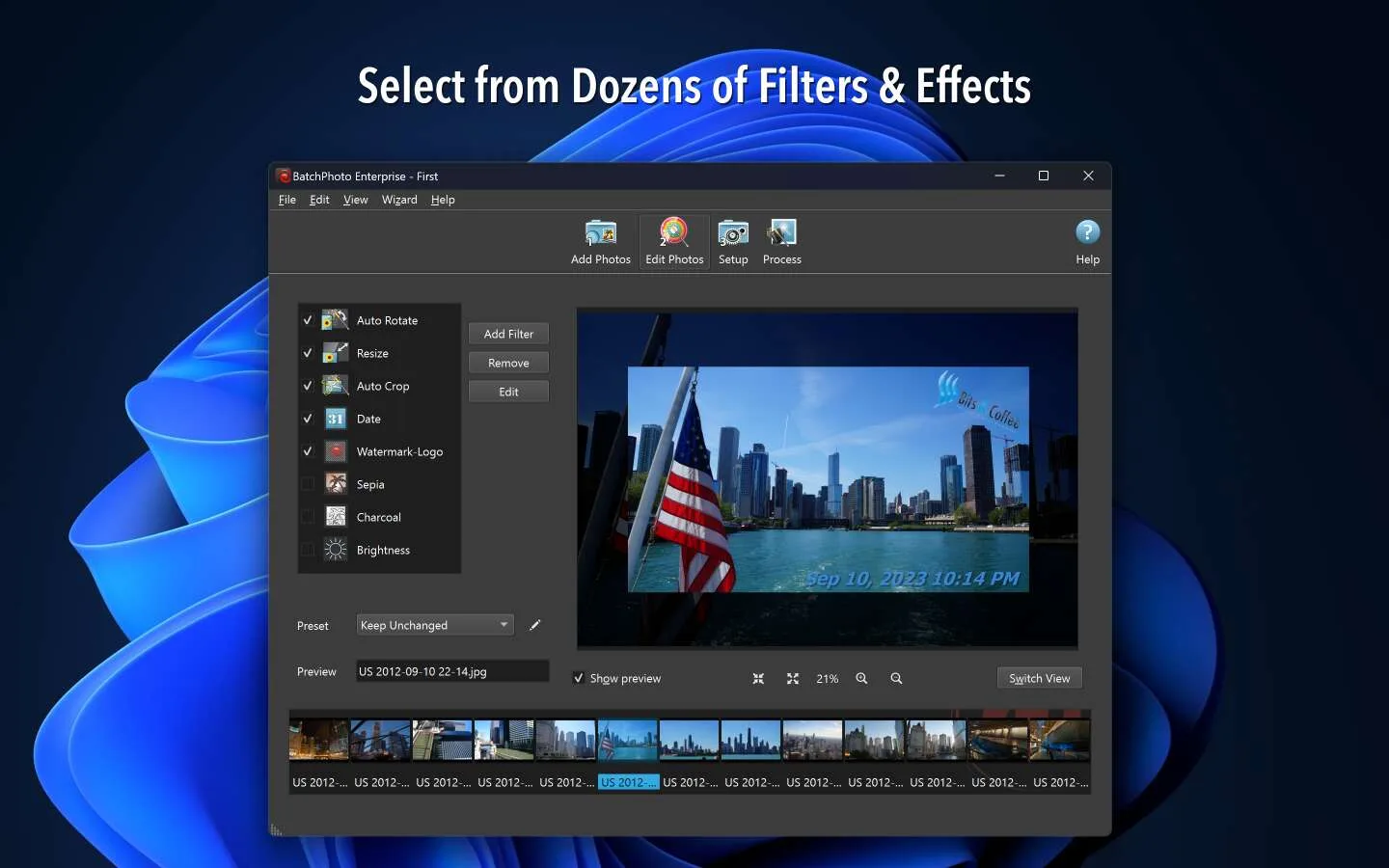
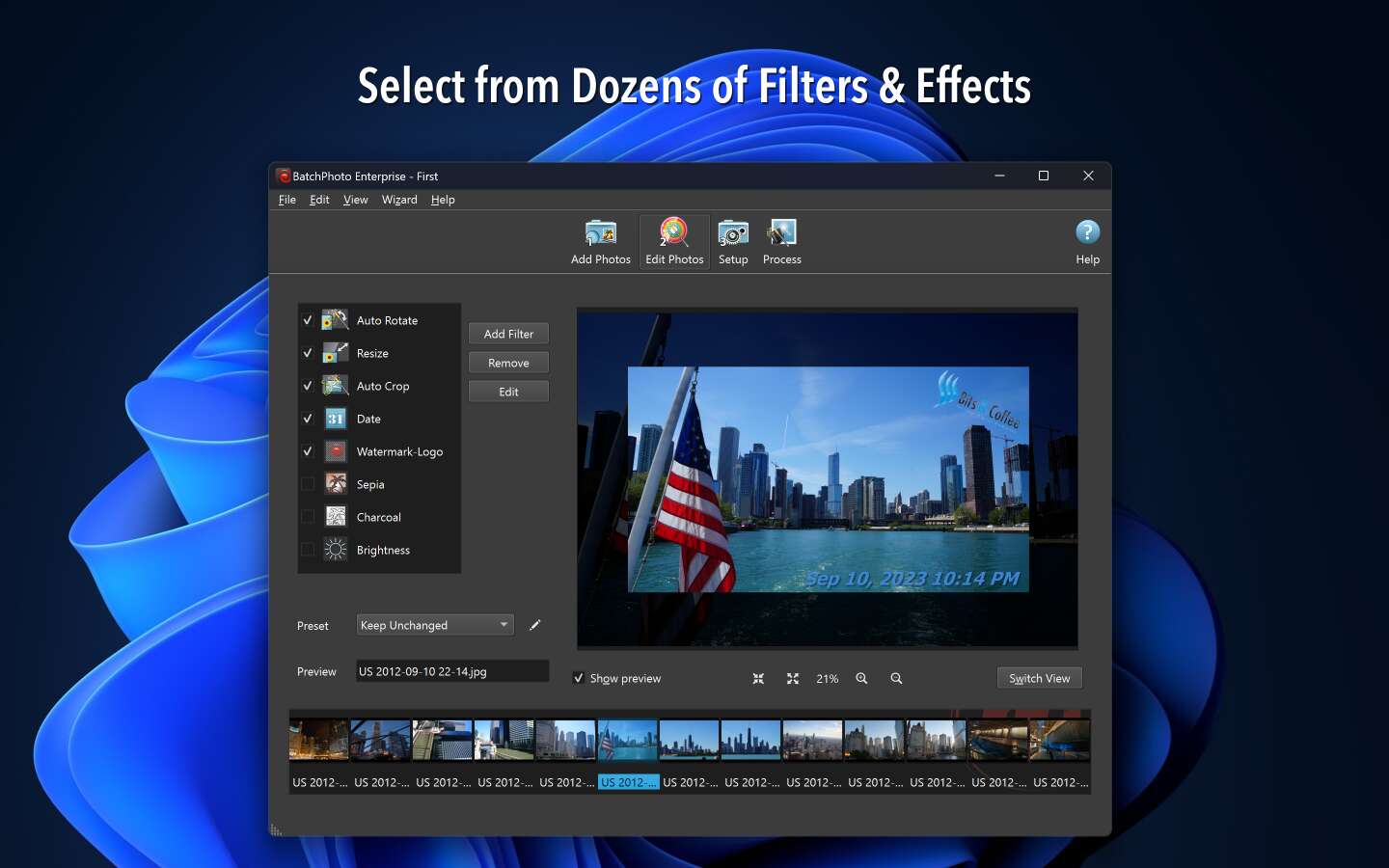
BatchPhoto applies a repeatable set of edits to a collection of pictures instead of making you adjust every file separately. Its three-step workflow groups photo selection, editing and output setup. Combine operations such as resizing, cropping, date stamping and format conversion, or save a profile for a recurring job. It is a practical fit for preparing product images or photo collections that need consistent output settings.
The Windows installer contains Home, Pro and Enterprise editions, selectable at startup for evaluation. Choose the edition by the work you need: the publisher positions Home for non-commercial use, Pro for professional work including watermarking and RAW development, and Enterprise for folder monitoring and unattended scripts. This is commercial software with a free trial, not freeware.
Keep original photos when applying stamps. The publisher explains that a saved date stamp or watermark replaces image pixels and cannot simply be switched off afterward. For mixed-size photos, place a fixed-size Resize filter before stamping to keep the stamp proportion more consistent. Re-saving as JPEG also loses image data; PNG or TIF are lossless alternatives when larger output files are acceptable.
What it offers
- Apply a sequence of edits to multiple photos in one batch.
- Resize, crop, rotate, rename and convert images between supported formats.
- Add date/time stamps; Pro includes text and logo watermarking and RAW development.
- Reuse projects and profiles for recurring processing jobs.
- Enterprise can monitor folders and automate processing with scripts.
Good to know
- A paid license is required beyond the trial; Home is intended for non-commercial tasks, while professional and automation features depend on the edition.
- Saved stamps and watermarks replace photo pixels; preserve originals if you may need an unmarked version.
- The current Windows package is 64-bit for Windows 10 and 11; the publisher lists an older, separate 32-bit package for Windows 8 through XP.
Product images
Sources
References used for this listing. Retrieval dates do not indicate hands-on testing.
- BatchPhoto — official product and gallery ↗Retrieved
- BatchPhoto — official Windows packages ↗Retrieved
- BatchPhoto — version history ↗Retrieved
- BatchPhoto — features ↗Retrieved
- BatchPhoto — editions and license purchase ↗Retrieved
- BatchPhoto — support and image-editing limitations ↗Retrieved
More in multimedia & graphics
View category ↗
1by1 2.17
Play music directly from folders with 1by1, a free Windows audio player with resume, gapless playback and file tools. Formats beyond MP3 need additional decoders.
3DVista Virtual Tour Pro
Build interactive 360° virtual tours from panoramas, videos and 3D models with 3DVista Virtual Tour Pro for Windows. Commercial software with a 30-day trial.

4DDiG Video Repair
Repair corrupted or unplayable videos in batches with the Video Repair tool in 4DDiG File Repair for Windows. A free trial is available; advanced features require a paid license.