
Multimedia & graphics macOS
BetterCapture
Record your Mac screen with system audio and microphone input using BetterCapture, a free, open-source menu-bar recorder with H.264, HEVC and ProRes options.
- Operating system
- macOS 15.2 Sequoia or later
- Architecture
- ARM64 (Apple silicon)
- Download package
- DMG disk image
The selected release asset is BetterCapture-2026.4-arm64.dmg. No Intel compatibility is claimed for this package.
Link checked · Download guidance
What is BetterCapture?
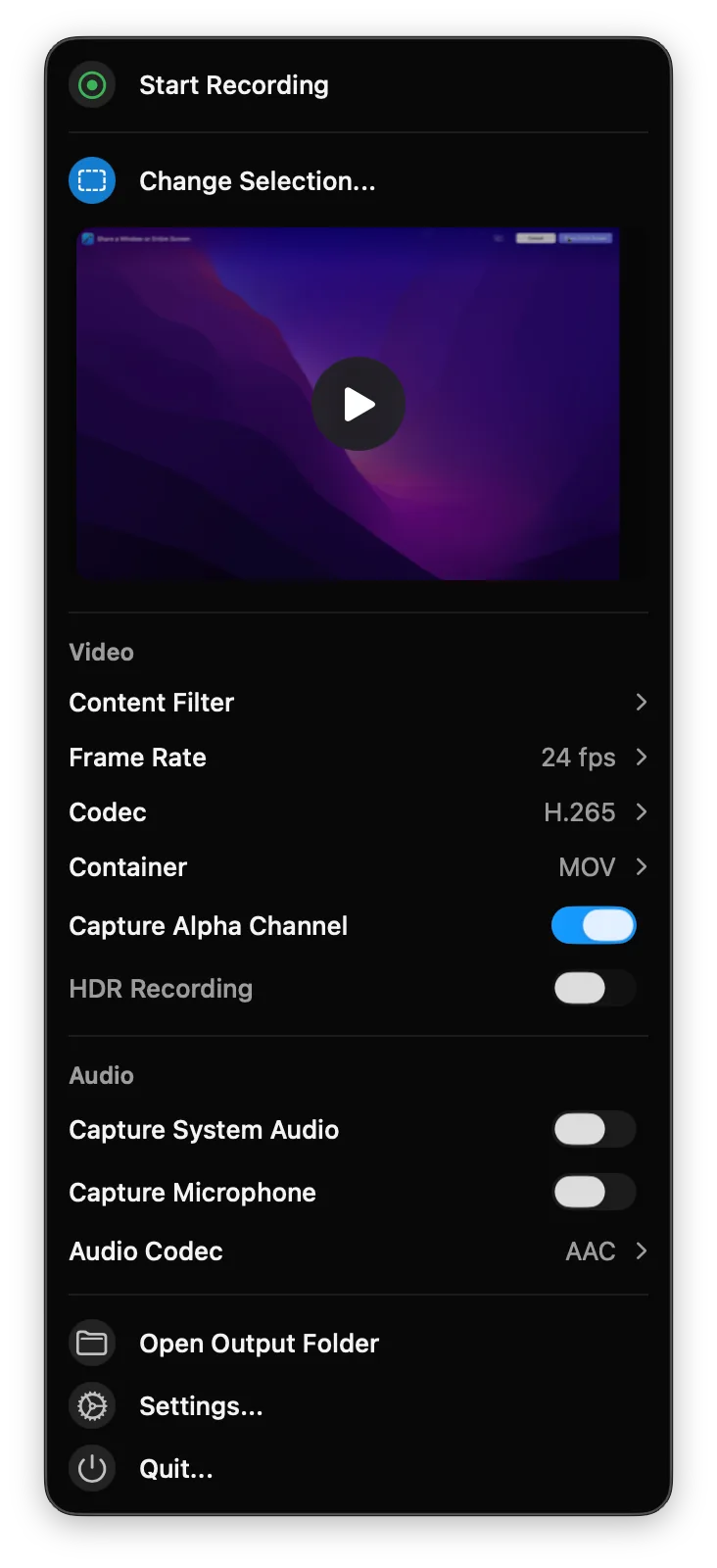
BetterCapture records screen content on macOS from a native menu-bar interface. It uses Apple’s content picker to choose what to record, supports excluding specific content, and can capture system audio and microphone input together. H.264, HEVC and ProRes encoding options make it useful for both everyday clips and recordings intended for further production.
The project is free under the MIT license. The publisher says recordings stay on your Mac, with no tracking, analytics or account requirement. These are publisher statements, not results of an independent privacy audit.
BetterCapture requires macOS 15.2 Sequoia or later. The linked version 2026.4 disk image is specifically labeled arm64 for Apple silicon; do not choose it for an Intel Mac. The publisher also documents installation through Homebrew. No installer was downloaded or executed for this entry.
What it offers
- Choose recording content with the native macOS picker from a menu-bar interface.
- Record system audio and microphone input simultaneously.
- Select H.264, HEVC or ProRes encoding, with alpha-channel support for suitable workflows.
- Exclude specific content from recordings.
- Keep recordings locally; the publisher states there is no tracking or analytics.
Good to know
- Requires macOS 15.2 Sequoia or later; older macOS releases are outside the stated requirements.
- This linked DMG is the arm64 build for Apple silicon, not an Intel Mac package.
Product images
Sources
References used for this listing. Retrieval dates do not indicate hands-on testing.
More in multimedia & graphics
View category ↗
1by1 2.17
Play music directly from folders with 1by1, a free Windows audio player with resume, gapless playback and file tools. Formats beyond MP3 need additional decoders.
3DVista Virtual Tour Pro
Build interactive 360° virtual tours from panoramas, videos and 3D models with 3DVista Virtual Tour Pro for Windows. Commercial software with a 30-day trial.

4DDiG Video Repair
Repair corrupted or unplayable videos in batches with the Video Repair tool in 4DDiG File Repair for Windows. A free trial is available; advanced features require a paid license.