

Multimedia & graphics Windows
Blender for Windows
Model, sculpt, animate and render 3D scenes in Blender, an open-source creation suite with compositing, motion tracking and video editing.
- Operating system
- Windows 8.1 64-bit minimum, per publisher requirements
- Architecture
- x64
- Download package
- MSI installer
5.2.3 LTS; portable ZIP and Windows ARM64 builds are separate.
Link checked · Download guidance
What is Blender?
Blender brings modeling, sculpting, rigging, animation and rendering into one 3D creation suite. It suits artists carrying a scene from an initial mesh through camera placement, lighting and a finished render. Game assets are another use, but Blender is not a game or game engine. Motion tracking, masking, compositing and video editing extend the workflow to recorded footage.
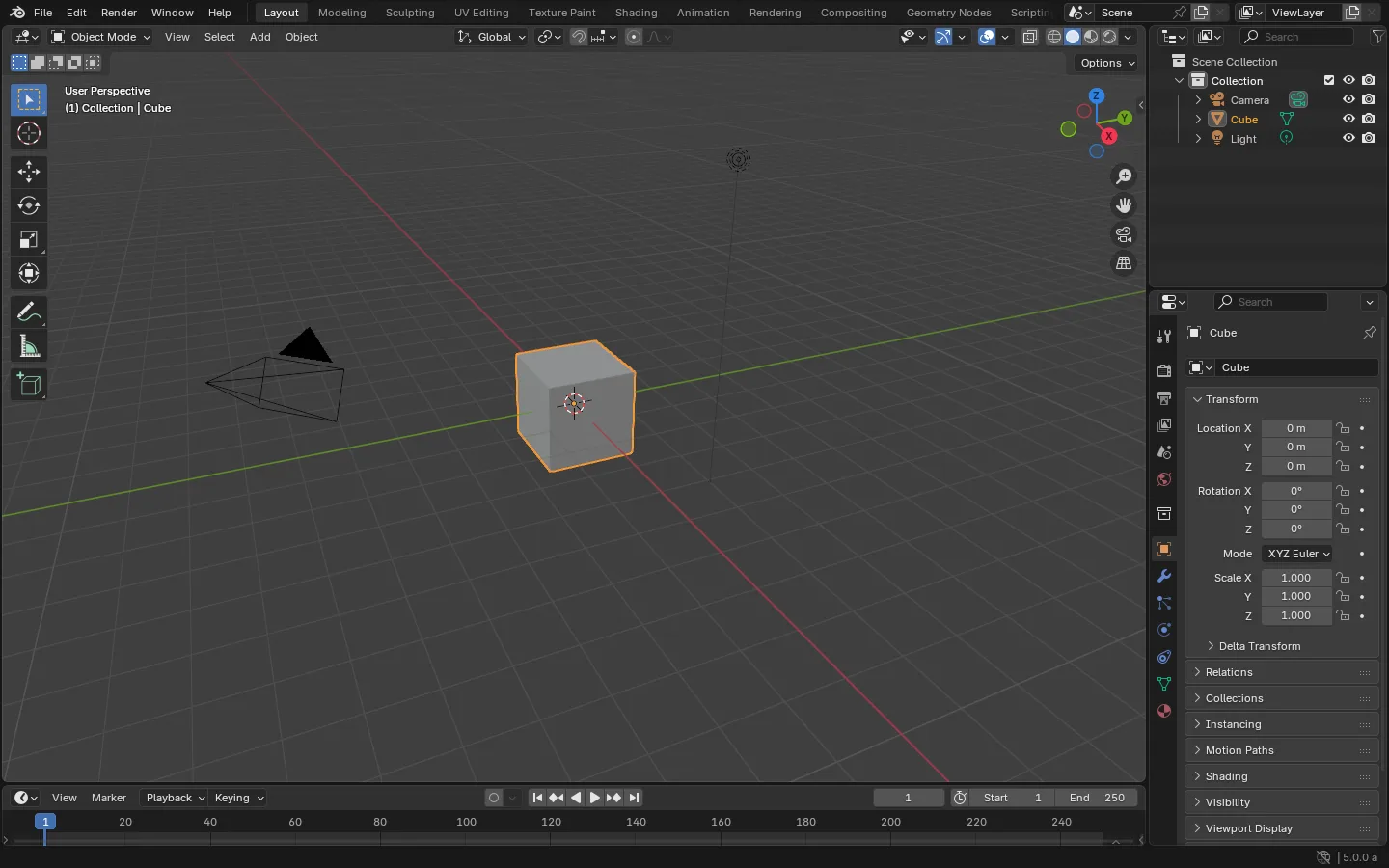
Layouts and shortcuts are customizable, and the Python API supports automation. Blender can work without registration or an internet connection; its software license does not transfer ownership of your artwork. Hardware is the main constraint: check the graphics requirements below, especially for Cycles GPU rendering, which has requirements beyond the basic interface. The publisher recommends 32 GB RAM. The gallery shows an older interface, not this release.
What it offers
- Model meshes and curves, sculpt forms and prepare game assets within one 3D creation suite.
- Use animation and rigging tools to build moving scenes and characters.
- Render scenes with Cycles, Blender's production path tracer.
- Combine camera and object motion tracking, masking and compositing for visual-effects work.
- Sequence footage with the built-in video editor.
- Customize layouts and keyboard shortcuts, or automate specialized tools through the Python API.
Good to know
- Minimum Windows requirements include a four-core SSE4.2 CPU, 8 GB RAM and 2 GB VRAM. The publisher lists OpenGL 4.3 and Vulkan 1.3; OpenGL additionally needs GL_ARB_shader_draw_parameters and GL_ARB_clip_control support.
- Cycles GPU rendering has separate hardware requirements; meeting the basic interface requirements does not establish GPU-rendering compatibility.
- The manual screenshot shows an older Blender 5.0 alpha interface with an unspecified operating system, not a capture of this Windows 5.2.3 package.
Product images
Sources
References used for this listing. Retrieval dates do not indicate hands-on testing.
- Blender — official package selection ↗Retrieved
- Blender — publisher-provided direct installer link ↗Retrieved
- Blender — 3D creation tools and workflow ↗Retrieved
- Blender — Windows and graphics requirements ↗Retrieved
- Blender — software freedoms and artwork ownership ↗Retrieved
- Blender Manual — default startup screenshot ↗Retrieved
- Blender Manual — screenshot reuse license and attribution ↗Retrieved
More in multimedia & graphics
View category ↗
1by1 2.17
Play music directly from folders with 1by1, a free Windows audio player with resume, gapless playback and file tools. Formats beyond MP3 need additional decoders.
3DVista Virtual Tour Pro
Build interactive 360° virtual tours from panoramas, videos and 3D models with 3DVista Virtual Tour Pro for Windows. Commercial software with a 30-day trial.

4DDiG Video Repair
Repair corrupted or unplayable videos in batches with the Video Repair tool in 4DDiG File Repair for Windows. A free trial is available; advanced features require a paid license.