

Multimedia & graphics Windows
Bolide Movie Creator for Windows
Edit video, photos, titles and music on a Windows timeline with Bolide Movie Creator. The offline editor offers a trial with no time limit, but trial exports carry a watermark.
- Operating system
- Windows 7, 8, 10 and 11
- Architecture
- Not specified on the consulted publisher pages
- Download package
- EXE installer
Publisher requires a working Direct3D graphics driver. CPU architecture and installer contents were not inspected; download verification used HEAD only.
Link checked · Download guidance
What is Bolide Movie Creator?
Bolide Movie Creator is a desktop video editor for assembling home videos, photo sequences and other everyday projects on Windows. Add source clips to its timeline, trim and arrange them, then layer titles, background music, effects and transitions before exporting a finished video. The publisher describes editing as offline, with videos and photos kept on the PC rather than uploaded for processing.
The editor includes animated text, chroma key, stabilization and audio adjustments. Export options include MP4 and MKV with H.264 or HEVC, plus AVI, WMV and animated GIF. Hardware encoding is available on supported NVIDIA, AMD and Intel graphics hardware; it is not a guarantee of a particular rendering speed. For simple cuts, virtual clips can save fragments or join parts of the same source video without re-encoding. Those lossless cuts follow keyframes; frame-accurate cuts require re-encoding.
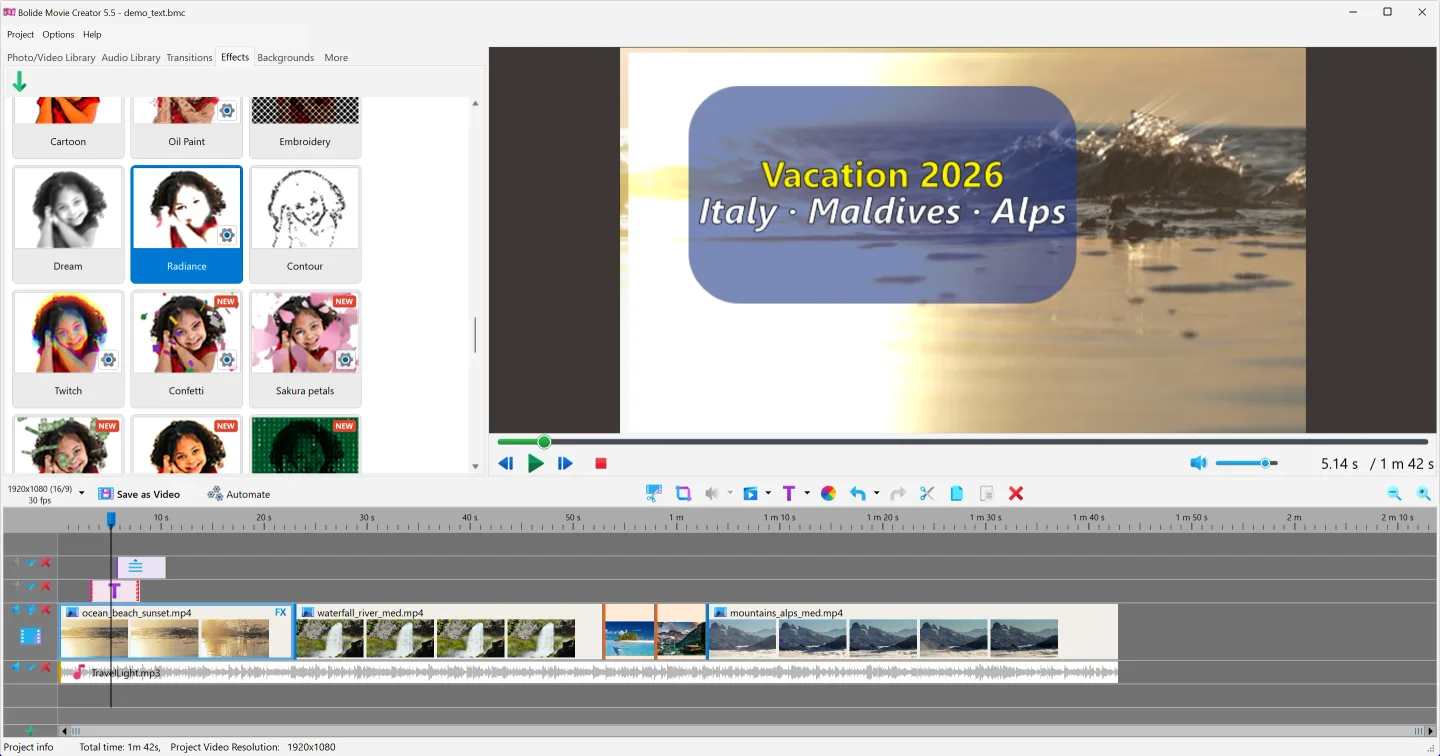
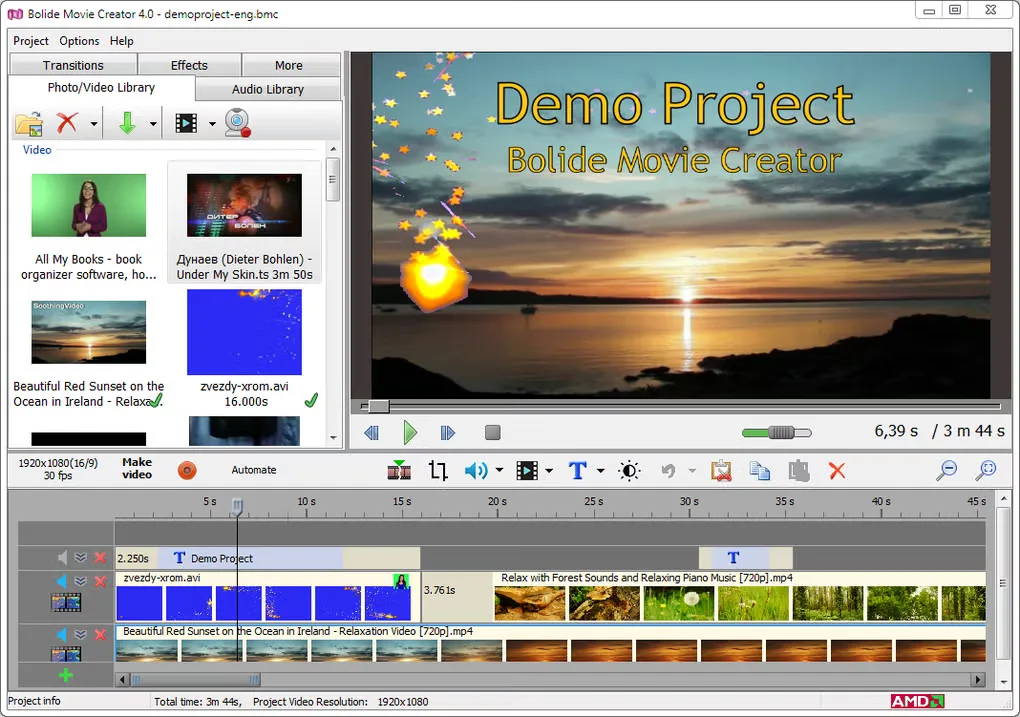
The trial includes all features without a time limit, but exported videos show a watermark until a license is purchased. The publisher lists Windows 7, 8, 10 and 11 and requires a working Direct3D graphics driver for previews and effects. The screenshots below are publisher/source examples of the 5.5 and older 4.0 interfaces, not captures of the 5.6 download running here.
What it offers
- Arrange video, photos and audio on a multi-track timeline with trimming, splitting and transitions.
- Add animated titles, scrolling text, overlays and chroma-key effects.
- Apply video stabilization, speed changes, audio normalization and noise reduction.
- Export MP4 or MKV with H.264 or HEVC, with hardware encoding on supported NVIDIA, AMD and Intel GPUs.
- Use virtual clips to cut fragments or join parts of the same source file without re-encoding.
Good to know
- Trial exports contain a watermark; a paid license is required for watermark-free output.
- Lossless cuts are keyframe-based; frame-accurate cutting requires re-encoding.
- Preview and effects require a working Direct3D graphics driver; hardware encoding depends on compatible graphics hardware.
Product images
Sources
References used for this listing. Retrieval dates do not indicate hands-on testing.
More in multimedia & graphics
View category ↗
1by1 2.17
Play music directly from folders with 1by1, a free Windows audio player with resume, gapless playback and file tools. Formats beyond MP3 need additional decoders.
3DVista Virtual Tour Pro
Build interactive 360° virtual tours from panoramas, videos and 3D models with 3DVista Virtual Tour Pro for Windows. Commercial software with a 30-day trial.

4DDiG Video Repair
Repair corrupted or unplayable videos in batches with the Video Repair tool in 4DDiG File Repair for Windows. A free trial is available; advanced features require a paid license.