
Multimedia & graphics Windows
Chasys Photo (formerly Chasys Draw IES)
Edit layered images, view RAW photos and batch-convert image files with Chasys Photo, the free Windows suite formerly called Chasys Draw IES.
Version 5.43.01 · Direct publisher file
Link checked · Download guidance
What is Chasys Photo (formerly Chasys Draw IES)?
Chasys Photo combines three Windows applications: Editor for layered image work, Viewer for browsing pictures and Converter for processing batches of image files. Previously called Chasys Draw IES, the suite was renamed in August 2025. It remains one product rather than a separate download for each name.
Editor brings adjustment layers, linked layers, blending modes and pressure-sensitive pen input together with frame-based and timeline animation. Its image-stacking tools cover tasks such as noise reduction and focus stacking. Viewer is the component for looking through photographs, while Converter handles repeated changes such as resizing, rotation and format conversion. RAW image support is available throughout the suite.
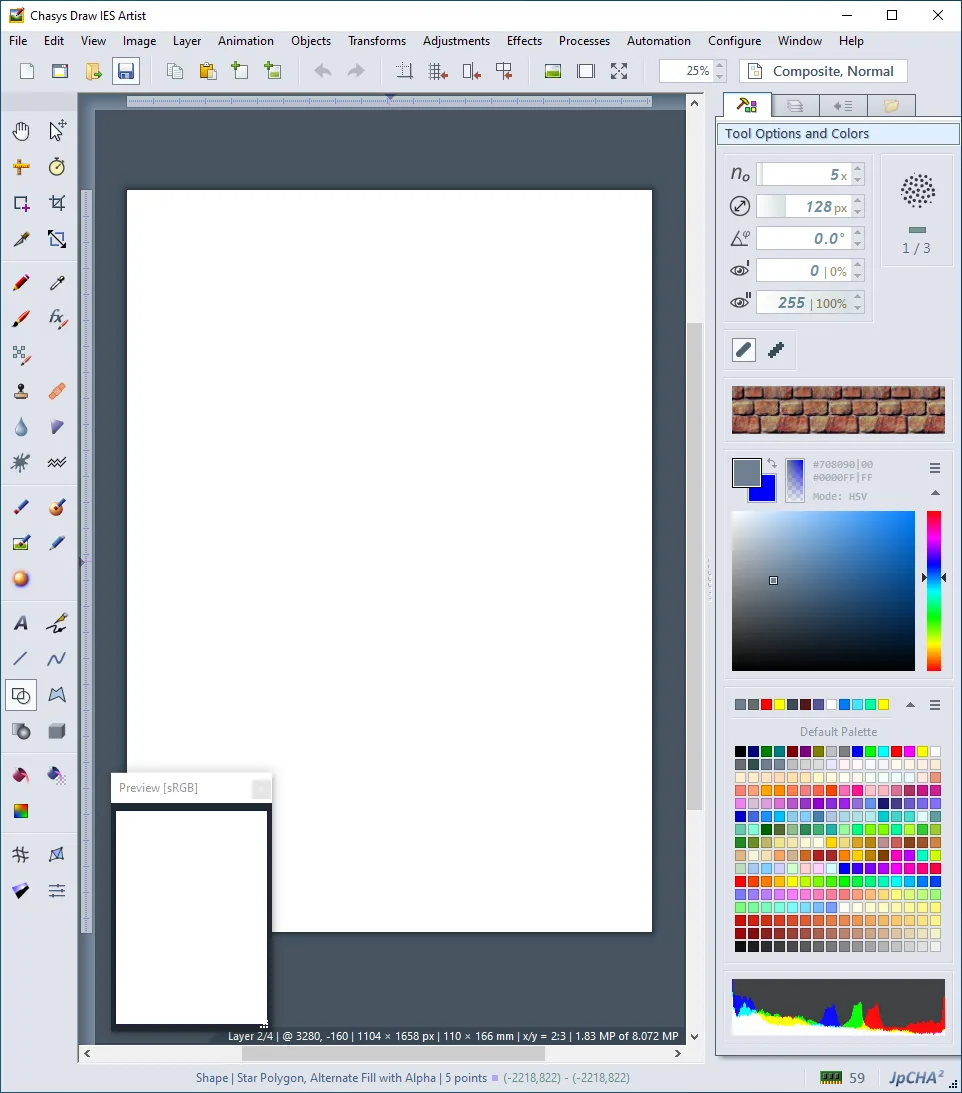
Choose the output format before relying on compatibility with another editor. The publisher lists Photoshop PSD as readable and writable, but Affinity files, Krita KRA and Paint.NET PDN as read-only. You can import those formats, but cannot assume you can save an edited document back into the same format. The linked Windows EXE is version 5.43.01; its response headers were checked without downloading or running the installer. The publisher's workspace screenshot retains the older Chasys Draw IES Artist branding and does not establish the appearance of every current-version screen.
What it offers
- Edit layered images with blending modes, adjustment layers and linked layers.
- Create frame-based and timeline animations, icons and cursors.
- Use image stacking for tasks including noise reduction and focus stacking.
- View RAW images and batch-convert files with resizing, rotation and metadata transfer.
- Work with pressure-sensitive pen input and Photoshop .8BF filter plug-ins.
Good to know
- Affinity formats, Krita KRA and Paint.NET PDN are import-only; the documented support does not include saving back to those formats.
- JPEG files with 12-bit or 16-bit samples can be read, but JPEG output is standard 8-bit.
Product images
Sources
References used for this listing. Retrieval dates do not indicate hands-on testing.
- John Paul Chacha's Lab - Chasys Photo - Product Homepage ↗Retrieved
- History ↗Retrieved
- List of Features ↗Retrieved
- File Formats - Other Image Files ↗Retrieved
More in multimedia & graphics
View category ↗
1by1 2.17
Play music directly from folders with 1by1, a free Windows audio player with resume, gapless playback and file tools. Formats beyond MP3 need additional decoders.
3DVista Virtual Tour Pro
Build interactive 360° virtual tours from panoramas, videos and 3D models with 3DVista Virtual Tour Pro for Windows. Commercial software with a 30-day trial.

4DDiG Video Repair
Repair corrupted or unplayable videos in batches with the Video Repair tool in 4DDiG File Repair for Windows. A free trial is available; advanced features require a paid license.