
Multimedia & graphics Windows
Chord Pickout
Find approximate chords in audio files with Chord Pickout for Windows, then edit chords and lyrics, view guitar fingerings and print a score. Paid software with a 14-day trial.
What is Chord Pickout?
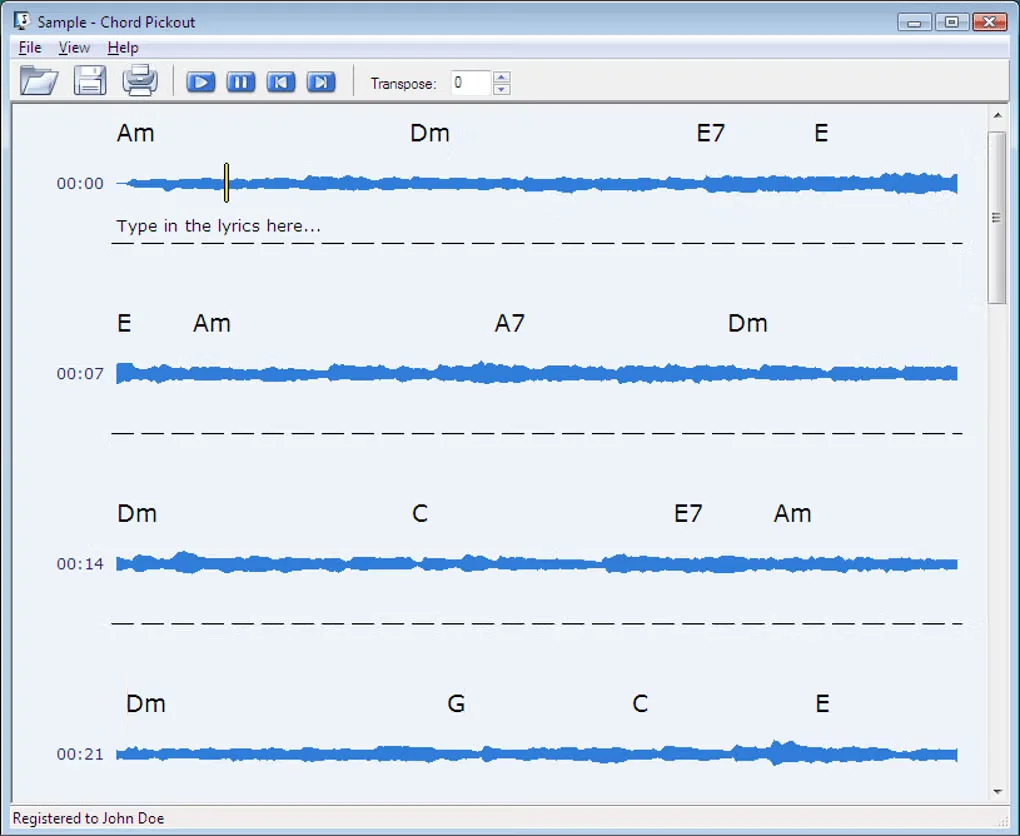
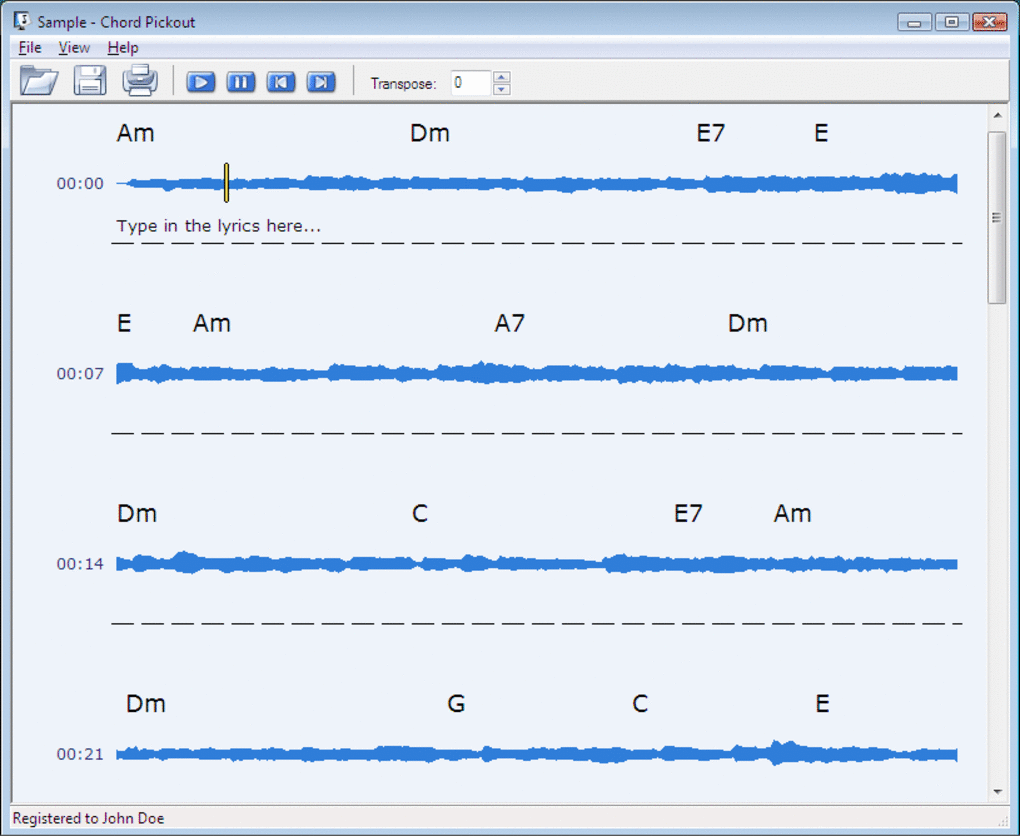
Chord Pickout analyzes a song file and suggests its chords, giving guitar and piano players a starting point for learning a tune by ear. The publisher lists MP3, WMA, OGG, AAC, M4A, WAV and CD Audio support. Its editor lets you correct chords, add lyrics and print the resulting score; guitar fingerings help guitarists work through the suggested progression.
Treat the output as a guide, not a finished transcription. The publisher's FAQ says the score is approximate and can include chords that are not in the song. Listen to the track and check the suggestions with an instrument before relying on them.
The publisher's Windows download catalog identifies version 3.0 and provides an EXE installer. Its license permits a 14-day evaluation, with paid registration required for continued use. The publisher lists Windows versions through Windows 10; Windows 11 support and processor architecture are not specified in the inspected pages.
What it offers
- Suggest chords automatically from a supported song file.
- Open MP3, WMA, OGG, AAC, M4A, WAV and CD Audio, as listed by the publisher.
- Edit the suggested chords and add or change lyrics.
- Print scores with lyrics for offline practice.
- View guitar fingerings to help play the suggested chords.
Good to know
- Recognition produces an approximate score and may add chords absent from the song; check and edit the results by ear or with an instrument.
- The evaluation period is 14 days; continued use requires paid registration.
- The inspected publisher pages do not establish Windows 11 compatibility or identify the installer's CPU architecture.
Product images
Sources
References used for this listing. Retrieval dates do not indicate hands-on testing.
More in multimedia & graphics
View category ↗
1by1 2.17
Play music directly from folders with 1by1, a free Windows audio player with resume, gapless playback and file tools. Formats beyond MP3 need additional decoders.
3DVista Virtual Tour Pro
Build interactive 360° virtual tours from panoramas, videos and 3D models with 3DVista Virtual Tour Pro for Windows. Commercial software with a 30-day trial.

4DDiG Video Repair
Repair corrupted or unplayable videos in batches with the Video Repair tool in 4DDiG File Repair for Windows. A free trial is available; advanced features require a paid license.