

Multimedia & graphics Windows
Cisdem Video Player for Windows
Play local videos and music on Windows with Cisdem Video Player, with playlist controls, audio-track switching and subtitle support. Playback is free; conversion needs Pro.
- Operating system
- Windows 10 or Windows 11 (64-bit)
- Architecture
- 64-bit; Intel or AMD processor
- Download package
- EXE installer
Publisher requirements: 1 GHz or faster processor, at least 512 MB RAM and 300 MB free installation space.
Link checked · Download guidance
What is Cisdem Video Player?
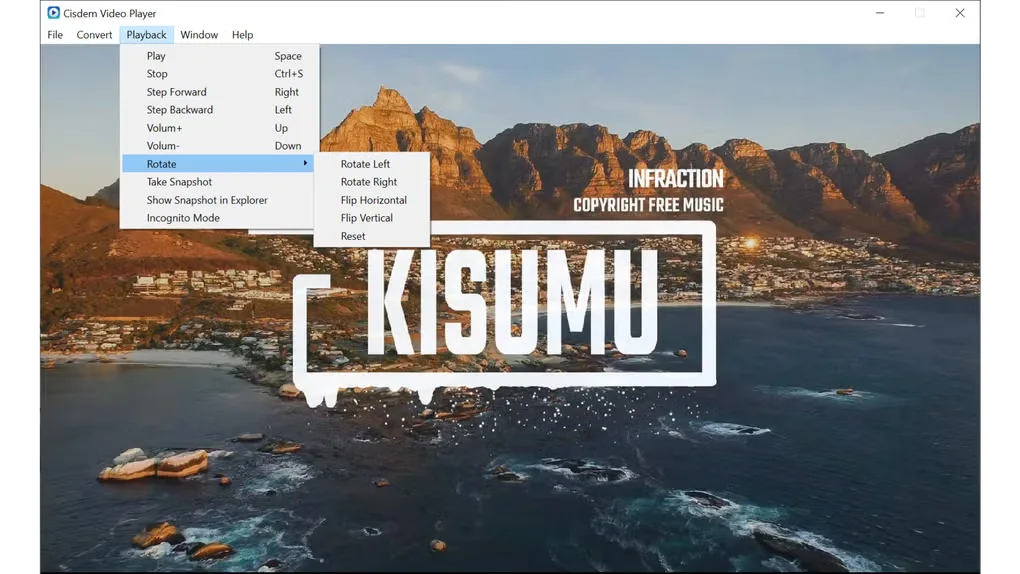
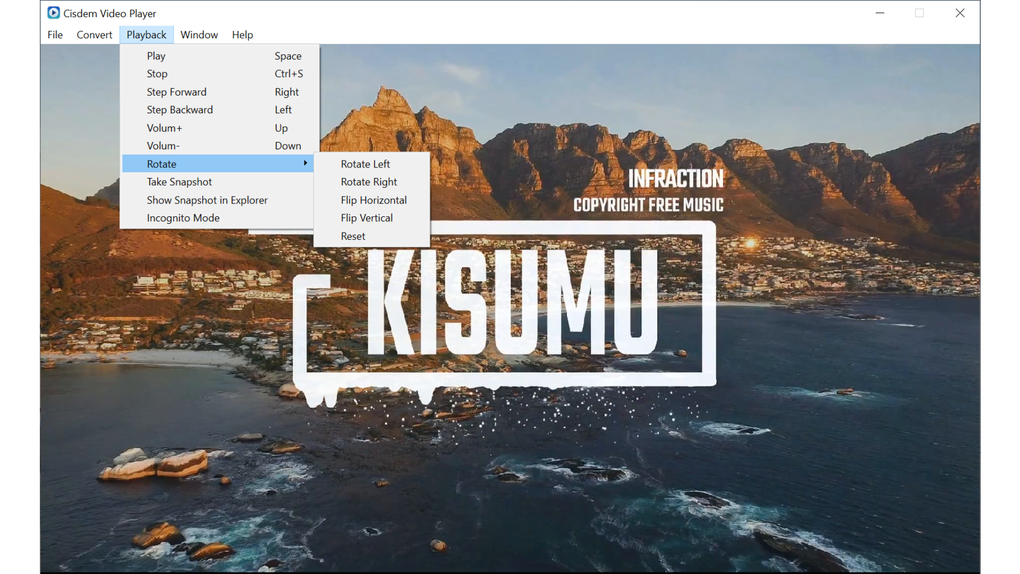
Cisdem Video Player opens local video and audio files on Windows, including MP4, MKV, AVI, MOV, MP3 and FLAC. It suits watching downloaded videos, choosing between embedded soundtracks and adding subtitles without installing separate codec packs. The playlist keeps imported files together, while playback controls include stepping through video, rotation and capturing a frame.
Embedded subtitles load automatically, and external subtitle files can be added. Incognito Mode avoids saving playback history; Separate Mode splits the playback window, controls and playlist into independent windows.
Media playback is free, but converting files to other formats requires the paid Pro upgrade. The Windows edition requires a 64-bit Windows 10 or Windows 11 system; this is not a download for older or 32-bit Windows.
What it offers
- Open common video and audio formats, including MP4, MKV, AVI, MOV, MP3 and FLAC.
- Use embedded or external subtitles and switch between available audio tracks.
- Manage a playlist with ordered, loop, shuffle and repeat-one playback.
- Rotate video, step through playback and capture the current frame.
- Use Incognito Mode or separate the playback window, controls and playlist.
Good to know
- File conversion requires the paid Pro upgrade; free use covers media playback.
- The publisher requires 64-bit Windows 10 or Windows 11.
Product images
Sources
References used for this listing. Retrieval dates do not indicate hands-on testing.
More in multimedia & graphics
View category ↗
1by1 2.17
Play music directly from folders with 1by1, a free Windows audio player with resume, gapless playback and file tools. Formats beyond MP3 need additional decoders.
3DVista Virtual Tour Pro
Build interactive 360° virtual tours from panoramas, videos and 3D models with 3DVista Virtual Tour Pro for Windows. Commercial software with a 30-day trial.

4DDiG Video Repair
Repair corrupted or unplayable videos in batches with the Video Repair tool in 4DDiG File Repair for Windows. A free trial is available; advanced features require a paid license.