
Multimedia & graphics Windows
Clip Studio Paint for Windows
Draw illustrations, comics and animation with Clip Studio Paint for Windows. Compare PRO and EX limits before choosing a paid license or registering a time-limited trial.
- Operating system
- Windows 10 and Windows 11 (64-bit)
- Architecture
- x64; Arm CPUs run the x64 application
- Download package
- EXE installer (CSP_515w_setup.exe)
Publisher requires 2GB RAM, an OpenGL 3.3 GPU and 3GB free storage; recommends 8GB RAM. On Arm, external tablets need a compatible driver. Download eligibility depends on the license or trial.
Link checked · Download guidance
What is Clip Studio Paint?
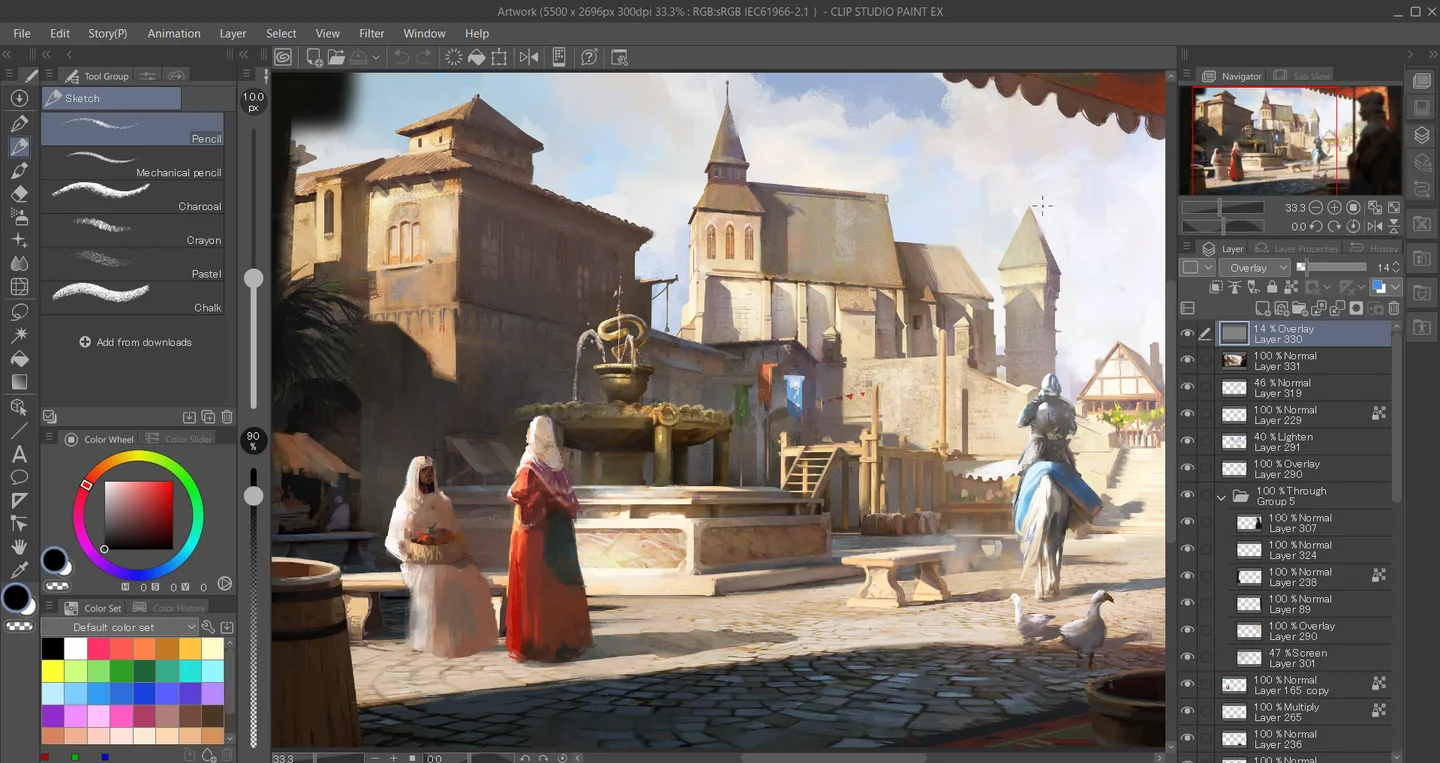
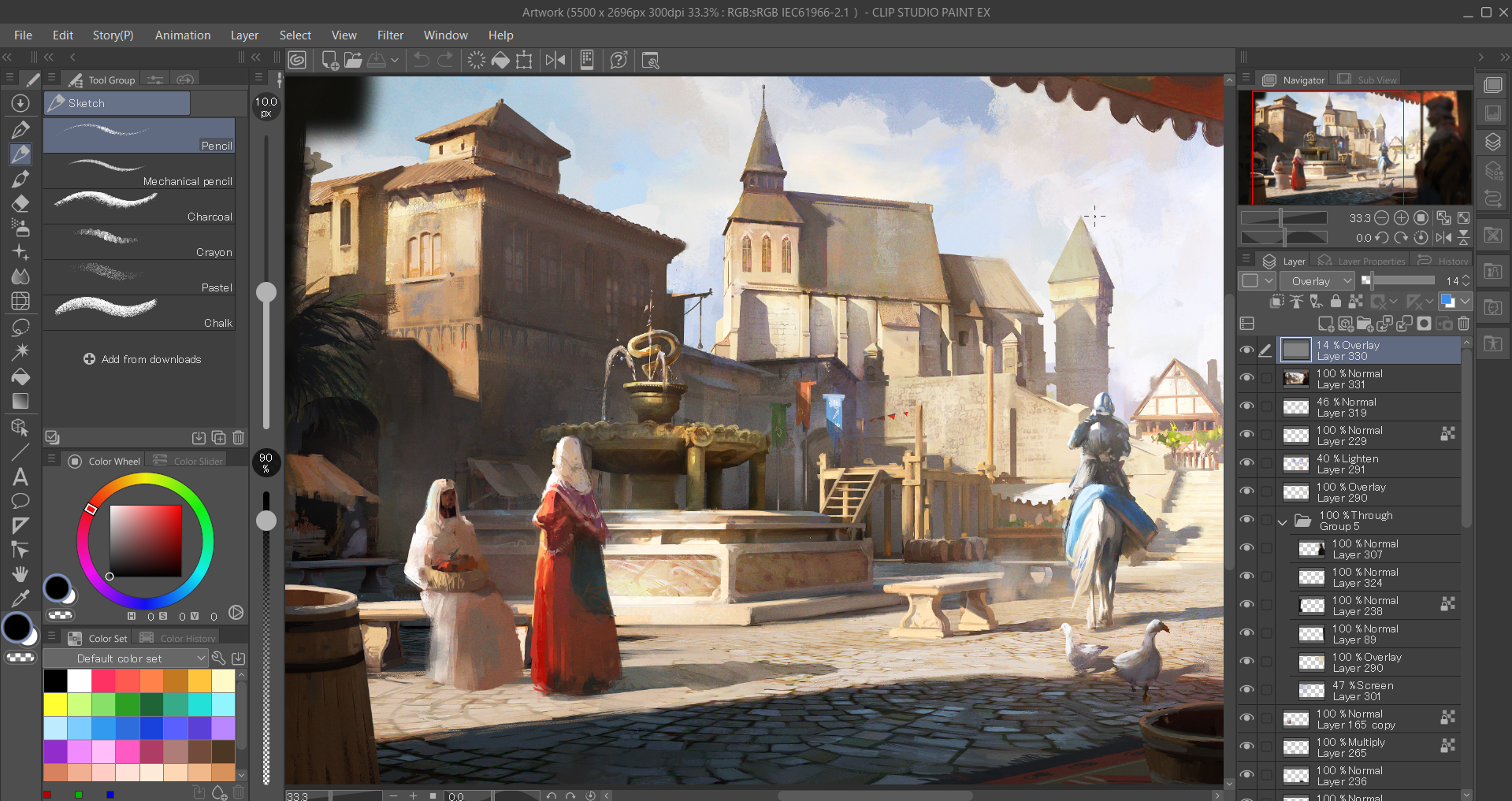
Clip Studio Paint brings drawing, painting and comic production into one Windows workspace. Customizable pen and brush tools, vector layers in PRO and EX, and 3D references support illustration work; panel and speech-bubble tools help turn drawings into comics. Animation tools also support short animated illustrations, with longer productions requiring EX.
Choose the edition around the work you need to finish. PRO suits illustration and single-page comics, but its animation is limited to 24 frames. EX adds multi-page management and full-length animation tools. The Windows download linked here is the 5.1.5 installer offered for annual/monthly plans, Update Pass users and trial registration; perpetual-license owners should use the publisher's download for their licensed version unless they have the required Update Pass.
The download is not a permanently free full license. The publisher offers a 30-day trial with account registration or an eligible three-month trial when signing up for a plan. Without registering a trial, or after it expires, saving and exporting are restricted. Internet access is required for license verification and some functions.
What it offers
- Customize pen and brush tools for drawing and painting.
- Use vector layers in PRO and EX to preserve line quality when scaling or transforming artwork.
- Build comics with panel, speech-bubble, background and perspective tools.
- Use 3D models and pose references while drawing.
- Create animated illustrations; EX adds multi-page management and full-length animation tools.
Good to know
- The full application requires a paid license or an active registered trial; saving and exporting are restricted without trial registration or after the trial expires.
- PRO animation is limited to 24 frames; multi-page comic management and full-length animation tools require EX.
- Version 5.1.5 is offered for annual/monthly plans and Update Pass users; a perpetual license alone does not grant access to these updates.
- Internet access is required for license verification and some functions.
Product images
Sources
References used for this listing. Retrieval dates do not indicate hands-on testing.
- Download - Clip Studio Paint ↗Retrieved
- Free Trial Information - Clip Studio Paint ↗Retrieved
- Download latest version of Clip Studio Paint ↗Retrieved
- Release Notes | Clip Studio Paint ↗Retrieved
- System Requirements | Clip Studio Paint | Clip Studio.NET ↗Retrieved
- Features - Clip Studio Paint ↗Retrieved
- Product Lineup - Clip Studio Paint ↗Retrieved
- Clip Studio Paint Press Images | Clip Studio Paint ↗Retrieved
More in multimedia & graphics
View category ↗
1by1 2.17
Play music directly from folders with 1by1, a free Windows audio player with resume, gapless playback and file tools. Formats beyond MP3 need additional decoders.
3DVista Virtual Tour Pro
Build interactive 360° virtual tours from panoramas, videos and 3D models with 3DVista Virtual Tour Pro for Windows. Commercial software with a 30-day trial.

4DDiG Video Repair
Repair corrupted or unplayable videos in batches with the Video Repair tool in 4DDiG File Repair for Windows. A free trial is available; advanced features require a paid license.