

Multimedia & graphics Windows
CopyTrans Manager for Windows
Add music from a Windows PC to an iPhone, iPad or iPod, edit track details and organize playlists with the free CopyTrans Manager.
- Operating system
- Windows 11, 10, 8.1 and 7, as listed on the publisher product page
- Architecture
- Publisher lists 32-bit and 64-bit Windows; selected ZIP architecture not specified
- Download package
- Portable CopyTrans Manager ZIP (advanced users)
Manages connected Apple devices from Windows. Selected package is not the shared CopyTrans Installer; package version is not established.
Link checked · Download guidance
What is CopyTrans Manager?
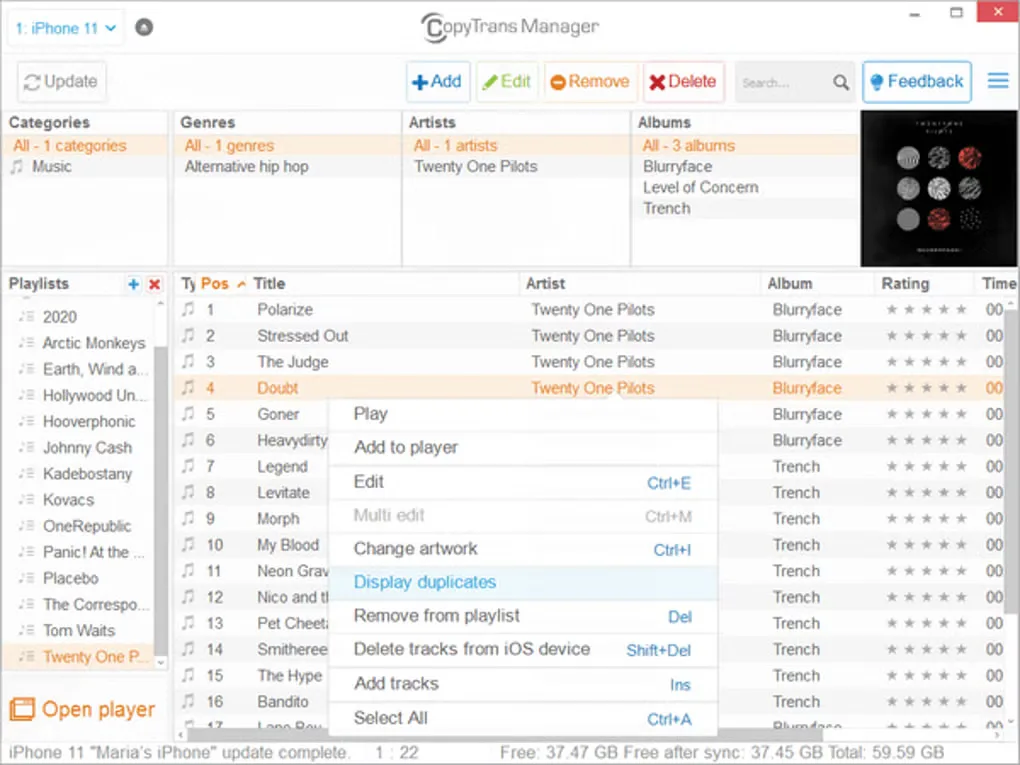
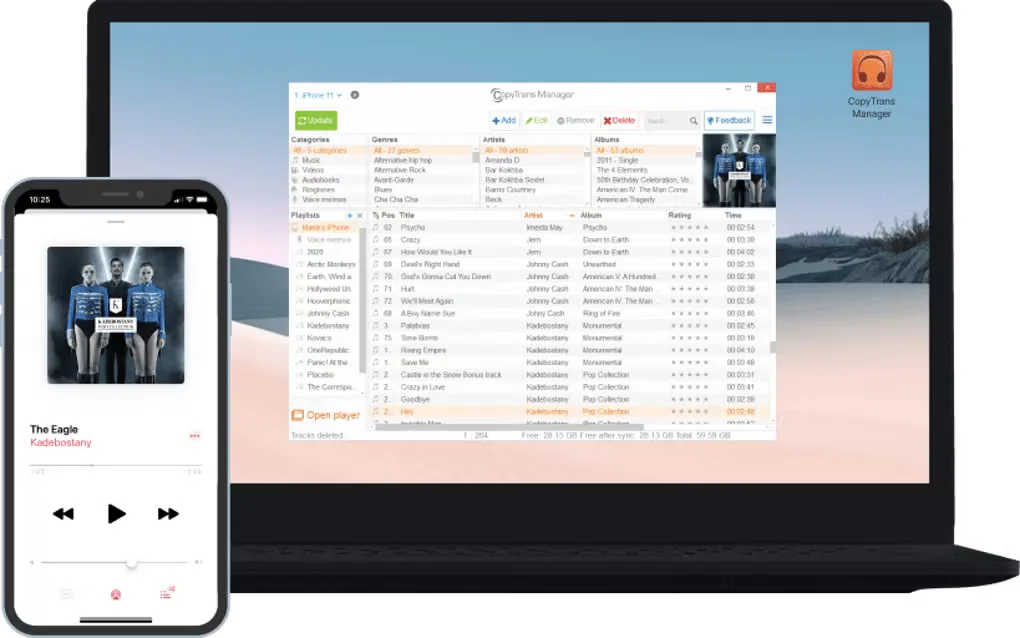
CopyTrans Manager is a free Windows desktop application for managing music on an iPhone, iPad or iPod without using iTunes to synchronize the library. Drag tracks or folders from your PC into the application, organize playlists, and edit titles, artists, albums, lyrics or artwork. The publisher’s guide says to use Update to apply changes to the connected device.
The download linked here is the publisher’s portable CopyTrans Manager ZIP for advanced users, not the shared CopyTrans suite installer. The publisher describes extracting CopyTransManager.exe from the standalone archive. No installer or ZIP contents were downloaded or executed for this entry.
Apple Music support does not make every change an iCloud library sync. The publisher says music and playlists added with CopyTrans Manager remain on the connected iPhone rather than appearing automatically on other devices using the same Apple ID. Smart Playlists cannot be edited, and editing an Apple Music playlist restarts the iOS Music app.
What it offers
- Transfer music from a Windows PC to an iPhone, iPad or iPod using drag and drop.
- Create and edit playlists and change track order.
- Edit track titles, artists, albums, lyrics and album artwork.
- Find duplicate tracks in the device library.
Good to know
- Music and playlists added with CopyTrans Manager stay on that iPhone; they do not automatically sync to other devices through iCloud Music Library.
- Smart Playlists cannot be edited; editing an Apple Music playlist restarts the iOS Music app.
- Windows desktop application; the publisher does not support macOS or Linux.
Product images
Sources
References used for this listing. Retrieval dates do not indicate hands-on testing.
- Free iTunes alternative | Manage iPod iPhone without iTunes ↗Retrieved
- Easy backup and transfer of iPhone, iPad, iPod and iTunes to PCs ↗Retrieved
- Getting Started with CopyTrans Manager ↗Retrieved
- iCloud Music Library limitations ↗Retrieved
- iOS and devices compatibility summary ↗Retrieved
- CopyTrans Manager - Download ↗Retrieved
More in multimedia & graphics
View category ↗
1by1 2.17
Play music directly from folders with 1by1, a free Windows audio player with resume, gapless playback and file tools. Formats beyond MP3 need additional decoders.
3DVista Virtual Tour Pro
Build interactive 360° virtual tours from panoramas, videos and 3D models with 3DVista Virtual Tour Pro for Windows. Commercial software with a 30-day trial.

4DDiG Video Repair
Repair corrupted or unplayable videos in batches with the Video Repair tool in 4DDiG File Repair for Windows. A free trial is available; advanced features require a paid license.