
Multimedia & graphics Windows
CutOut
Separate subjects from photo backgrounds with CutOut for Windows. FRANZIS lists intelligent erasing, contour selection and a Photoshop plug-in; the linked ZIP is its demo, not the paid full version.
- Operating system
- Windows only; exact supported releases not specified in the accessible publisher page
- Architecture
- Not verified
- Download package
- ZIP demo archive
The demo link is separate from the paid full-version offer. Installer contents and Photoshop host compatibility were not inspected.
Link checked · Download guidance
What is CutOut?
CutOut is a photo cutout application for separating a subject from its background. FRANZIS currently lists CutOut 11 professional for Windows, with subject-dependent selection methods, intelligent erasing and a magnetic tool for detecting contours. These are the relevant tools if your main task is isolating an object rather than organizing a photo library.
The publisher also lists an integrated Photoshop plug-in, a 70-minute video workshop and German, English and French language support. Its full version is a commercial purchase licensed for one PC. The direct download here is the separate ZIP linked under Demoversion on the official product page; it is not a free full-version license.
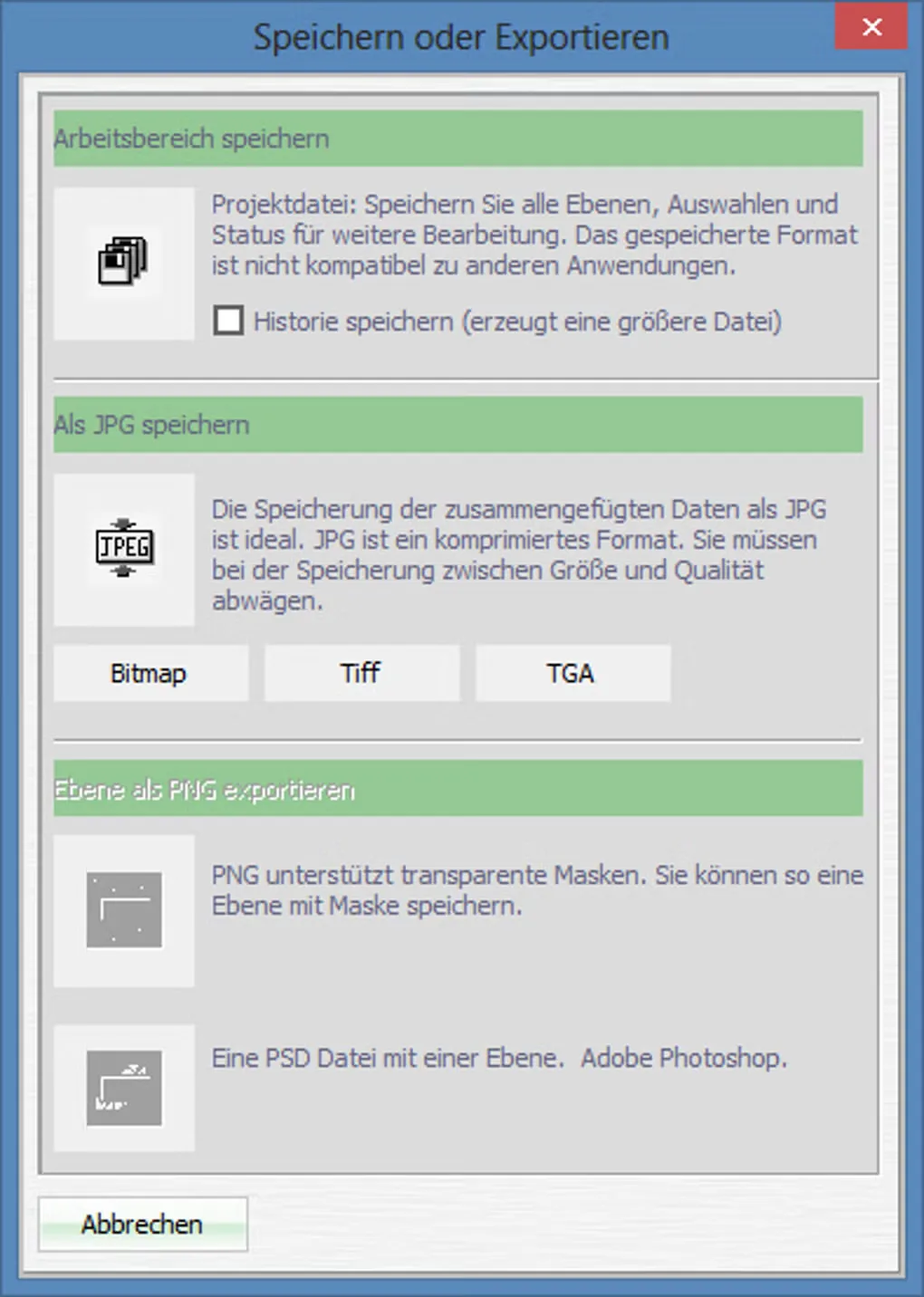
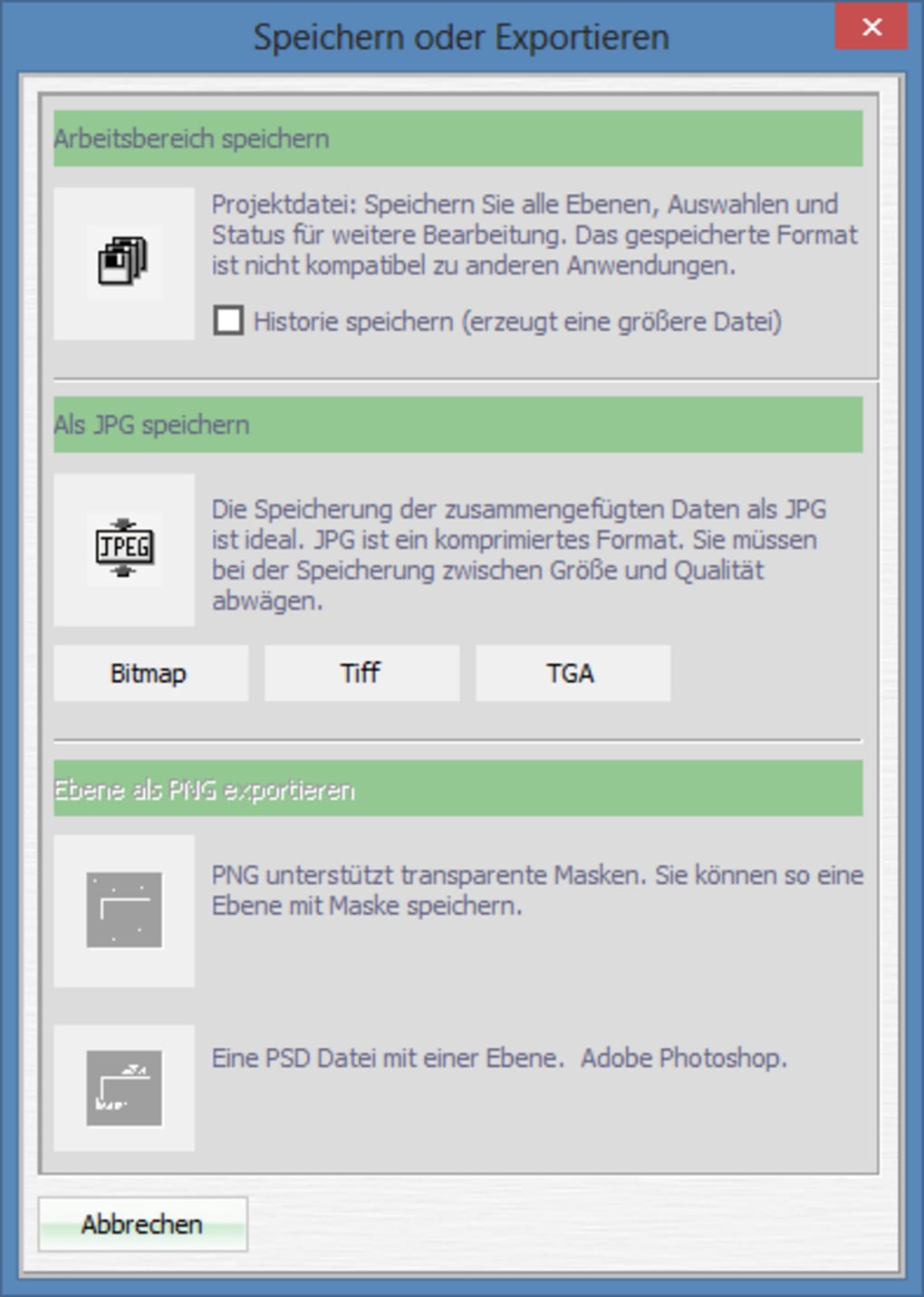
Check compatibility before choosing it: the accessible publisher page says Windows only but does not specify supported Windows versions, processor architecture or Photoshop host versions. The screenshot shows a legacy German save/export dialog from Softonic’s CutOut gallery, not a verified view of version 11. No installer or application was run for this entry.
What it offers
- Use subject-dependent cutout methods to separate a photo subject from its background.
- Refine selections with intelligent erasing and a magnetic contour-detection tool.
- Use the Photoshop plug-in included in the publisher’s listed professional edition.
- Access the listed 70-minute video workshop; the publisher lists German, English and French languages.
Good to know
- The linked ZIP is a demo; the full version is paid and its listed license covers one PC. Demo duration and functional restrictions were not specified in the accessible source.
- The publisher specifies Windows only without naming supported Windows releases, architecture or compatible Photoshop versions in the accessible page.
- The gallery screenshot documents a legacy interface; it does not establish the appearance or export capabilities of the current version.
Product images
Sources
References used for this listing. Retrieval dates do not indicate hands-on testing.
- CutOut 11 professional | FRANZIS | ↗Retrieved
- CutOut - Download ↗Retrieved
More in multimedia & graphics
View category ↗
1by1 2.17
Play music directly from folders with 1by1, a free Windows audio player with resume, gapless playback and file tools. Formats beyond MP3 need additional decoders.
3DVista Virtual Tour Pro
Build interactive 360° virtual tours from panoramas, videos and 3D models with 3DVista Virtual Tour Pro for Windows. Commercial software with a 30-day trial.

4DDiG Video Repair
Repair corrupted or unplayable videos in batches with the Video Repair tool in 4DDiG File Repair for Windows. A free trial is available; advanced features require a paid license.