
Multimedia & graphics macOS
darktable for macOS
Develop RAW photos, organize an image collection and export finished pictures with darktable, a free, open-source photography application. This Mac download is for Apple silicon.
- Operating system
- macOS 14.0 or later
- Architecture
- ARM64 / Apple silicon
- Download package
- DMG disk image
darktable 5.6.2 for Apple silicon, not Intel. The version-specific release notes and download label require macOS 14.0 despite the install page's older general 13.5 wording. macOS may display a security warning; see publisher installation notes.
Link checked · Download guidance
What is darktable?
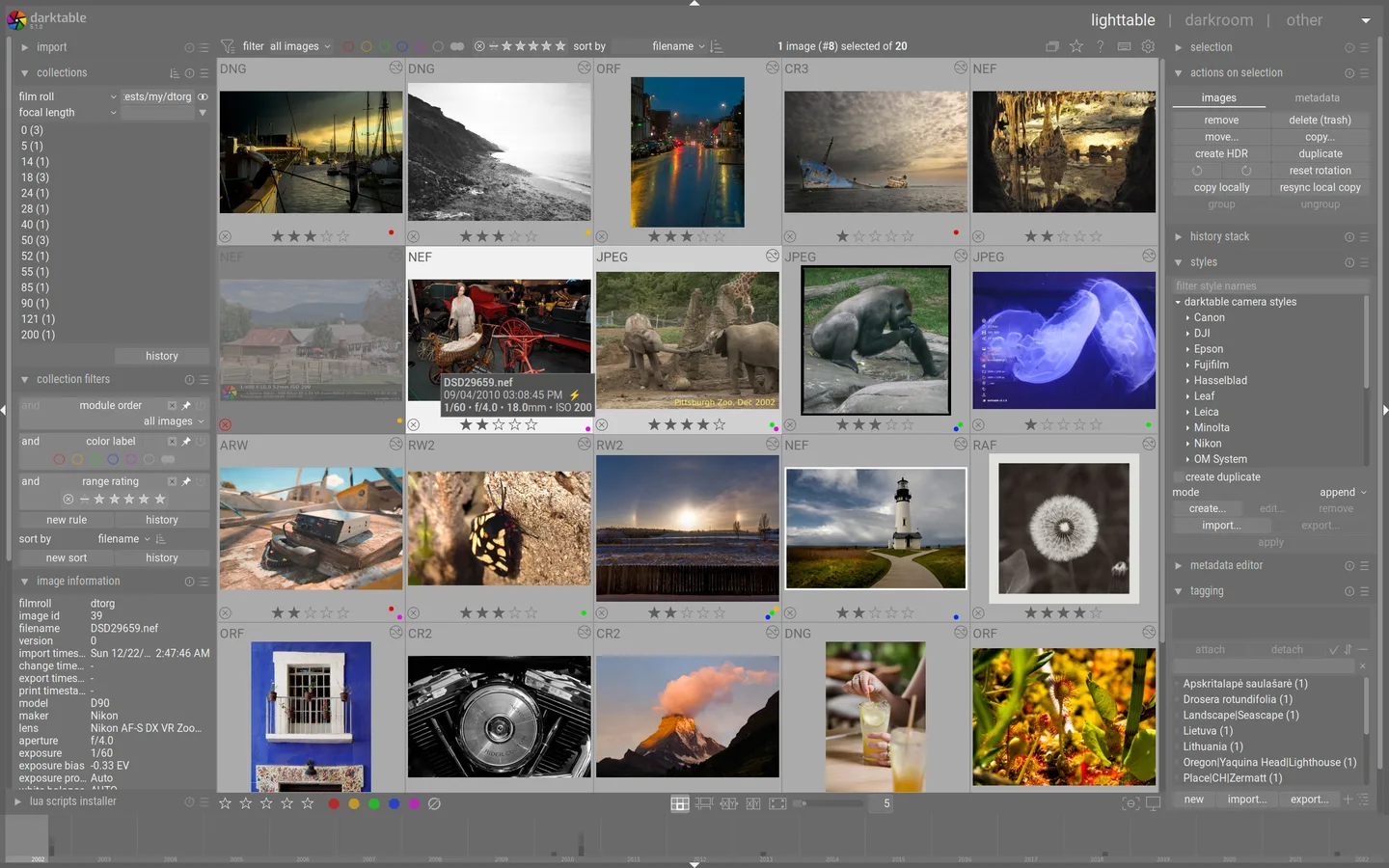
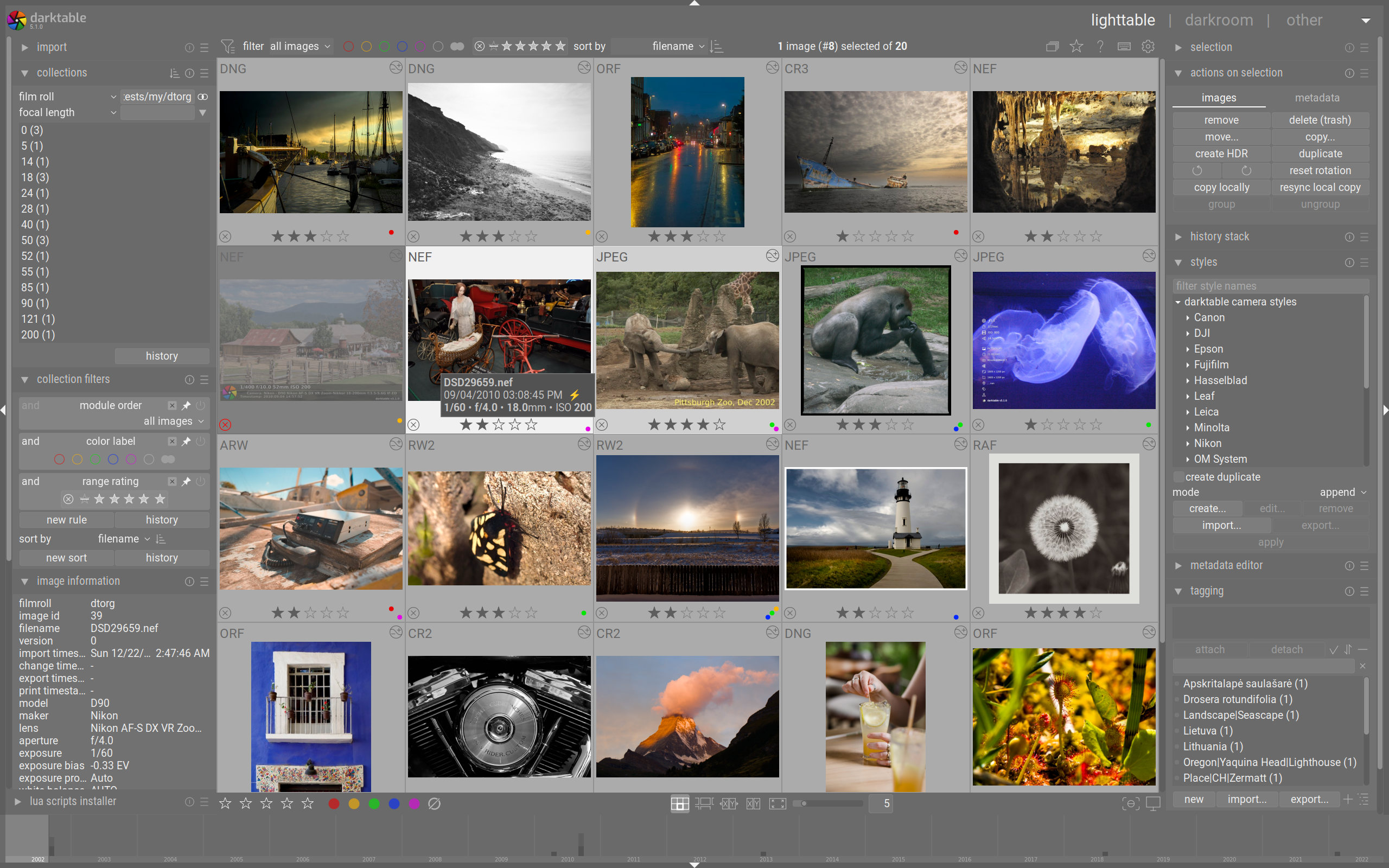
darktable combines a photo library with a non-destructive RAW editor. Use tags, star ratings and color labels to find images, develop them without changing the originals, and export finished JPEG, PNG or TIFF files. Processing settings and metadata are stored in a database and XMP sidecar files, so an editing workflow is separate from the exported picture.
The linked darktable 5.6.2 DMG is an ARM64 package for Apple silicon Macs running macOS 14.0 or later. It is not an Intel Mac download: the publisher no longer provides current official Intel releases. The install page still contains a general macOS 13.5 statement, but its download label and the 5.6.2 release notes specify macOS 14.0 for Apple silicon.
Check your camera's RAW format and compression mode before relying on darktable for a shoot; support for a camera does not mean every file mode is supported. It is also not a drop-in replacement for another editor's workflow: presets are program-specific, and the publisher warns that importing edits from other programs cannot reliably reproduce them.
What it offers
- Develop RAW images non-destructively while leaving the original files unchanged.
- Filter an image collection by tags, star ratings, color labels and metadata.
- Export finished photos as JPEG, PNG or TIFF files.
- Keep processing settings and metadata in XMP sidecars as well as the library database.
- Use ICC color profiles as part of a color-managed editing workflow.
Good to know
- The linked ARM64 DMG is not for Intel Macs; the publisher no longer provides current official Intel releases.
- Camera support depends on the RAW format and compression mode; some modes remain unsupported even for supported cameras.
- Other programs' presets are not interchangeable with darktable styles, and imported edit histories cannot reliably reproduce the original processing.
Product images
Sources
References used for this listing. Retrieval dates do not indicate hands-on testing.
More in multimedia & graphics
View category ↗
1by1 2.17
Play music directly from folders with 1by1, a free Windows audio player with resume, gapless playback and file tools. Formats beyond MP3 need additional decoders.
3DVista Virtual Tour Pro
Build interactive 360° virtual tours from panoramas, videos and 3D models with 3DVista Virtual Tour Pro for Windows. Commercial software with a 30-day trial.

4DDiG Video Repair
Repair corrupted or unplayable videos in batches with the Video Repair tool in 4DDiG File Repair for Windows. A free trial is available; advanced features require a paid license.