

Multimedia & graphics Windows
Diagram Designer for Windows
Draw flowcharts, UML class diagrams and illustrations with Diagram Designer, a free Windows vector editor with customizable object palettes and image export.
- Operating system
- Windows 98/ME/2000/XP/Vista/7/8/10, as listed by the publisher
- Architecture
- Not established by the cited publisher pages
- Download package
- MSI installer
SourceForge project download; HEAD checked only. Windows 11 support and installer architecture are unverified.
Link checked · Download guidance
What is Diagram Designer?
Diagram Designer is a Windows vector graphics editor for turning processes and software structures into flowcharts, UML class diagrams and illustrations. Its customizable template palettes provide reusable objects, while image import and export let you combine drawings with existing graphics. A slide-show viewer presents diagrams, and the built-in graph plotter and equation solver support mathematical illustrations.
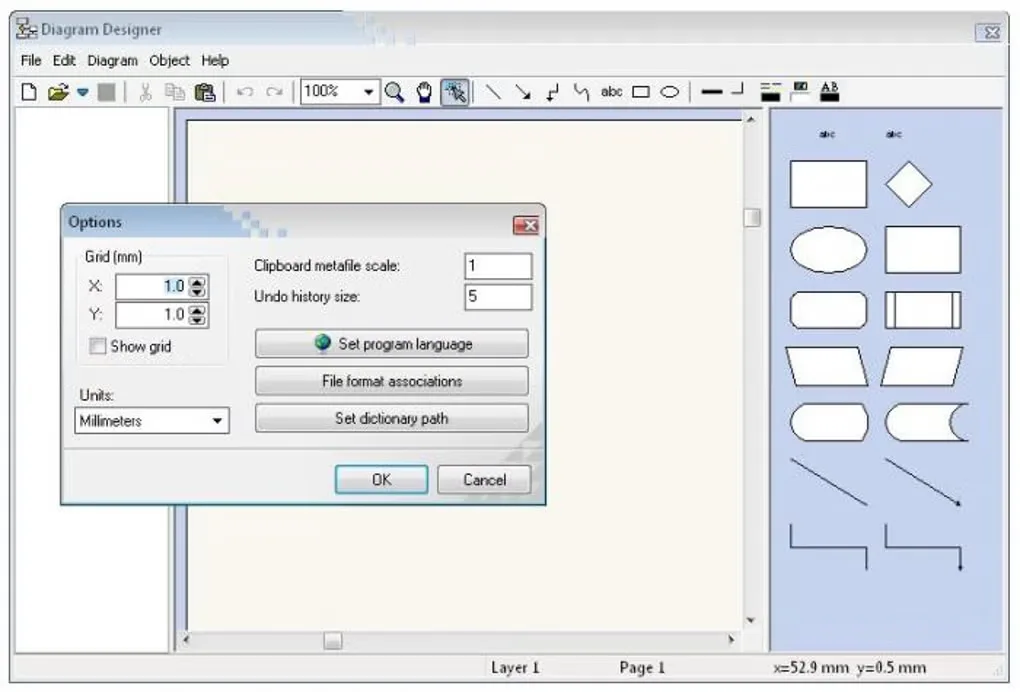
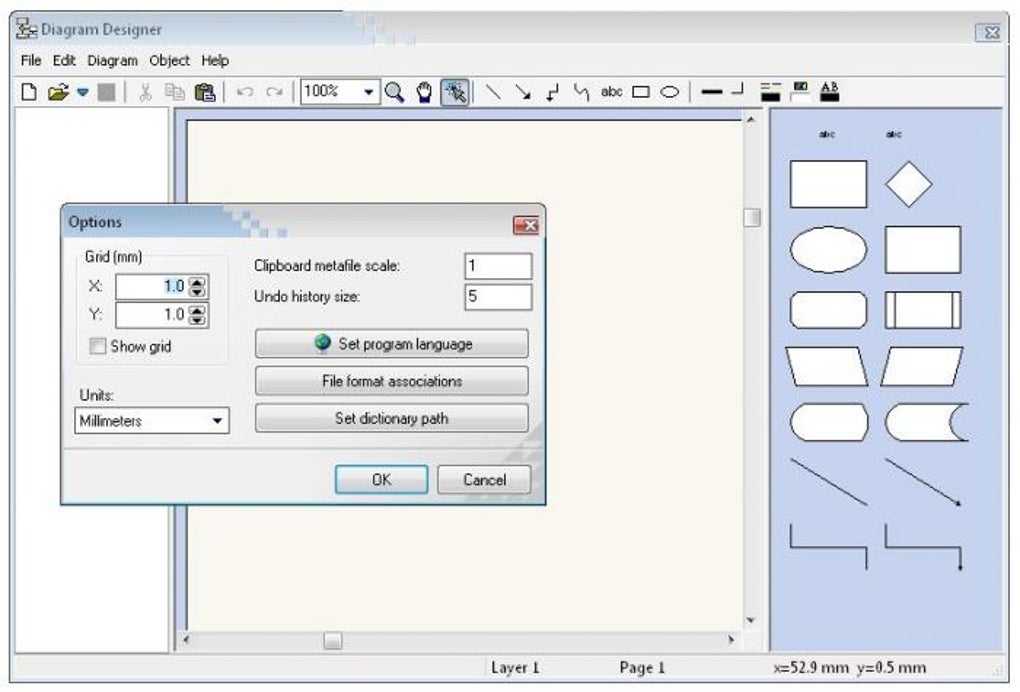
The editor has a specific text-formatting workflow: styles inside labels use formatting codes shown in the Edit text dialog. Spellchecking also needs separately downloaded dictionaries, with the dictionary path set in Options if the files are stored outside the application folder. These setup and editing details matter if you expect standard word-processor formatting.
The linked download is the Windows MSI installer hosted by the publisher-linked SourceForge project, not the dAppCDN route on the current homepage. Its availability and binary MIME type were checked with HEAD requests only; the installer was not inspected or run. The publisher lists Windows versions through Windows 10; Windows 11 compatibility and CPU architecture are not established by the cited pages.
What it offers
- Create flowcharts, UML class diagrams, illustrations and slide shows.
- Build and customize template object palettes for repeated diagram elements.
- Import and export formats including WMF, EMF, BMP, JPEG, PNG, GIF and ICO.
- Plot mathematical expressions and use a calculator with an equation solver.
- Use spellchecking after supplying the required language dictionaries.
Good to know
- Text-label formatting uses special codes rather than only conventional rich-text controls.
- Spellchecker dictionaries must be downloaded separately; an alternate storage folder requires configuring the dictionary path.
- The publisher does not provide complete documentation and lists Windows support only through Windows 10; Windows 11 compatibility is unverified.
Product images
Sources
References used for this listing. Retrieval dates do not indicate hands-on testing.
- MeeSoft Diagram Designer — publisher features and requirements ↗Retrieved
- Diagram Designer help — label formatting and templates ↗Retrieved
- Diagram Designer publisher version history ↗Retrieved
- DiagramDesigner source license ↗Retrieved
- Diagram Designer - Download — normal browser inspection ↗Retrieved
- Publisher alternate-language page — SourceForge project link ↗Retrieved
- Diagram Designer Files — publisher-linked SourceForge project ↗Retrieved
More in multimedia & graphics
View category ↗
1by1 2.17
Play music directly from folders with 1by1, a free Windows audio player with resume, gapless playback and file tools. Formats beyond MP3 need additional decoders.
3DVista Virtual Tour Pro
Build interactive 360° virtual tours from panoramas, videos and 3D models with 3DVista Virtual Tour Pro for Windows. Commercial software with a 30-day trial.

4DDiG Video Repair
Repair corrupted or unplayable videos in batches with the Video Repair tool in 4DDiG File Repair for Windows. A free trial is available; advanced features require a paid license.