
Multimedia & graphics Windows
Diffractor
Organize photos and videos in Windows folders, search their metadata and compare shots side by side with Diffractor, a free local media organizer.
- Operating system
- Standalone installer: Windows 7 or later
- Architecture
- 32-bit Windows supported; other installer architectures not specified on the homepage
- Download package
- EXE installer
Store edition requires Windows 11 or 64-bit Windows 10 version 2004 or later. Store and installer editions have separate settings and indexes.
Link checked · Download guidance
What is Diffractor?
Diffractor brings photo browsing, video and audio playback, metadata search and photo adjustments into one Windows application. Choose the folders to index as your collection; the files stay in ordinary folders on your PC or connected drives. You can also browse a camera card or external drive before deciding what to copy or move into that collection.
Use dates, locations and other metadata to find media, then compare photos or videos side by side and mark selections with ratings, tags and flags. For photo corrections, the publisher lists crop, straighten, perspective, temperature and tint controls. Supported metadata standards include XMP, IPTC, EXIF and ID3.
This download is the standalone Windows installer, listed by the publisher as version 1.27.2, released August 23, 2026. Its requirements differ from the Microsoft Store edition: the installer supports Windows 7 or later, including 32-bit Windows, while the Store edition needs Windows 11 or 64-bit Windows 10 version 2004 or later. The separately offered ZIP is not portable. Synchronization can delete files, so review its differences and options rather than treating it as a backup.
What it offers
- Browse photos, including RAW images, and play video or audio within the same application.
- Search indexed folders by metadata, capture date and location, with XMP, IPTC, EXIF and ID3 support.
- Compare photos and videos side by side and organize selections with ratings, tags and flags.
- Adjust photos with crop, straighten, perspective, temperature and tint tools.
- Browse camera cards or external drives before importing, and compare a collection with your own network storage.
Good to know
- Synchronization can delete files and is not a backup; review differences and options before applying changes.
- The ZIP edition is not portable: settings use the registry and the metadata cache uses the Windows user profile.
- Store and standalone editions install separately with separate settings and indexes; their Windows requirements differ.
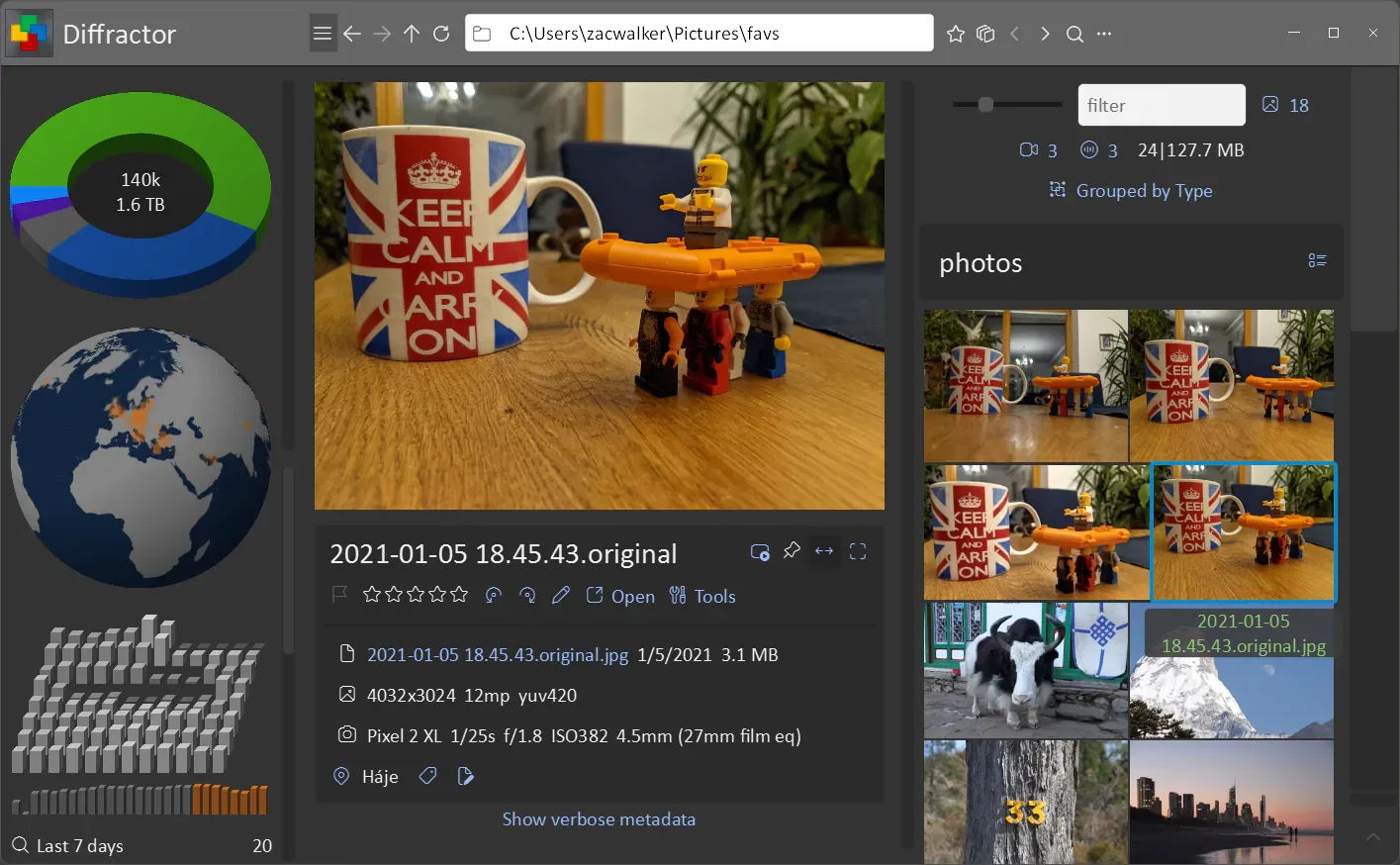
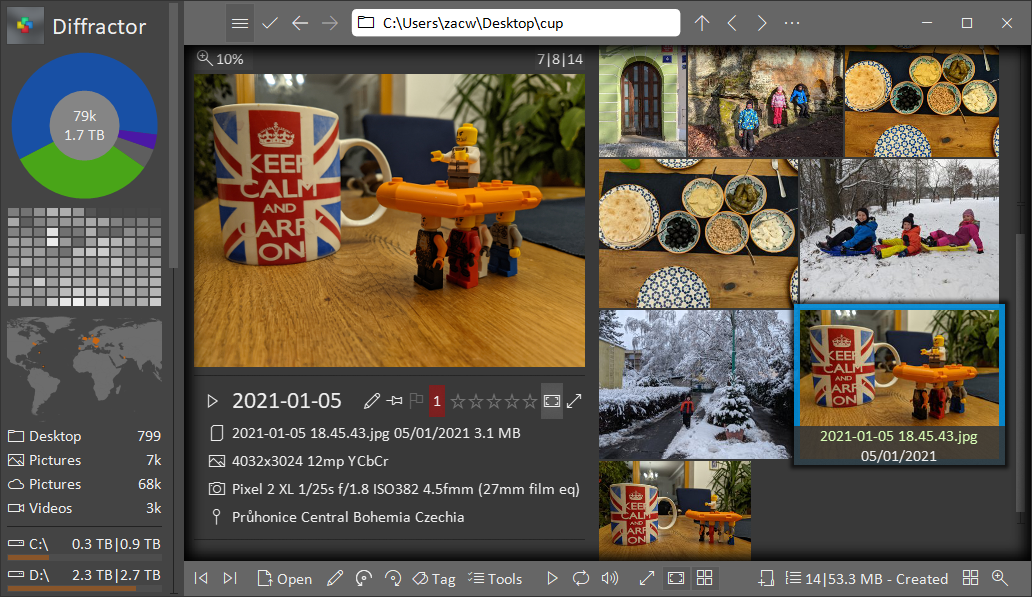
Product images
Sources
References used for this listing. Retrieval dates do not indicate hands-on testing.
More in multimedia & graphics
View category ↗
1by1 2.17
Play music directly from folders with 1by1, a free Windows audio player with resume, gapless playback and file tools. Formats beyond MP3 need additional decoders.
3DVista Virtual Tour Pro
Build interactive 360° virtual tours from panoramas, videos and 3D models with 3DVista Virtual Tour Pro for Windows. Commercial software with a 30-day trial.

4DDiG Video Repair
Repair corrupted or unplayable videos in batches with the Video Repair tool in 4DDiG File Repair for Windows. A free trial is available; advanced features require a paid license.