

Multimedia & graphics Windows
digiKam for Windows
Organize photos, RAW files and videos with digiKam, a free photo manager with tags, metadata search, face recognition and image-editing tools.
- Operating system
- Windows 10 or later (64-bit desktop)
- Architecture
- x64
- Download package
- EXE installer (Qt6)
Administrator rights required. This is the installer, not the separate portable tar.xz archive.
Link checked · Download guidance
What is digiKam?
digiKam helps you turn a photo collection into a searchable library. Import pictures from a camera or storage device, group them into albums, and add tags, ratings or labels to find them again. Search by dates, locations or metadata rather than relying on filenames alone. It also catalogs videos alongside your photographs.
For selecting and processing pictures, the Light Table compares images side by side, while the image editor provides cropping, color adjustments and sharpening. Batch processing applies a workflow to multiple photos, and face recognition helps organize pictures of people.
The linked download is the digiKam 9.1.0 Qt6 EXE installer for Windows 10 or later on x64 computers, not the portable archive. The installer needs administrator rights. A separate portable archive is available from the publisher, but it shares settings with an installed copy; it is not an isolated configuration for trying different settings.
What it offers
- Import photos, RAW files and videos from cameras or external storage into albums.
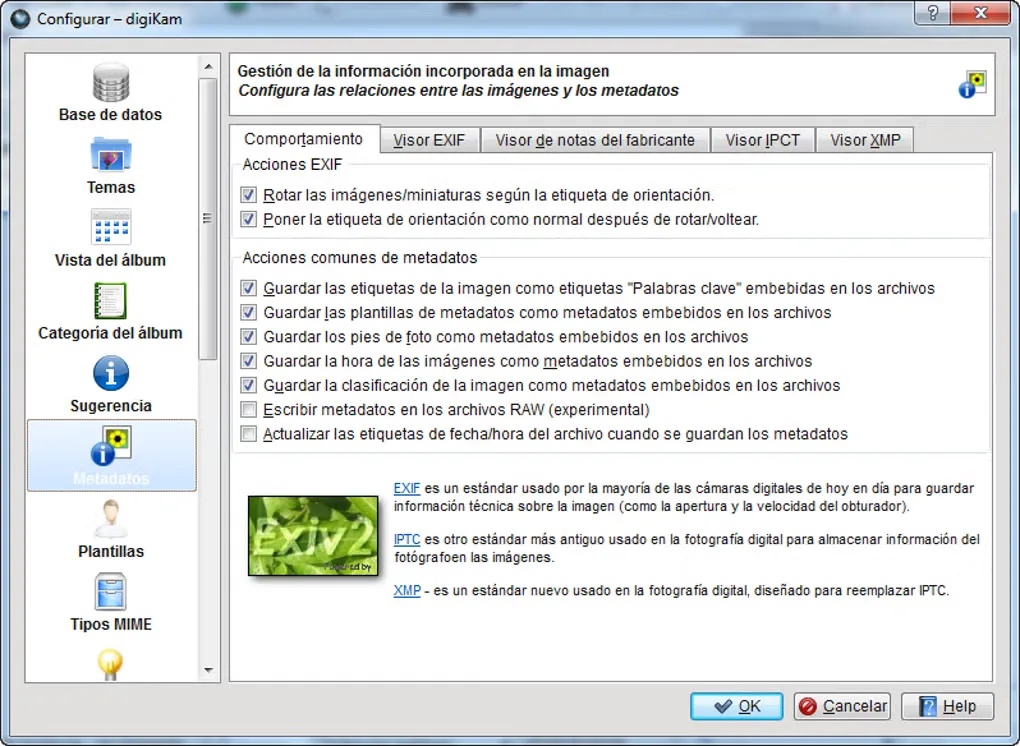
- Find pictures using tags, ratings, labels, dates, locations and EXIF, IPTC or XMP metadata.
- Detect and recognize faces to organize photographs of people.
- Compare images side by side in the Light Table and edit crops, colors and sharpening.
- Apply edits and processing steps to multiple photos through batch tools.
Good to know
- The linked installer requires administrator rights and 64-bit Windows 10 or later; it is not a 32-bit Windows package.
- The separate portable archive shares settings with a regular installation rather than keeping an independent configuration.
Product images
Sources
References used for this listing. Retrieval dates do not indicate hands-on testing.
- digiKam — official product overview ↗Retrieved
- digiKam — KDE Applications ↗Retrieved
- digiKam — Installing a package ↗Retrieved
- digiKam 9.1.0 is released — digiKam Team ↗Retrieved
- KDE — digiKam 9.1.0 package directory ↗Retrieved
- digiKam Handbook — Installation (rolling manual headed 9.2.0) ↗Retrieved
- DigiKam - Download — Windows screenshot gallery ↗Retrieved
More in multimedia & graphics
View category ↗
1by1 2.17
Play music directly from folders with 1by1, a free Windows audio player with resume, gapless playback and file tools. Formats beyond MP3 need additional decoders.
3DVista Virtual Tour Pro
Build interactive 360° virtual tours from panoramas, videos and 3D models with 3DVista Virtual Tour Pro for Windows. Commercial software with a 30-day trial.

4DDiG Video Repair
Repair corrupted or unplayable videos in batches with the Video Repair tool in 4DDiG File Repair for Windows. A free trial is available; advanced features require a paid license.