
Multimedia & graphics Windows
DJ Mixer Express
Mix music, video and karaoke with two decks, automatic transitions, loops and effects in DJ Mixer Express for Windows. The trial has session and recording limits.
- Operating system
- Windows; current Windows 10/11 support not confirmed
- Architecture
- Not specified in the consulted Windows sources
- Download package
- EXE trial installer
Softonic lists Windows Vista and version 5.8.3. These listing details do not establish modern Windows compatibility or the version inside the publisher's uninspected EXE.
Link checked · Download guidance
What is DJ Mixer Express?
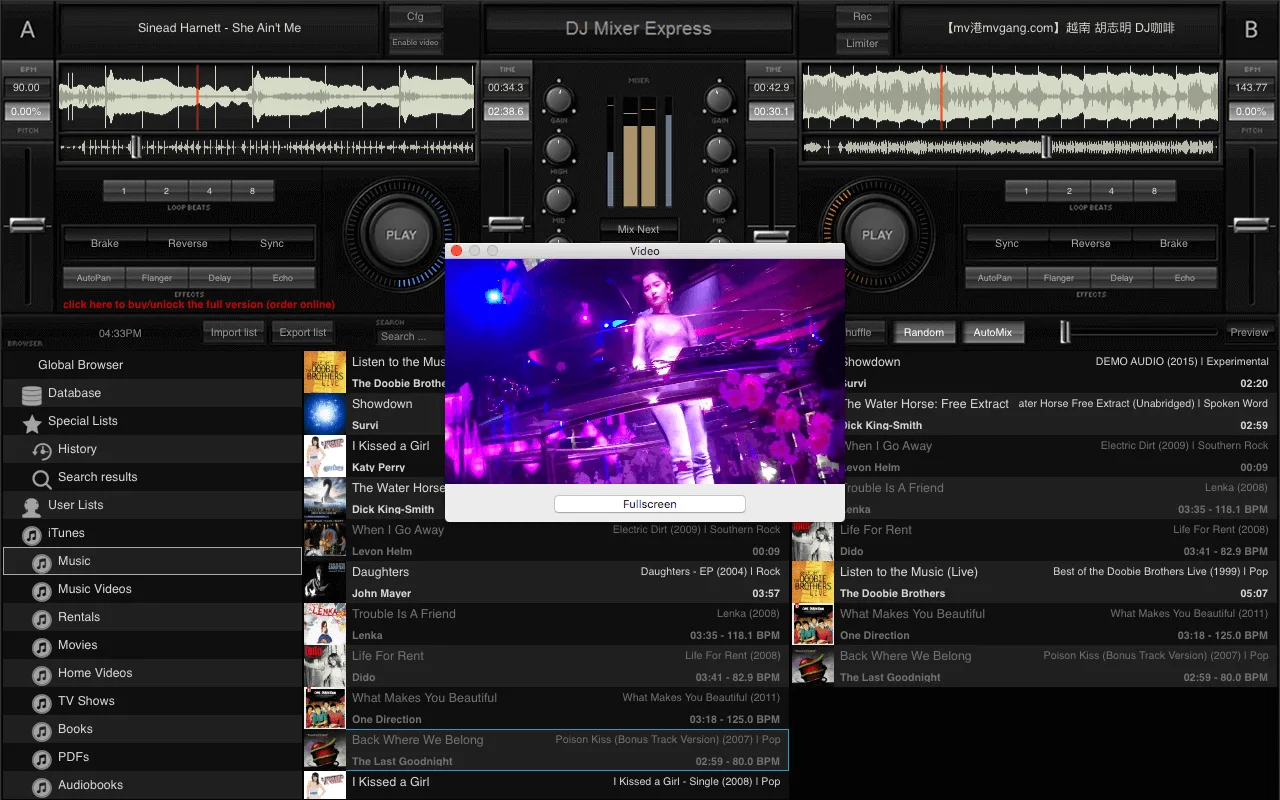
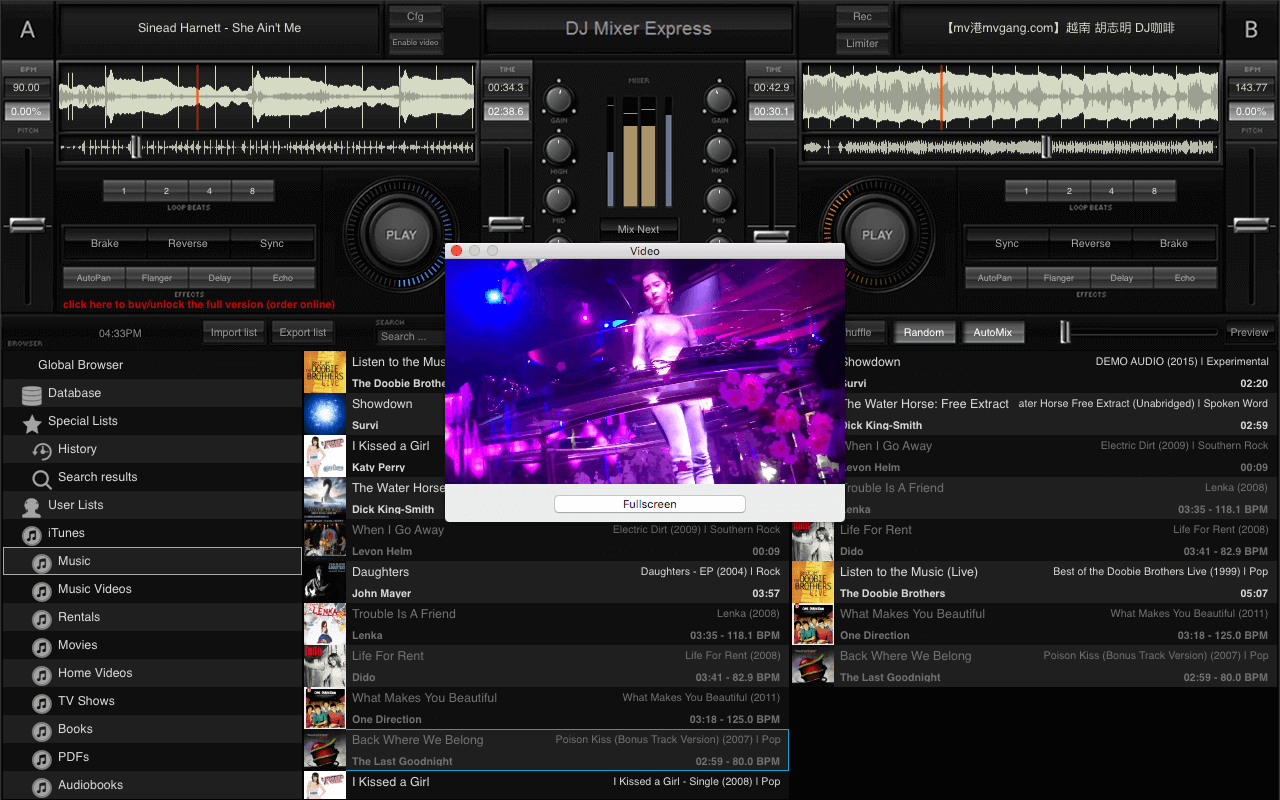
DJ Mixer Express combines two playback decks with a music browser and playlists for building audio, video and karaoke mixes. Drag tracks onto a deck for manual mixing, or arrange a playlist and let AutoMix handle transitions. Waveform displays, beat synchronization, cue points and loops help line up tracks; pitch controls, key lock, effects and a three-band equalizer let you adjust the mix.
The publisher also documents a separate video output for a TV, monitor or projector, plus mix recording to MP3 or WAV on Windows. Recording is not available in the trial: the publisher limits evaluation to 20 days and each session to 20 minutes, with recording and playlist Save As disabled. Assigning functions to keyboard shortcuts or a hardware DJ console requires the Pro edition.
This entry links to the publisher's Windows EXE trial. Softonic lists version 5.8.3, but the version and CPU architecture inside the installer were not inspected. Current Windows 10/11 compatibility was not established from the sources consulted. The publisher-supplied screenshot illustrates the shared DJ Mixer Express interface with macOS window controls; the Windows appearance may differ.
What it offers
- Mix audio, video and karaoke using two playback decks, a browser and playlists.
- Use AutoMix for playlist transitions, with adjustable fade time and beat matching.
- Align tracks with waveform displays, synchronization, cue points and beat loops.
- Adjust pitch, preserve key with KeyLock, and apply effects and three-band EQ.
- Send video to a separate display and record mixes to MP3 or WAV on Windows in the licensed edition.
Good to know
- The trial is limited to 20 evaluation days and 20 minutes per session; mix recording and playlist Save As are disabled.
- Assigning functions to keyboard shortcuts or a hardware DJ console requires the Pro edition.
- The publisher says headphone preview requires a separate output configured in Preferences.
- Windows 10/11 compatibility and the architecture and version of the linked EXE were not independently confirmed.
Product images
Sources
References used for this listing. Retrieval dates do not indicate hands-on testing.
More in multimedia & graphics
View category ↗
1by1 2.17
Play music directly from folders with 1by1, a free Windows audio player with resume, gapless playback and file tools. Formats beyond MP3 need additional decoders.
3DVista Virtual Tour Pro
Build interactive 360° virtual tours from panoramas, videos and 3D models with 3DVista Virtual Tour Pro for Windows. Commercial software with a 30-day trial.

4DDiG Video Repair
Repair corrupted or unplayable videos in batches with the Video Repair tool in 4DDiG File Repair for Windows. A free trial is available; advanced features require a paid license.