
Multimedia & graphics Windows
DScaler
Deinterlace and scale video from supported capture hardware with DScaler, a free, open-source Windows TV viewer built around legacy video sources.
Version 4.1.15 · Direct publisher file
Link checked · Download guidance
What is DScaler?
DScaler 4 captures incoming video, processes it in real time and scales the result for a computer monitor or projector. It is aimed at external sources such as VCRs, laserdisc players and game consoles connected through supported capture hardware. Its processing tools include deinterlacing, PAL and NTSC film pulldown detection, noise reduction and picture adjustments.
This download is version 4.1.15, which the project labels Stable; the project's TV Viewer page separately lists 4.1.19 as Experimental. Hardware support matters more than the version number alone: check the project's capture-card information before choosing it. The documentation describes older Windows systems and does not establish compatibility with Windows 10 or 11. DScaler is a specialist video viewer and processor, not a general-purpose video editor.
What it offers
- Deinterlace incoming video for progressive display on a monitor or projector.
- Detect and remove 2:2 PAL and 3:2 NTSC film pulldown.
- Reduce analog video noise and adjust gamma, sharpness and other picture settings.
- Scale the displayed image to a chosen resolution and aspect ratio, or view still images.
Good to know
- Capture use depends on supported hardware; the project warns that listed cards can still have problems, particularly with sound.
- The inspected compatibility documentation covers legacy Windows versions through XP; it does not establish Windows 10 or 11 compatibility or current driver support.
- The project describes recording as basic and limited to its own specifically formatted AVI files, rather than a general video-file processing workflow; that FAQ is historical and marked out of date by the TV Viewer page.
Product images
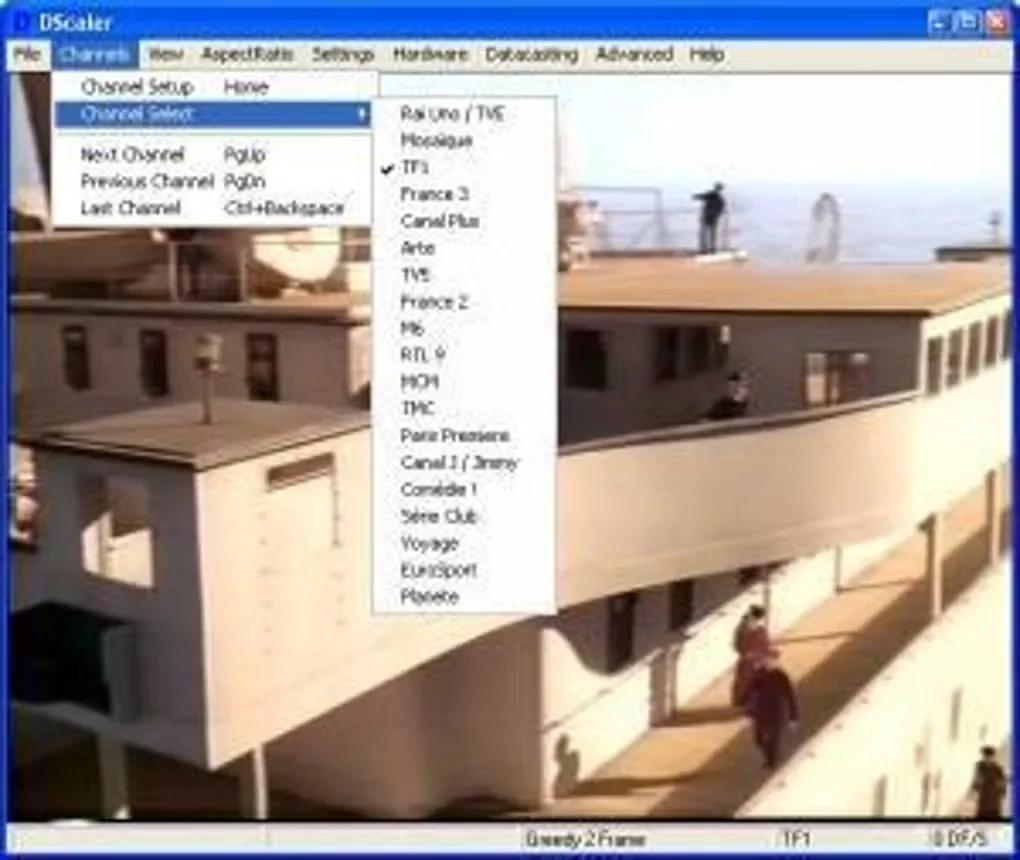
Sources
References used for this listing. Retrieval dates do not indicate hands-on testing.
More in multimedia & graphics
View category ↗
1by1 2.17
Play music directly from folders with 1by1, a free Windows audio player with resume, gapless playback and file tools. Formats beyond MP3 need additional decoders.
3DVista Virtual Tour Pro
Build interactive 360° virtual tours from panoramas, videos and 3D models with 3DVista Virtual Tour Pro for Windows. Commercial software with a 30-day trial.

4DDiG Video Repair
Repair corrupted or unplayable videos in batches with the Video Repair tool in 4DDiG File Repair for Windows. A free trial is available; advanced features require a paid license.