
Multimedia & graphics Windows
Easyboost Photo Print
Arrange photos on printable pages with custom templates, print-size controls and page previews. Easyboost Photo Print is a Windows photo-printing application offered as a trial.
- Operating system
- Windows 7, 8 and 10 (publisher listing)
- Architecture
- Not specified by the publisher
- Download package
- EXE trial installer
Softonic lists Windows 2003 instead. Windows 11 compatibility, CPU architecture and the installer build are unverified; no installation or printing test was performed.
Link checked · Download guidance
What is Easyboost Photo Print?
Easyboost Photo Print prepares digital photos for printing by arranging several pictures on layout pages. You can customize templates and print sizes, check a page preview before printing, and send multiple photos or pages to print together. It is aimed at the layout and sizing stage between editing a photograph and making a physical print.
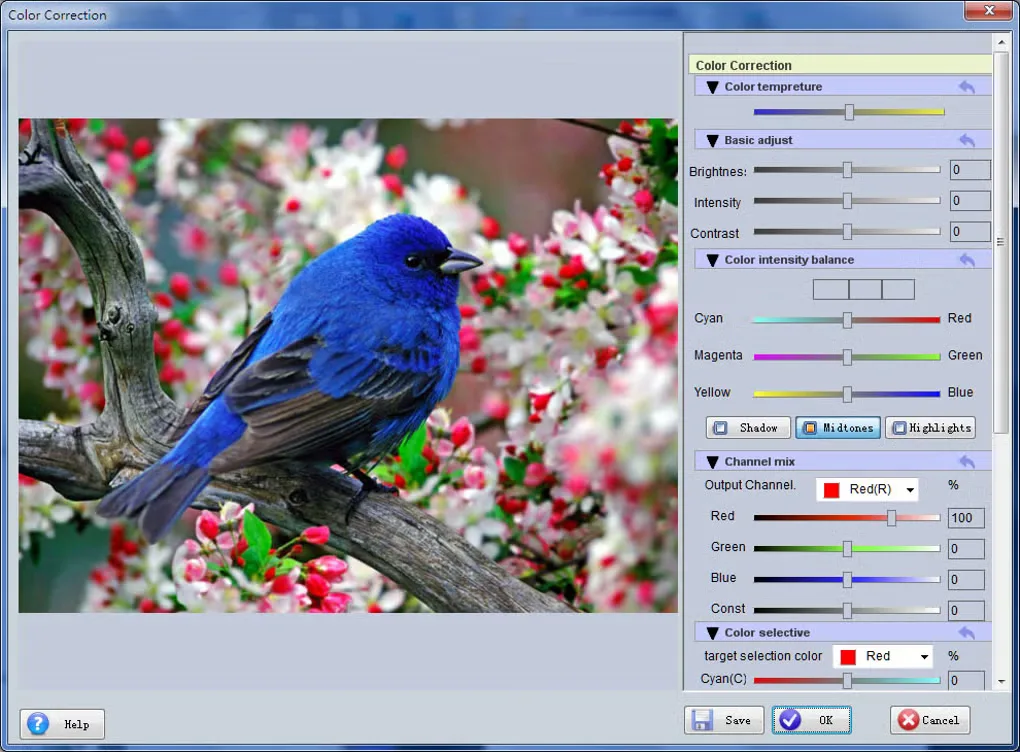
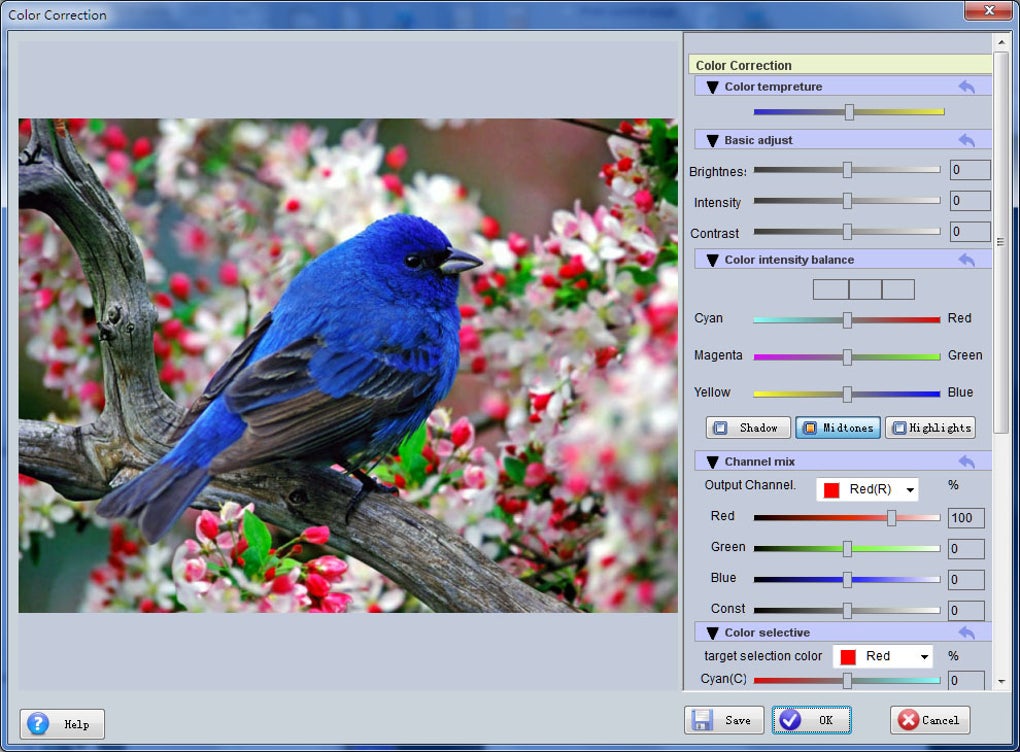
The publisher also describes color correction, decorative frames and colored borders. These tools let you adjust the appearance of a photo as part of preparing the print layout rather than switching to a separate editor for every adjustment.
The linked publisher download is a trial installer, not a free unrestricted edition. The publisher lists Windows 7, 8 and 10, while Softonic lists Windows 2003; the available sources do not establish Windows 11 support. Softonic lists version 8.6.0.0, but the publisher page and unversioned installer URL do not confirm that the download contains that build.
What it offers
- Arrange multiple photos on printable layout pages.
- Customize templates and photo print sizes.
- Preview pages before printing and print multiple pages or photos together.
- Adjust image colors and add frames or colored borders.
Good to know
- Trial edition; an unrestricted free license is not established by the sources.
- Compatibility sources disagree: the publisher lists Windows 7, 8 and 10, while Softonic lists Windows 2003. Windows 11 support is unverified.
- The publisher installer is unversioned; Softonic’s listed 8.6.0.0 build is not confirmed for this download.
Product images
Sources
References used for this listing. Retrieval dates do not indicate hands-on testing.
More in multimedia & graphics
View category ↗
1by1 2.17
Play music directly from folders with 1by1, a free Windows audio player with resume, gapless playback and file tools. Formats beyond MP3 need additional decoders.
3DVista Virtual Tour Pro
Build interactive 360° virtual tours from panoramas, videos and 3D models with 3DVista Virtual Tour Pro for Windows. Commercial software with a 30-day trial.

4DDiG Video Repair
Repair corrupted or unplayable videos in batches with the Video Repair tool in 4DDiG File Repair for Windows. A free trial is available; advanced features require a paid license.