
Multimedia & graphics Windows
Fast Image Resizer
Resize batches of photos with a drag-and-drop Windows tool, custom dimensions, JPEG quality controls and optional EXIF copying. Freeware for legacy Windows systems.
- Operating system
- Windows XP, Vista, 7 and 8, as listed by the publisher
- Architecture
- Not specified by the publisher
- Download package
- EXE installer
Windows 10 and 11 compatibility is not established by the checked sources. The documentation describes copying the installed program folder for portable use; the linked package is not a portable archive.
Link checked · Download guidance
What is Fast Image Resizer?
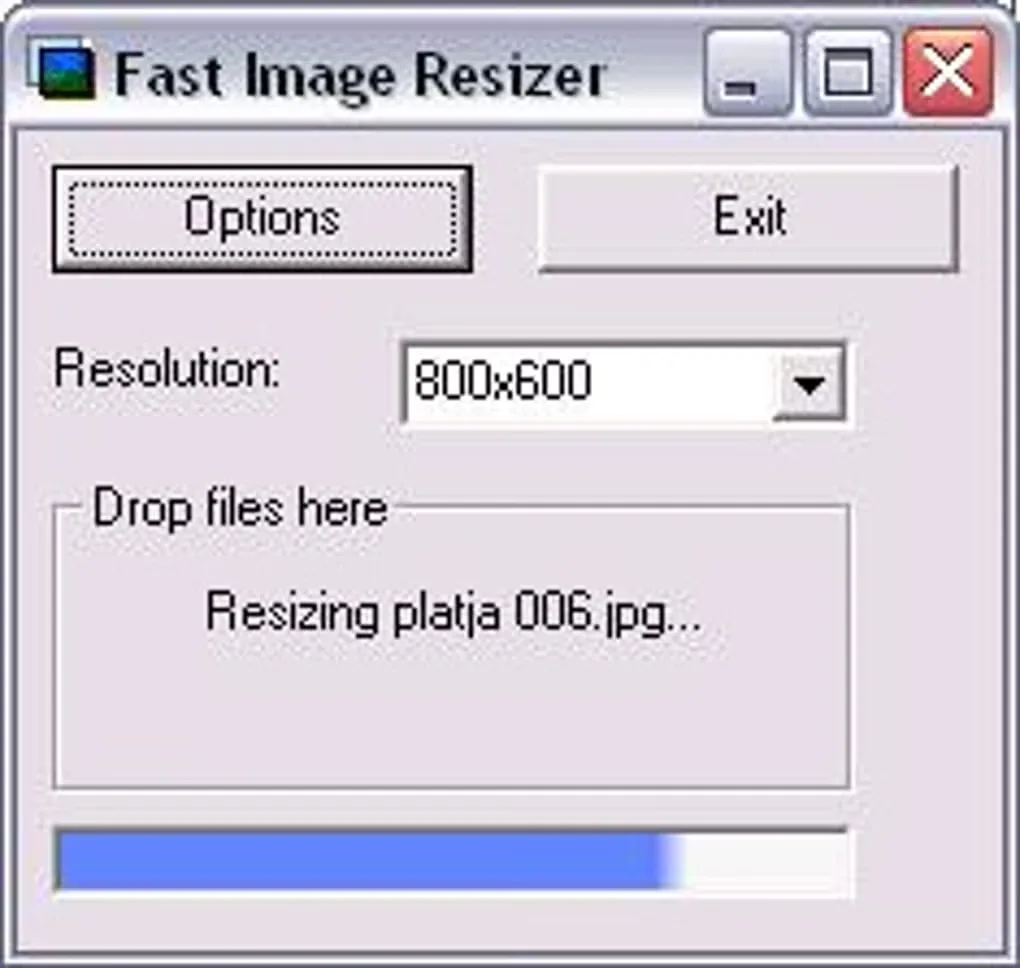
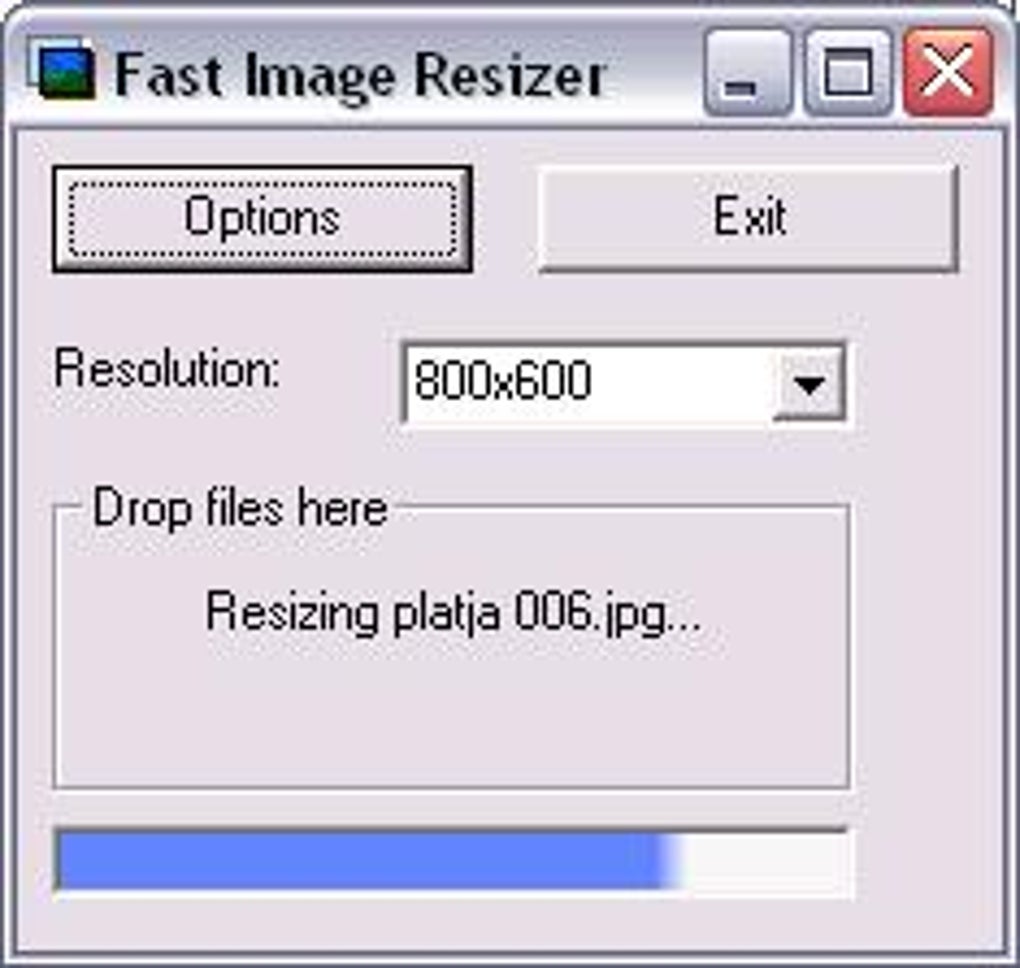
Fast Image Resizer is adionSoft's freeware utility for making smaller copies of photos for a website, email or another size-limited destination. Select a resolution, then drag one or more images from Windows Explorer into its drop area. You can type a custom size or percentage instead of choosing a preset, and use the Explorer Send To menu for another way to start a batch.
By default, resizing preserves the picture's aspect ratio: a wide photo may therefore come out smaller than the selected dimensions on one side. Automatic Cropping fills the chosen dimensions by cutting away part of the image around its center. Leave that option off when keeping the whole composition matters. The output controls let you choose JPEG, BMP or PNG, adjust JPEG quality and write copies to the source folder, a subfolder or a specified destination.
EXIF-based rotation and optional copying of camera metadata are useful for keeping resized photos oriented and retaining their recorded information. This remains a legacy application: the publisher lists Windows XP, Vista, 7 and 8, but the sources checked do not establish Windows 10 or 11 compatibility. The download listing and changelog give different dates for version 0.98, so no single release date is asserted here.
What it offers
- Resize multiple images by drag and drop, with preset dimensions, custom sizes or a percentage of the original.
- Read JPG, BMP, GIF, PNG, TIFF and HD Photo (.wdp, .hdp) images; write JPEG, BMP or PNG.
- Choose JPEG quality, resizing quality, destination folders and output filename patterns.
- Rotate using EXIF orientation, optionally copy EXIF data and access resizing through the Windows Explorer Send To menu.
Good to know
- The publisher lists only legacy Windows XP, Vista, 7 and 8 support; Windows 10 and 11 compatibility is unverified.
- Automatic Cropping removes image content to fill the target dimensions; without it, aspect-ratio preservation can produce smaller dimensions on one side.
- Output formats are limited to JPEG, BMP and PNG, even though the application reads additional formats.
Product images
Sources
References used for this listing. Retrieval dates do not indicate hands-on testing.
More in multimedia & graphics
View category ↗
1by1 2.17
Play music directly from folders with 1by1, a free Windows audio player with resume, gapless playback and file tools. Formats beyond MP3 need additional decoders.
3DVista Virtual Tour Pro
Build interactive 360° virtual tours from panoramas, videos and 3D models with 3DVista Virtual Tour Pro for Windows. Commercial software with a 30-day trial.

4DDiG Video Repair
Repair corrupted or unplayable videos in batches with the Video Repair tool in 4DDiG File Repair for Windows. A free trial is available; advanced features require a paid license.