
Multimedia & graphics Windows
FastStone MaxView
View photos, read comic-book archives and make basic image edits with FastStone MaxView for Windows, available as a 30-day trial.
Version 3.5 · Direct publisher file
Link checked · Download guidance
What is FastStone MaxView?
FastStone MaxView is an image viewer for browsing photos, inspecting image details and making practical edits. Full-screen viewing, a magnifier, EXIF information and slideshows help you examine individual pictures or move through a collection. Its editing tools include rotation, resizing, cropping and annotations with text, arrows and highlights.
MaxView also opens images inside ZIP, RAR and 7-Zip archives, including password-protected archives, and reads CBR, CBZ and CB7 comic books. The publisher lists common image formats and camera RAW formats, but its input and output lists differ: being able to view a format does not mean MaxView can save to it.
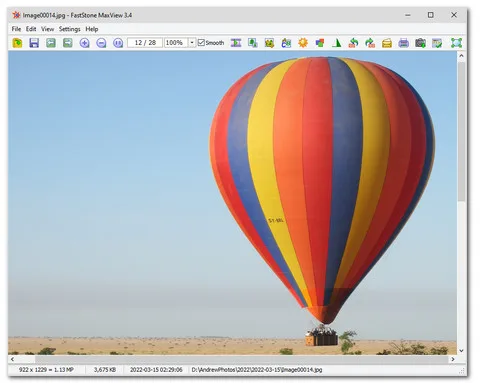
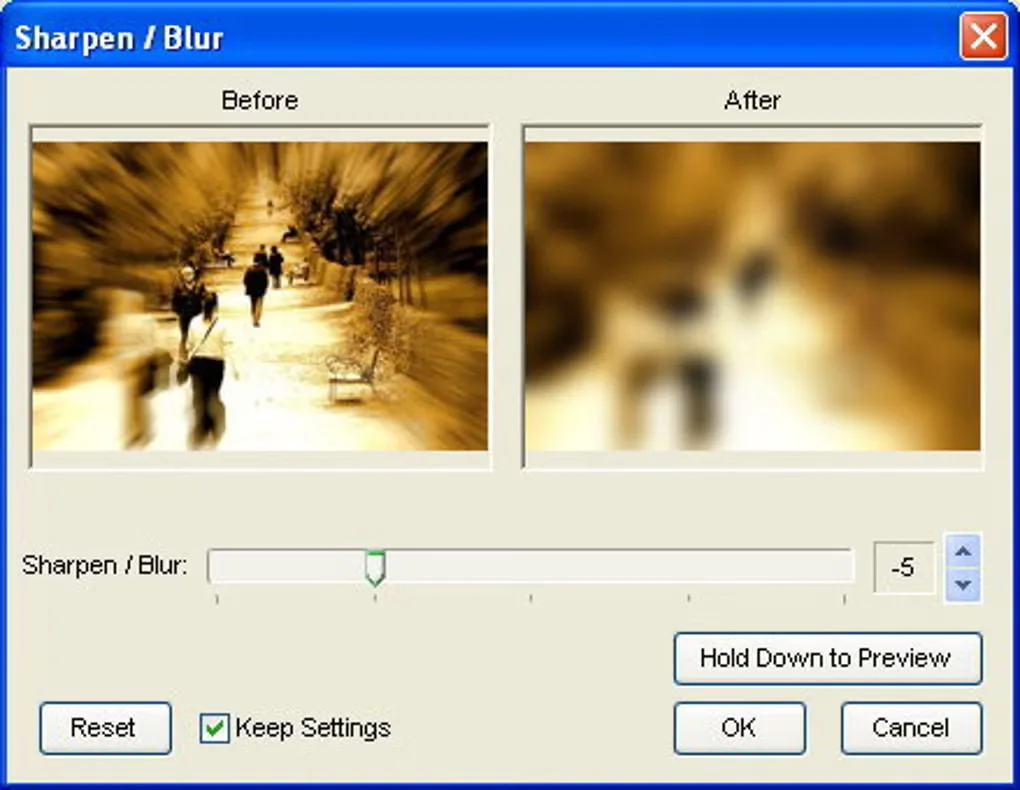
This is commercial trial software, not a permanently free viewer. The publisher offers a 30-day trial and lists a $19.95 USD one-time purchase. The linked file is the publisher's EXE installer; a separate portable ZIP is offered on its download page. Screenshots are source-provided examples, not proof of the exact 3.5 interface: the publisher's main-window image visibly shows version 3.4, and the gallery dialog uses older Windows styling.
What it offers
- Inspect images with full-screen zoom, a customizable magnifier and EXIF metadata.
- Rotate, resize, crop, annotate and print images; the publisher lists lossless JPEG rotation and cropping.
- View images inside ZIP, RAR and 7-Zip archives, including password-protected archives.
- Read CBR, CBZ and CB7 comic-book files and show slideshows with background music.
- Open common image formats and supported camera RAW files; save to supported output formats including JPEG, PNG, WebP and PDF.
Good to know
- The free evaluation lasts 30 days; continued use requires purchase.
- Supported input and output formats differ; RAW viewing support is not a promise of RAW export.
Product images
Sources
References used for this listing. Retrieval dates do not indicate hands-on testing.
- FastStone MaxView - Download ↗Retrieved
- FastStone MaxView - Tiny and Very Fast Image Viewer ↗Retrieved
- Download FastStone MaxView ↗Retrieved
More in multimedia & graphics
View category ↗
1by1 2.17
Play music directly from folders with 1by1, a free Windows audio player with resume, gapless playback and file tools. Formats beyond MP3 need additional decoders.
3DVista Virtual Tour Pro
Build interactive 360° virtual tours from panoramas, videos and 3D models with 3DVista Virtual Tour Pro for Windows. Commercial software with a 30-day trial.

4DDiG Video Repair
Repair corrupted or unplayable videos in batches with the Video Repair tool in 4DDiG File Repair for Windows. A free trial is available; advanced features require a paid license.