
Multimedia & graphics Windows
FastStone Photo Resizer for Windows
Resize, convert and rename batches of photos on Windows, with cropping, text and watermark options. Free for personal and educational use.
Version 4.5 · Direct publisher file
Link checked · Download guidance
What is FastStone Photo Resizer?
FastStone Photo Resizer processes groups of images in one batch rather than requiring the same changes on each file. Use it to prepare smaller photo copies, convert images to a common output format, or replace camera filenames with a numbered sequence. Its batch options also cover cropping, rotation, color depth, text, watermarks and borders.
Conversion and renaming previews let you check the planned changes, and saved options can be loaded for another batch. The publisher lists multithreaded processing and support for keeping a folder structure. The linked download is the version 4.5 EXE installer; ZIP and portable packages are separate choices on the publisher's download page.
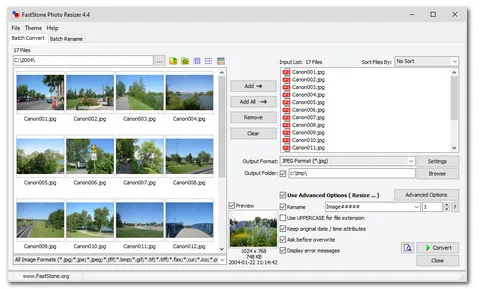
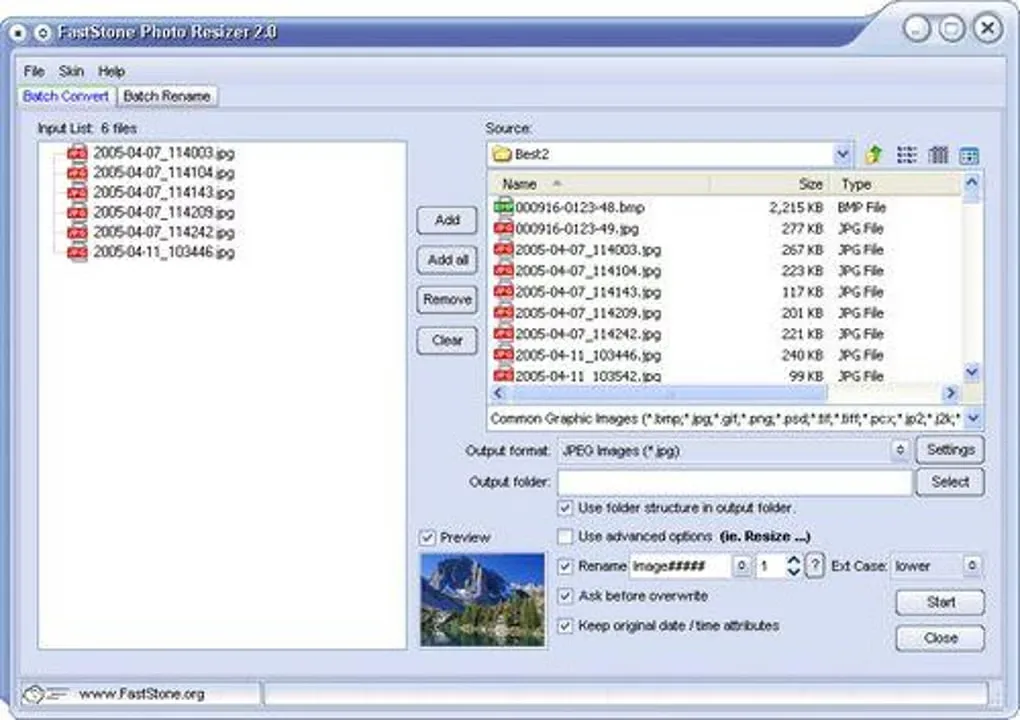
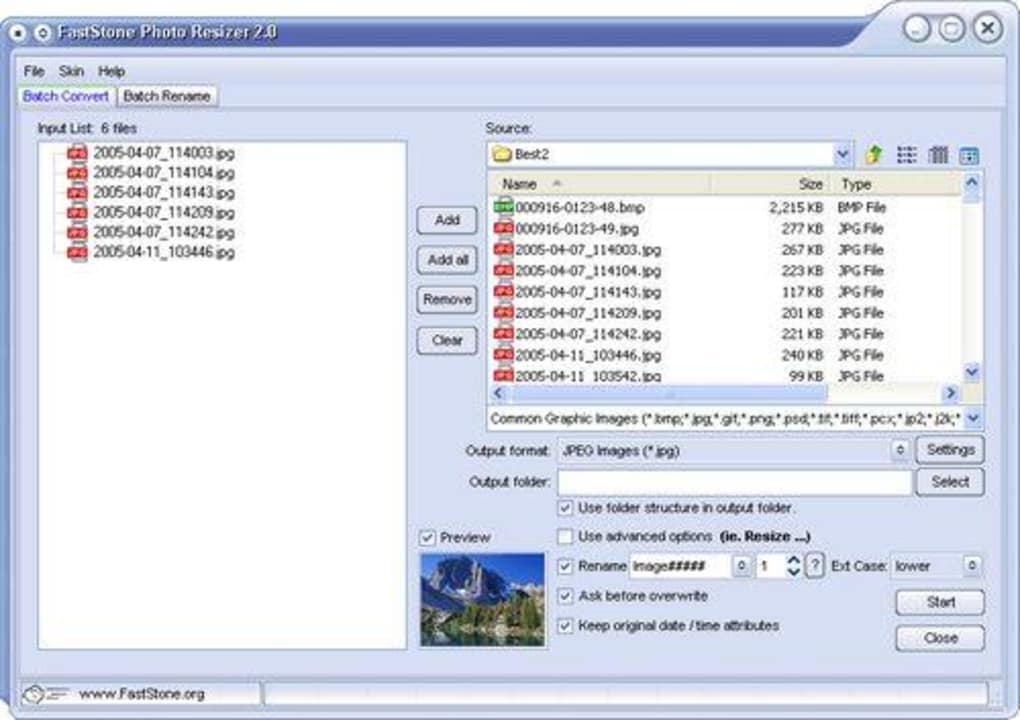
Input and output support differ: the publisher lists HEIC and WebP among readable formats, but lists JPEG, JPEG2000, PNG, GIF, BMP and TIFF for saving. HEIC reading depends on Windows Imaging Component codecs on Windows 10 or 11. The free-use terms specifically cover personal and educational use, not unrestricted commercial use. The screenshots illustrate older interfaces: version 4.4 from the publisher and version 2.0 from Softonic, not a verified capture of version 4.5.
What it offers
- Convert and rename multiple images in a batch, with drag-and-drop support.
- Resize, crop, rotate and change color depth; add text, watermarks and borders.
- Rename files with sequential numbers or search and replace text in filenames.
- Preview conversion and renaming, and save or reload processing options.
- Read formats including HEIC and WebP; save to JPEG, JPEG2000, PNG, GIF, BMP and TIFF.
Good to know
- The publisher's free-use terms cover personal and educational use; do not assume commercial use is included.
- HEIC input requires Windows Imaging Component codecs on Windows 10 or 11.
- The published output-format list does not include every readable format; HEIC and WebP are listed for input, not output.
Product images
Sources
References used for this listing. Retrieval dates do not indicate hands-on testing.
More in multimedia & graphics
View category ↗
1by1 2.17
Play music directly from folders with 1by1, a free Windows audio player with resume, gapless playback and file tools. Formats beyond MP3 need additional decoders.
3DVista Virtual Tour Pro
Build interactive 360° virtual tours from panoramas, videos and 3D models with 3DVista Virtual Tour Pro for Windows. Commercial software with a 30-day trial.

4DDiG Video Repair
Repair corrupted or unplayable videos in batches with the Video Repair tool in 4DDiG File Repair for Windows. A free trial is available; advanced features require a paid license.