
Multimedia & graphics macOS
Focusrite Control 2
Manage a compatible Focusrite audio interface from your Mac: adjust supported preamp controls, build monitor mixes and recall session settings.
- Operating system
- macOS Sonoma 14, Sequoia 15 and Tahoe 26
- Architecture
- Not specified by the cited product or download catalog
- Download package
- DMG disk image
Requires a supported Focusrite interface; controls vary by hardware. Selected official catalog: Scarlett 2i2 4th Gen.
Link checked · Download guidance
What is Focusrite Control 2?
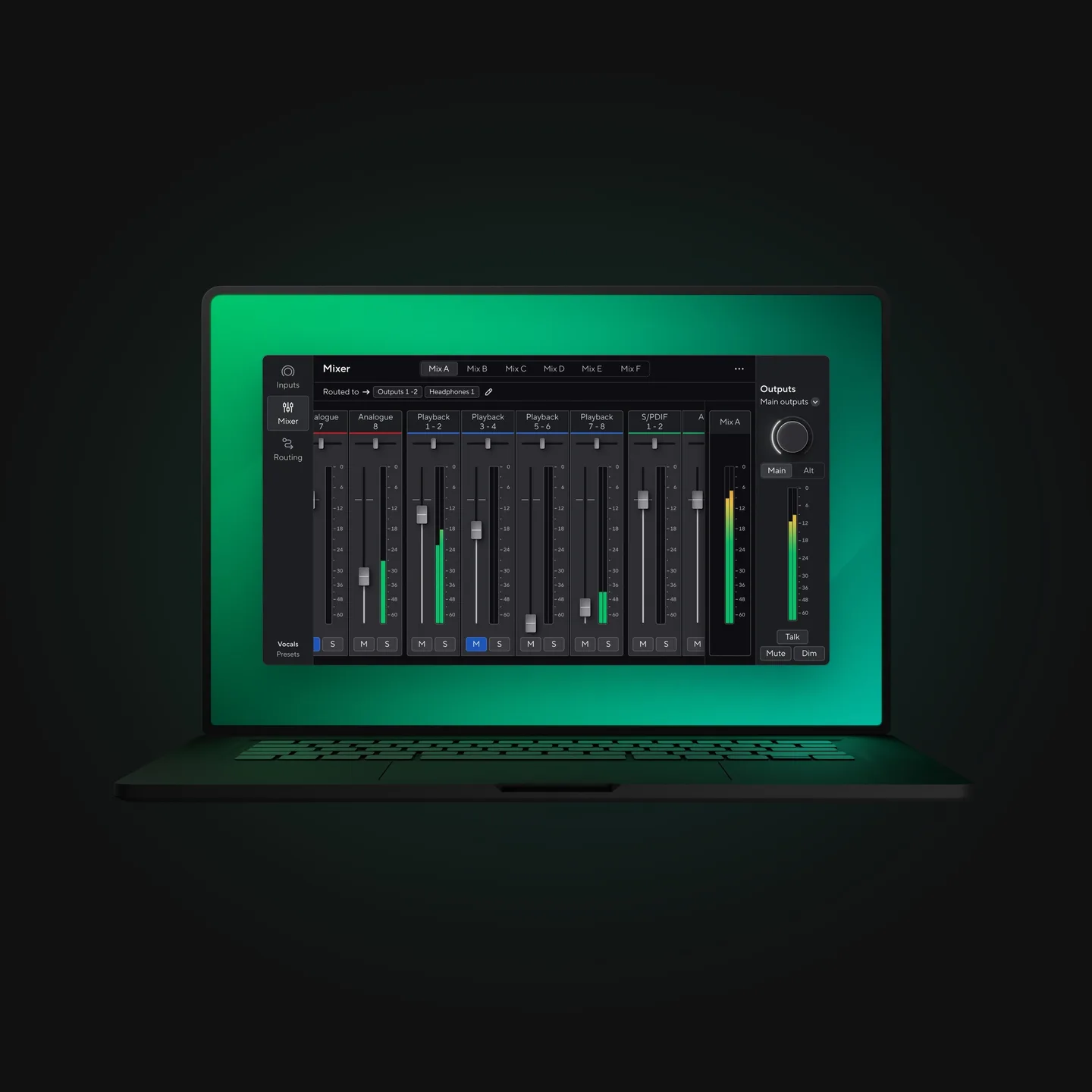
Focusrite Control 2 puts the controls for a compatible Focusrite interface on your Mac. It is useful when the interface is out of reach or when a session needs separate monitoring mixes. Depending on the connected hardware, you can adjust preamps, Auto Gain, Clip Safe and Air, monitor input levels, and work with mixer and routing settings from the desktop app.
Session recall saves input gain, mixer and routing settings for reuse. The desktop software also supports screen readers and keyboard control. A separate iOS or Android companion can control supported hardware through the desktop computer on the same network; it does not replace the desktop installation.
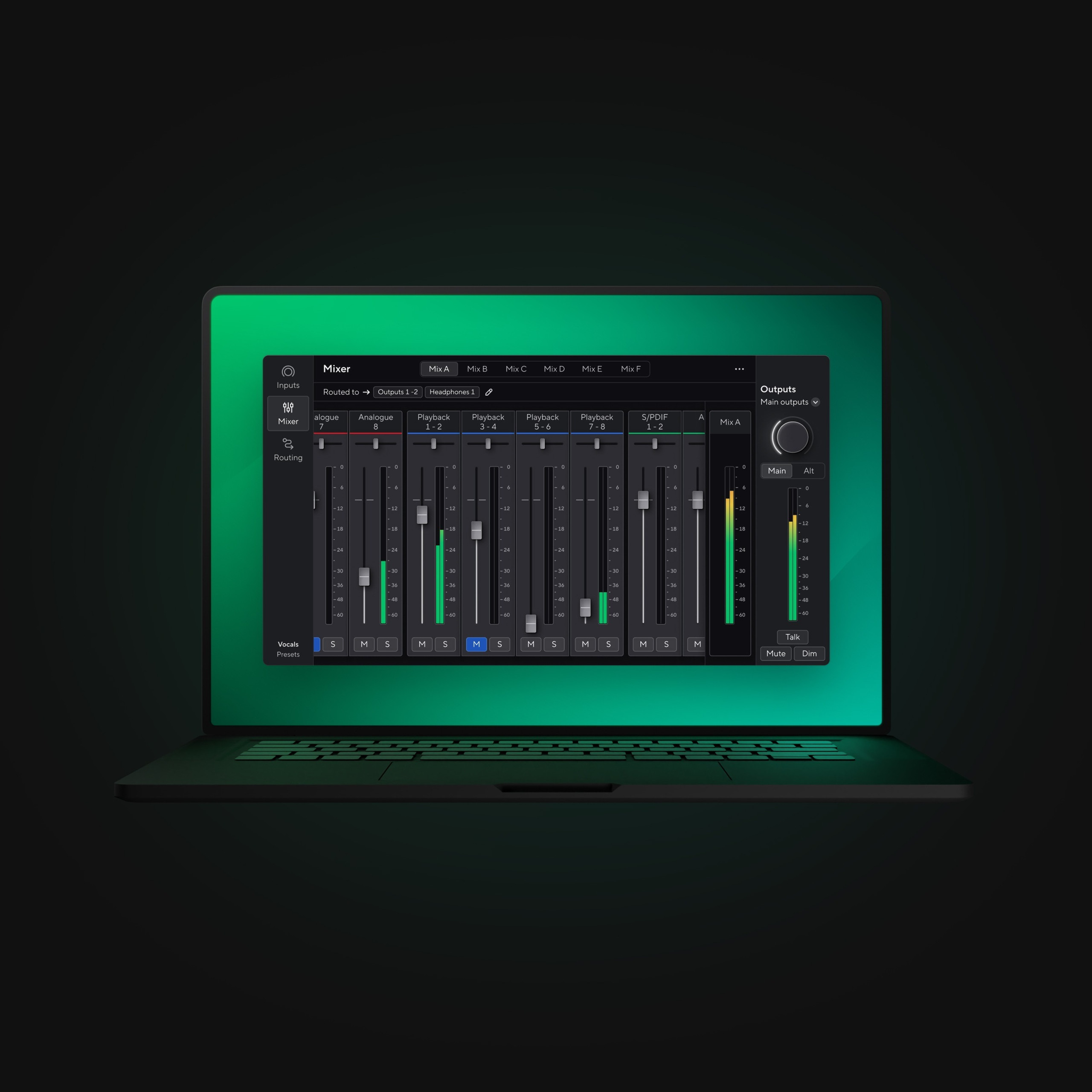
Check the interface as well as the operating system before downloading. Focusrite currently lists macOS Sonoma 14, Sequoia 15 and Tahoe 26. Features vary by device and platform, so the multi-channel mixer shown in the publisher image is not a promise that every interface exposes those channels or controls. The linked Mac DMG comes from the official Scarlett 2i2 4th Gen catalog; this entry does not identify a fixed release version.
What it offers
- Adjust supported preamp controls, including Auto Gain, Clip Safe and Air, from the desktop.
- Create headphone monitoring mixes and monitor inputs directly through the mixer on compatible hardware.
- Save and load input gain, mixer and routing settings with session recall.
- Use input metering and peak indicators to check levels.
- Operate the desktop app with screen-reader support and keyboard control.
Good to know
- Requires compatible Focusrite hardware; available controls, channel counts and routing depend on the connected device and platform.
- The current publisher requirements list macOS 14, 15 and 26; older macOS versions are not covered by that requirements list.
- Mobile remote control requires the desktop app and the same network; the publisher limits mobile support to Scarlett 4th Gen and ISA C8X.
Product images
Sources
References used for this listing. Retrieval dates do not indicate hands-on testing.
- Focusrite Control 2 | Focusrite ↗Retrieved
- Scarlett 2i2 4th Gen | Focusrite Downloads ↗Retrieved
- Focusrite Control 2 for Mac - Download ↗Retrieved
- End User Licence Agreement ↗Retrieved
More in multimedia & graphics
View category ↗
1by1 2.17
Play music directly from folders with 1by1, a free Windows audio player with resume, gapless playback and file tools. Formats beyond MP3 need additional decoders.
3DVista Virtual Tour Pro
Build interactive 360° virtual tours from panoramas, videos and 3D models with 3DVista Virtual Tour Pro for Windows. Commercial software with a 30-day trial.

4DDiG Video Repair
Repair corrupted or unplayable videos in batches with the Video Repair tool in 4DDiG File Repair for Windows. A free trial is available; advanced features require a paid license.