

Multimedia & graphics Windows
foobar2000 for Windows
Play MP3, FLAC and other audio files, edit tags and customize your listening layout with foobar2000, a free Windows audio player.
- Operating system
- Windows 7 or newer
- Architecture
- x64 (64-bit)
- Download package
- EXE installer
Version 2.26.1 for x64 Windows. Separate 32-bit and ARM packages are available from the publisher. Publisher also requires a computer not older than 20 years.
Link checked · Download guidance
What is foobar2000?
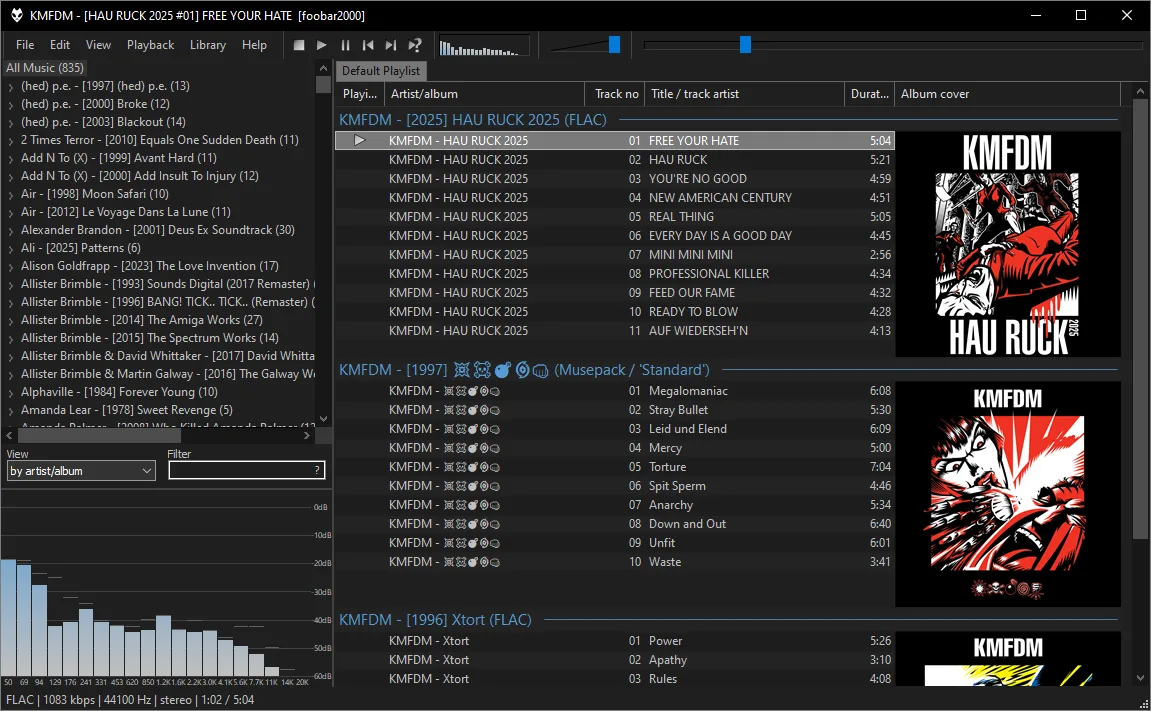
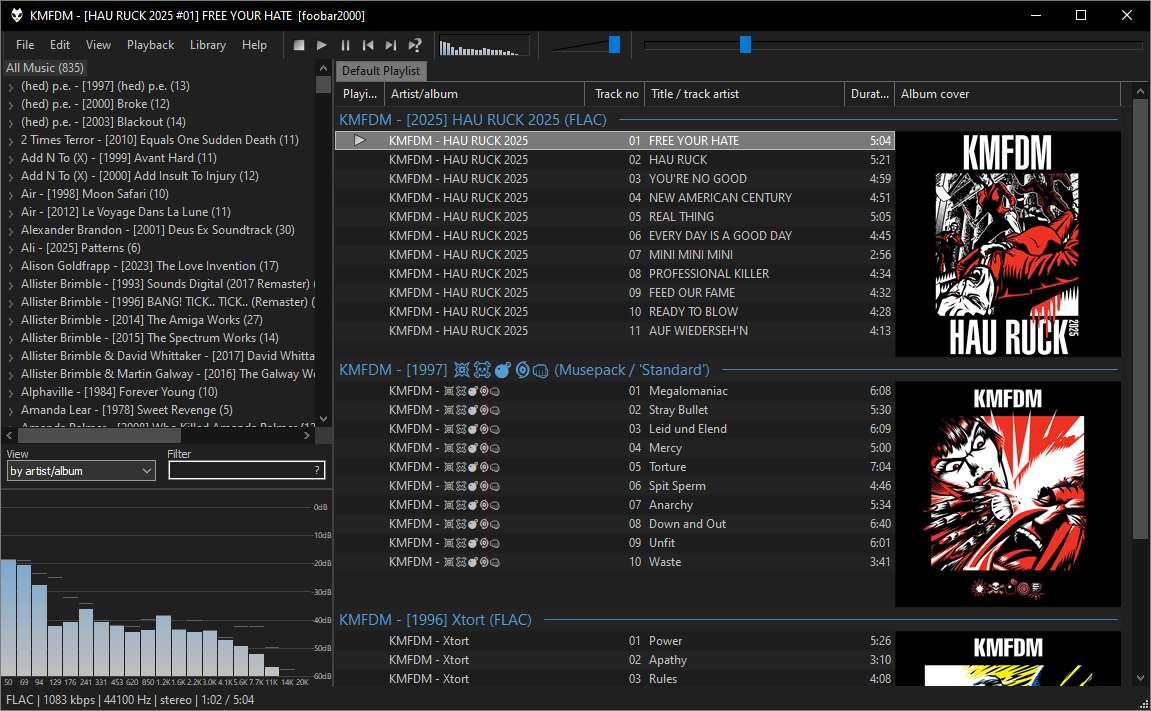
foobar2000 is an audio player for listening to music files and working with their metadata. It plays formats including MP3, FLAC, AAC, Opus and WAV, with gapless playback for uninterrupted transitions between tracks. Tag editing, ReplayGain support and customizable keyboard shortcuts make it useful for managing listening sessions as well as playing individual files.
The Windows interface has a customizable layout, and additional components can extend decoding and audio processing. Audio CD ripping and format conversion are also supported, but conversion can require separate encoder binaries. In particular, the AAC options in the publisher's Free Encoder Pack depend on iTunes or Winamp; the pack alone does not provide standalone AAC encoding.
This entry links to the Windows x64 EXE installer for version 2.26.1. The publisher lists Windows 7 or newer and provides separate 32-bit and ARM packages; the linked file is not one of those alternatives.
What it offers
- Play MP3, FLAC, AAC, Opus, WAV and other natively supported audio formats.
- Use gapless playback and ReplayGain support for music listening.
- Edit audio tags and customize keyboard shortcuts.
- Customize the Windows interface layout and extend functionality with components.
- Rip audio CDs and convert supported audio formats with the required encoders.
Good to know
- Format conversion can require separate encoder binaries. The Free Encoder Pack's AAC options require iTunes or Winamp, rather than providing standalone AAC encoding.
Product images
Sources
References used for this listing. Retrieval dates do not indicate hands-on testing.
More in multimedia & graphics
View category ↗
1by1 2.17
Play music directly from folders with 1by1, a free Windows audio player with resume, gapless playback and file tools. Formats beyond MP3 need additional decoders.
3DVista Virtual Tour Pro
Build interactive 360° virtual tours from panoramas, videos and 3D models with 3DVista Virtual Tour Pro for Windows. Commercial software with a 30-day trial.

4DDiG Video Repair
Repair corrupted or unplayable videos in batches with the Video Repair tool in 4DDiG File Repair for Windows. A free trial is available; advanced features require a paid license.