
Multimedia & graphics Windows
Free Clone Stamp Tool
Retouch photos with cloning and healing brushes in Free Clone Stamp Tool for Windows. Copy sampled areas, cover unwanted objects and adjust brush size, hardness and opacity.
What is Free Clone Stamp Tool?
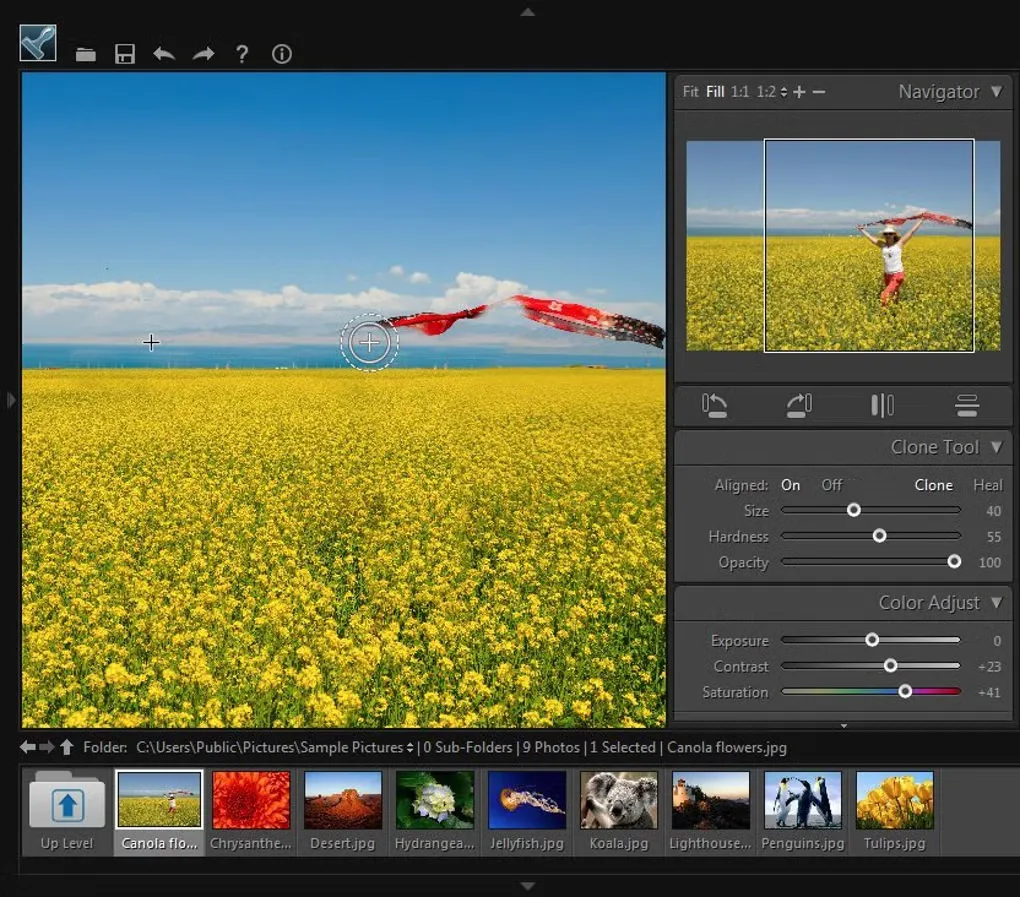
Free Clone Stamp Tool is a focused photo-retouching application from Photo-Toolbox.com. Its Clone mode copies pixels from a sampled part of a picture, while Heal mode adapts the sampled texture, lighting and shading to the area you paint. The publisher illustrates removing branches, unwanted objects and wrinkles.
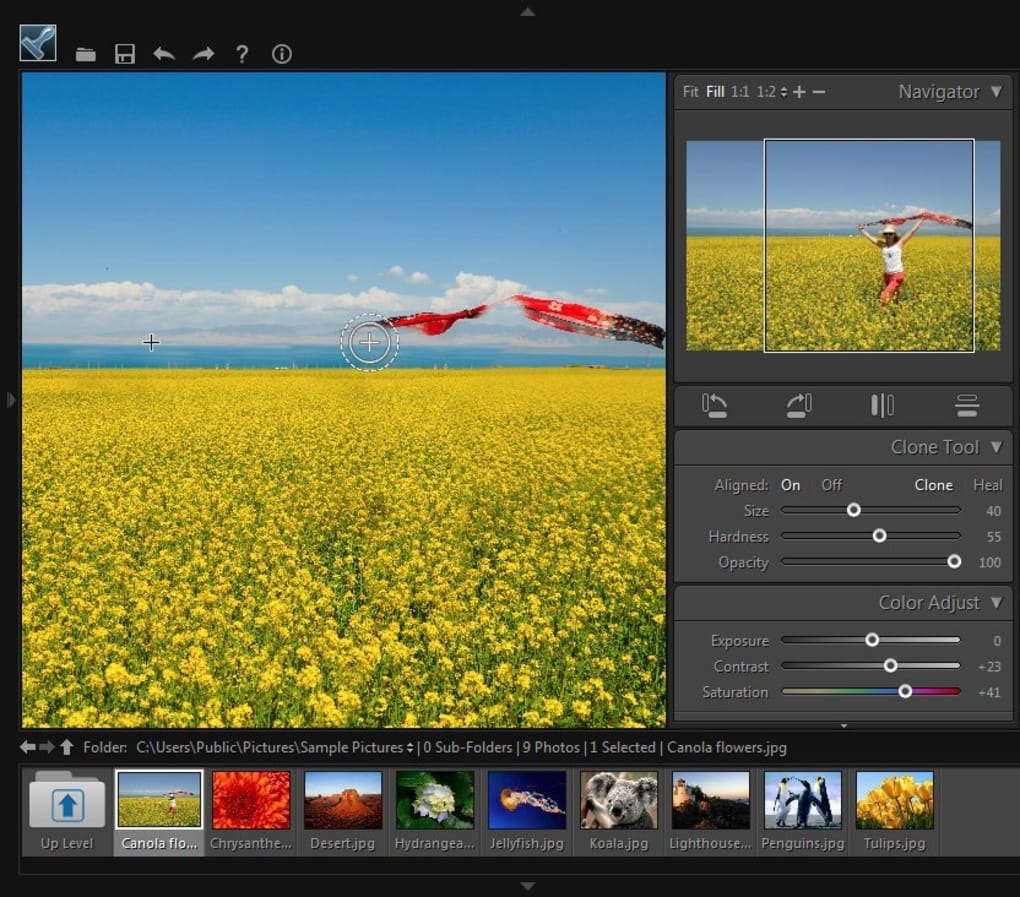
The workflow is manual: Ctrl-click to choose a source area, set the brush size, hardness and opacity, then paint over the part you want to correct. Aligned sampling keeps the source relationship as you continue painting; turning alignment off returns to the original sample when you start another stroke. This makes it useful for local corrections rather than automatic whole-image cleanup.
Windows compatibility information is dated. Softonic lists Windows Vista and version 2.0.0 with a July 29, 2019 listing update; that date is not a verified software release date. Compatibility with Windows 10 or 11, processor architecture and the version inside the publisher-hosted EXE have not been established.
What it offers
- Copy a sampled image area with the Clone brush.
- Blend sampled texture, lighting and shading with Heal mode.
- Adjust brush size, edge hardness and opacity for local retouching.
- Choose continuous aligned sampling or reuse the initial sampling point for each stroke.
Good to know
- Corrections require choosing a sampling source and painting manually; this is not an automatic object-removal workflow.
- Current Windows 10 and 11 compatibility, processor architecture and the version in the linked EXE are unconfirmed.
Product images
Sources
References used for this listing. Retrieval dates do not indicate hands-on testing.
More in multimedia & graphics
View category ↗
1by1 2.17
Play music directly from folders with 1by1, a free Windows audio player with resume, gapless playback and file tools. Formats beyond MP3 need additional decoders.
3DVista Virtual Tour Pro
Build interactive 360° virtual tours from panoramas, videos and 3D models with 3DVista Virtual Tour Pro for Windows. Commercial software with a 30-day trial.

4DDiG Video Repair
Repair corrupted or unplayable videos in batches with the Video Repair tool in 4DDiG File Repair for Windows. A free trial is available; advanced features require a paid license.