
Multimedia & graphics Windows
Free Crop Video
Crop unwanted edges from local videos with Free Crop Video, a free Windows utility with a draggable crop area, numeric size controls, and MP4 or WMV output.
- Operating system
- Windows XP, Vista, 7, 8 and 10 (publisher-listed)
- Architecture
- Package architecture unspecified; publisher lists 32/64-bit Windows Vista through 10
- Download package
- EXE download
Windows 11 support is not documented. Version 1.08 is stated on the product page; the unversioned EXE was verified by HEAD only, not downloaded, installed or inspected.
Link checked · Download guidance
What is Free Crop Video?
Free Crop Video, also called Free Video Cropper on its publisher's website, removes unwanted areas from a video's picture. It works with local video files rather than requiring an upload to an online cropping service. The publisher lists inputs including MP4, AVI, MOV, MKV and WMV.
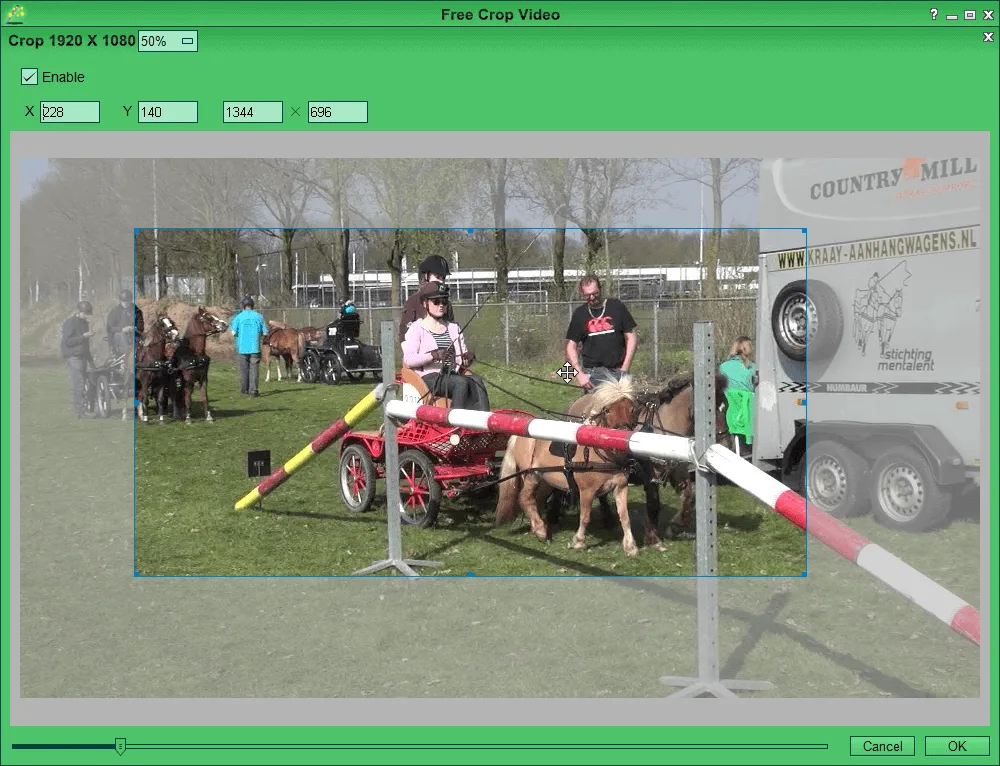
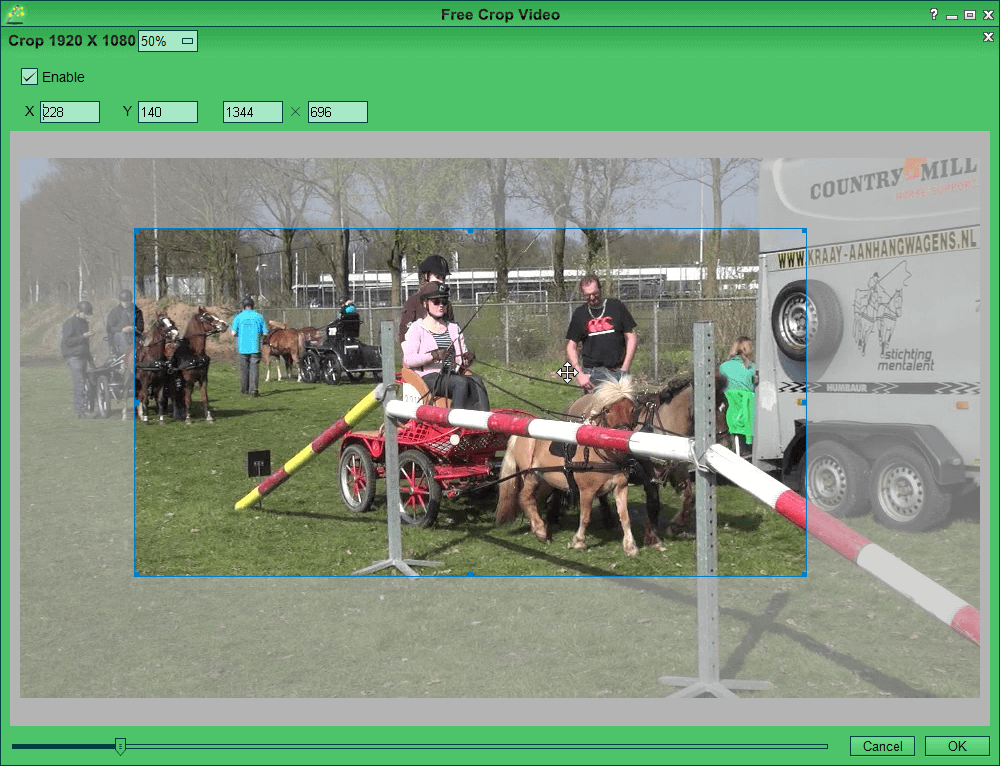
Add source files to the list, select a video and open the Video Crop window. Enable cropping, adjust the crop box over the preview, or enter its width, height and X/Y position for a specific area. Choose an output format in Settings and use Render to export the result.
Input and output support are different: the publisher describes many input formats but specifies MP4 and WMV for saving cropped videos. Its compatibility list covers Windows XP through Windows 10; Windows 11 support is not documented on the consulted page. The page identifies version 1.08, but the linked EXE has an unversioned filename, and its contents were not downloaded or inspected.
What it offers
- Crop local video files without uploading them to an online cropping service.
- Import publisher-listed formats including MP4, AVI, MOV, MKV and WMV.
- Adjust the crop region in a video preview or enter width, height and X/Y coordinates.
- Choose MP4 or WMV output and render cropped video files.
Good to know
- The publisher specifies MP4 and WMV output; its longer input-format list does not imply matching export formats.
- The consulted compatibility list stops at Windows 10 and does not establish Windows 11 support.
Product images
Sources
References used for this listing. Retrieval dates do not indicate hands-on testing.
More in multimedia & graphics
View category ↗
1by1 2.17
Play music directly from folders with 1by1, a free Windows audio player with resume, gapless playback and file tools. Formats beyond MP3 need additional decoders.
3DVista Virtual Tour Pro
Build interactive 360° virtual tours from panoramas, videos and 3D models with 3DVista Virtual Tour Pro for Windows. Commercial software with a 30-day trial.

4DDiG Video Repair
Repair corrupted or unplayable videos in batches with the Video Repair tool in 4DDiG File Repair for Windows. A free trial is available; advanced features require a paid license.