
Multimedia & graphics Windows
FreeVimager
View, crop and resize photos, batch-process images and save pictures as PDF with FreeVimager, a free Windows image viewer and editor.
- Operating system
- Windows 7 through Windows 11
- Architecture
- Exact installer architecture not specified in the cited publisher metadata.
- Download package
- English EXE installer
The publisher also offers an executable-only edition; the linked package is the setup installer.
Link checked · Download guidance
What is FreeVimager?
FreeVimager is an image viewer and editor for everyday photo adjustments on Windows. Use it to rotate or crop a JPEG, resize pictures, adjust brightness and contrast, or process a group of images. It also supports multi-page TIFF files, print preview, saving images as PDF and scanning multiple pages to TIFF or PDF through TWAIN.
Its format support depends on the task. The publisher lists JPEG, BMP, GIF, TIFF, PNG, PCX and EMF for viewing and editing, but lists HEIC, WebP, AVIF and JXR for viewing only. JPEG rotation and cropping have lossless options, while metadata tools include batch EXIF date adjustments and IPTC/XMP editing for JPEG and TIFF.
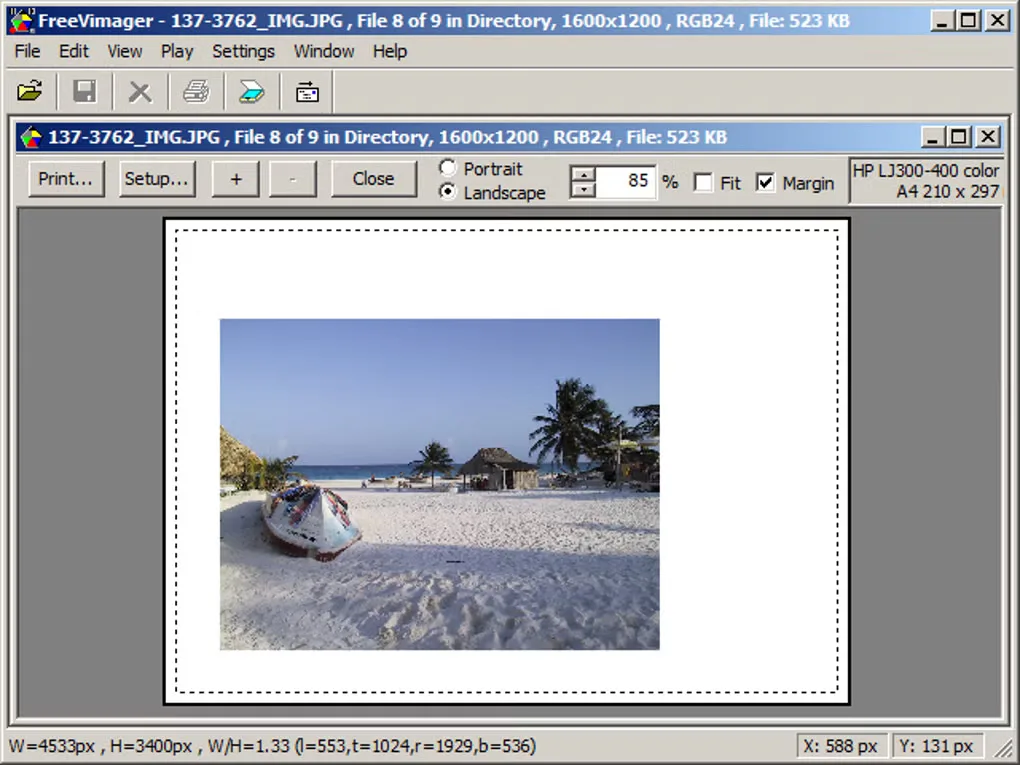
This entry links to the publisher’s English 9.9.28 EXE setup package, dated October 22, 2026. The publisher also describes an executable-only edition for use without an installer; that is a separate option, not the package linked here. The gallery screenshot illustrates the application’s print-preview workflow, not a verified capture of version 9.9.28.
What it offers
- Rotate, crop, resize and adjust brightness, contrast, saturation and hue.
- Use lossless JPEG rotation and cropping, with batch image processing and renaming.
- Preserve image metadata and batch-adjust EXIF dates; edit IPTC/XMP data in JPEG and TIFF files.
- Open animated GIFs and multi-page TIFFs; view HEIC, WebP, AVIF and JXR images.
- Save images as PDF, arrange pictures in print preview and scan multiple pages to TIFF or PDF through TWAIN.
Good to know
- The publisher lists HEIC, WebP, AVIF and JXR as viewing formats, not editing formats.
- Version 9.9.28 limits image width or height to 32,767 pixels.
Product images
Sources
References used for this listing. Retrieval dates do not indicate hands-on testing.
- FreeVimager - Image Viewer and Editor ↗Retrieved
- FreeVimager publisher PAD metadata ↗Retrieved
- FreeVimager - Download ↗Retrieved
More in multimedia & graphics
View category ↗
1by1 2.17
Play music directly from folders with 1by1, a free Windows audio player with resume, gapless playback and file tools. Formats beyond MP3 need additional decoders.
3DVista Virtual Tour Pro
Build interactive 360° virtual tours from panoramas, videos and 3D models with 3DVista Virtual Tour Pro for Windows. Commercial software with a 30-day trial.

4DDiG Video Repair
Repair corrupted or unplayable videos in batches with the Video Repair tool in 4DDiG File Repair for Windows. A free trial is available; advanced features require a paid license.