
Multimedia & graphics Windows
GifCam
Record a Windows screen area as an animated GIF, edit individual frames and adjust their timing with GifCam, a free portable capture tool.
- Operating system
- Windows 11, 10, 8, 7, Vista and XP, as listed by the publisher
- Architecture
- Not specified in the publisher download listing
- Download package
- ZIP containing a single executable; no installation required
MP4 export requires Windows 7 or later. Publisher compatibility claims were not verified by running the application.
Link checked · Download guidance
What is GifCam?
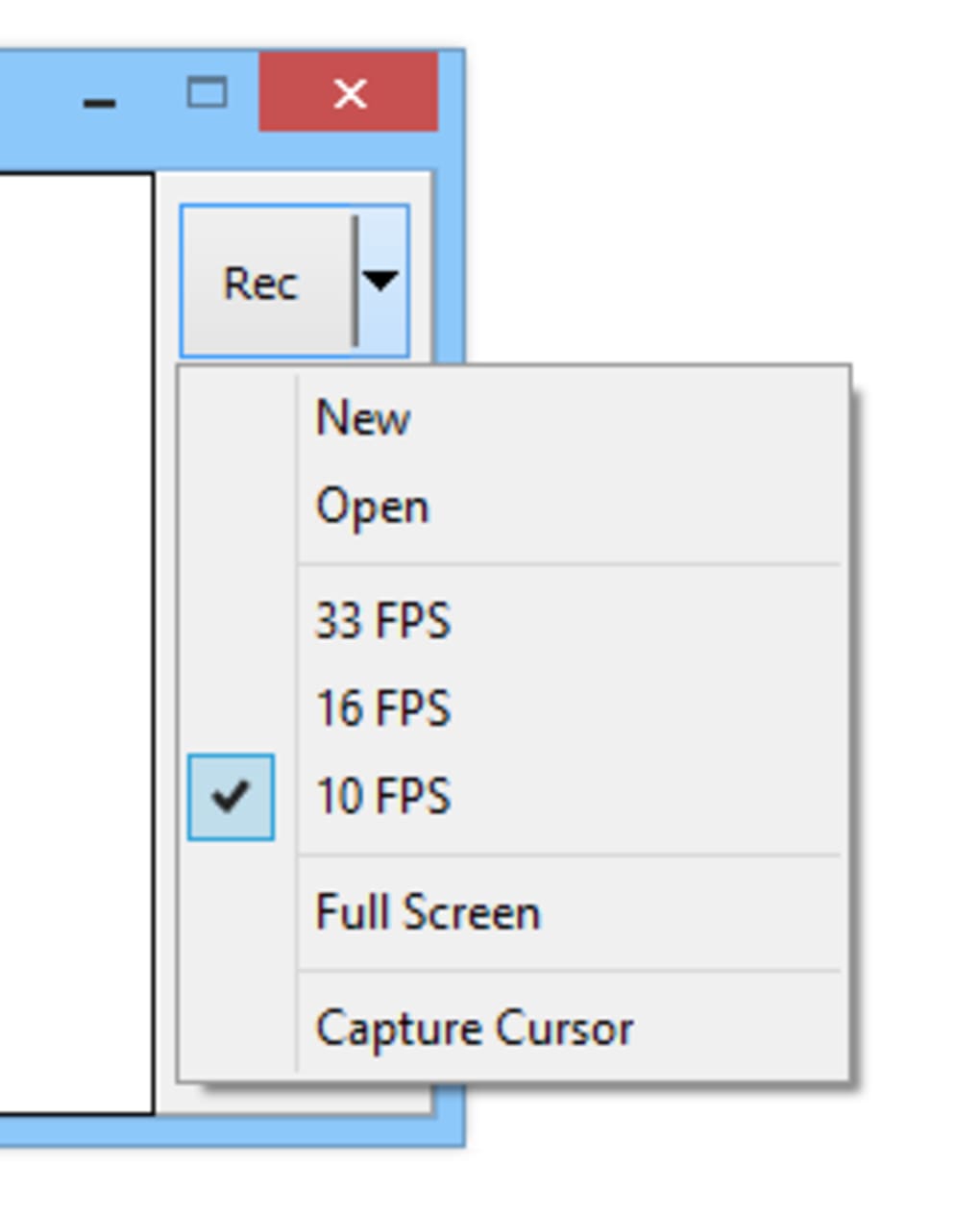
GifCam turns a selected area of your Windows desktop into an animated GIF. Move and resize its capture window around the content you want to show, then use Rec for a sequence or Frame for a single image. Cursor capture and full-screen recording give you options for demonstrating an on-screen task.
The frame editor lets you remove unwanted frames and change delays before saving. You can also add text, resize frames and choose color-reduction settings. GifCam compares successive frames, using delays for unchanged images and transparent pixels for unchanged areas rather than treating every capture as a completely new picture.
The publisher distributes version 7.7 as a ZIP containing a single executable, with no installation required. Higher frame rates increase GIF size, so a smoother recording is not automatically the best choice for a small shareable animation. MP4 export is also available in 7.7, but its Microsoft Media Foundation H.264 encoder requires Windows 7 or later, even though the publisher lists older Windows versions for the application itself.
What it offers
- Capture a resizable desktop area, the full screen or a single frame.
- Include the mouse cursor when demonstrating on-screen actions.
- Delete frames, adjust delays, add text and resize captured frames.
- Reduce repeated image data with unchanged-frame delays and transparent pixels.
- Export animated GIFs, uncompressed AVI video or MP4 video in version 7.7.
Good to know
- Higher frame rates produce larger GIF files, according to the publisher.
- MP4 export uses the Windows Media Foundation H.264 encoder available on Windows 7 and later; that feature does not cover every Windows version listed for the app.
- Increasing the configurable memory limit beyond available memory can slow or crash the system; the publisher recommends the default settings.
Product images

Sources
References used for this listing. Retrieval dates do not indicate hands-on testing.
More in multimedia & graphics
View category ↗
1by1 2.17
Play music directly from folders with 1by1, a free Windows audio player with resume, gapless playback and file tools. Formats beyond MP3 need additional decoders.
3DVista Virtual Tour Pro
Build interactive 360° virtual tours from panoramas, videos and 3D models with 3DVista Virtual Tour Pro for Windows. Commercial software with a 30-day trial.

4DDiG Video Repair
Repair corrupted or unplayable videos in batches with the Video Repair tool in 4DDiG File Repair for Windows. A free trial is available; advanced features require a paid license.