

Multimedia & graphics macOS
GIMP for macOS
Retouch photos, combine images and create artwork with GIMP, a free, open-source image editor for Mac. This download is the Apple Silicon DMG.
- Operating system
- macOS 11 Big Sur or newer
- Architecture
- ARM64 (Apple Silicon)
- Download package
- DMG disk image
This link is the Apple Silicon package. A separate Intel x86_64 DMG is available from the publisher.
Link checked · Download guidance
What is GIMP?
GIMP is an image editor for photo retouching, restoration, creative composites and original artwork. It also supports making icons and other graphic design elements. Color management helps it fit into workflows for digital and printed media, while community plug-ins and scripts extend its tools.
This entry links to the publisher’s GIMP 3.2.6 DMG for Apple Silicon. It requires macOS 11 Big Sur or newer; Intel Macs need the separate Intel package on the official downloads page. The GIMP team does not provide an Apple App Store package.
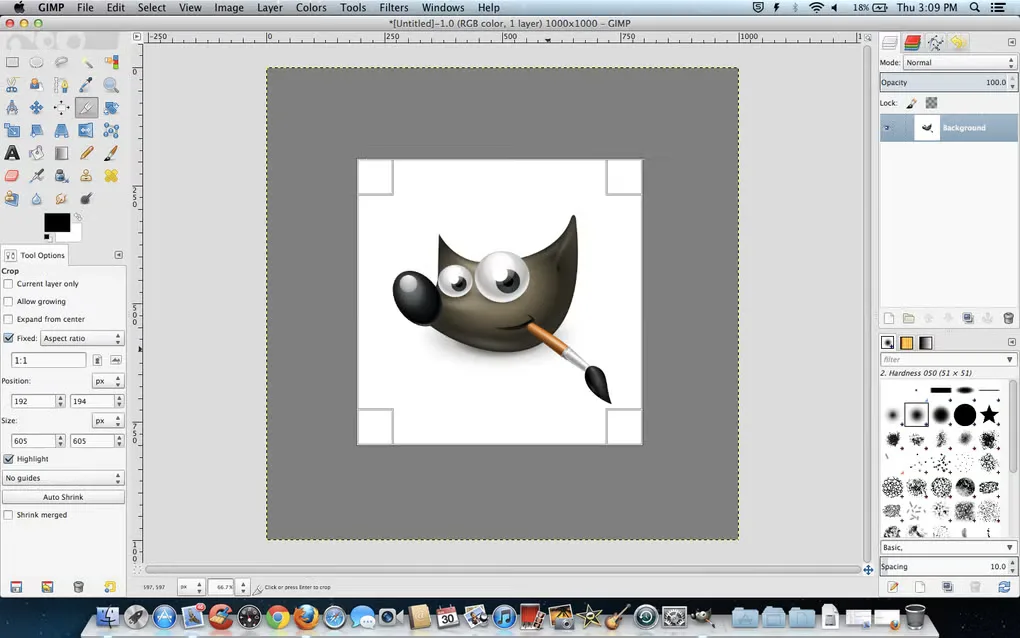
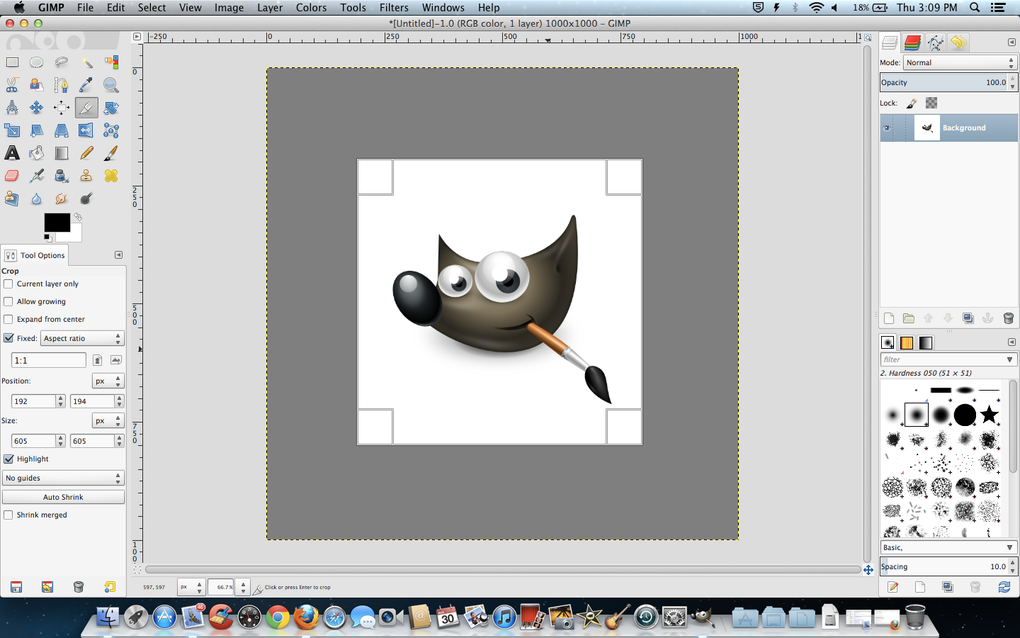
The gallery image shows an older GIMP interface on macOS, with crop controls, layers and brushes. It illustrates the application’s editing workspace, not the appearance of version 3.2.6.
What it offers
- Retouch and restore photographs or combine images into creative composites.
- Create original artwork, icons and graphic design elements.
- Use color management in digital and print-oriented workflows.
- Extend the editor with community plug-ins and scripts.
Good to know
- Requires macOS 11 Big Sur or newer; this package does not cover older macOS versions.
- The linked DMG is for Apple Silicon only; Intel Macs need the separate x86_64 download.
Product images
Sources
References used for this listing. Retrieval dates do not indicate hands-on testing.
- GIMP — GNU Image Manipulation Program ↗Retrieved
- GIMP — Downloads ↗Retrieved
- About GIMP ↗Retrieved
- GIMP — Citing GIMP and Linking to Us ↗Retrieved
- GIMP for Mac — Download (normal browser) ↗Retrieved
More in multimedia & graphics
View category ↗
1by1 2.17
Play music directly from folders with 1by1, a free Windows audio player with resume, gapless playback and file tools. Formats beyond MP3 need additional decoders.
3DVista Virtual Tour Pro
Build interactive 360° virtual tours from panoramas, videos and 3D models with 3DVista Virtual Tour Pro for Windows. Commercial software with a 30-day trial.

4DDiG Video Repair
Repair corrupted or unplayable videos in batches with the Video Repair tool in 4DDiG File Repair for Windows. A free trial is available; advanced features require a paid license.