

Multimedia & graphics Windows
Greenfish Subtitle Player for Windows
Display SRT subtitles in a partially transparent window over a separate video player with Greenfish Subtitle Player, a free Windows subtitle utility.
What is Greenfish Subtitle Player?
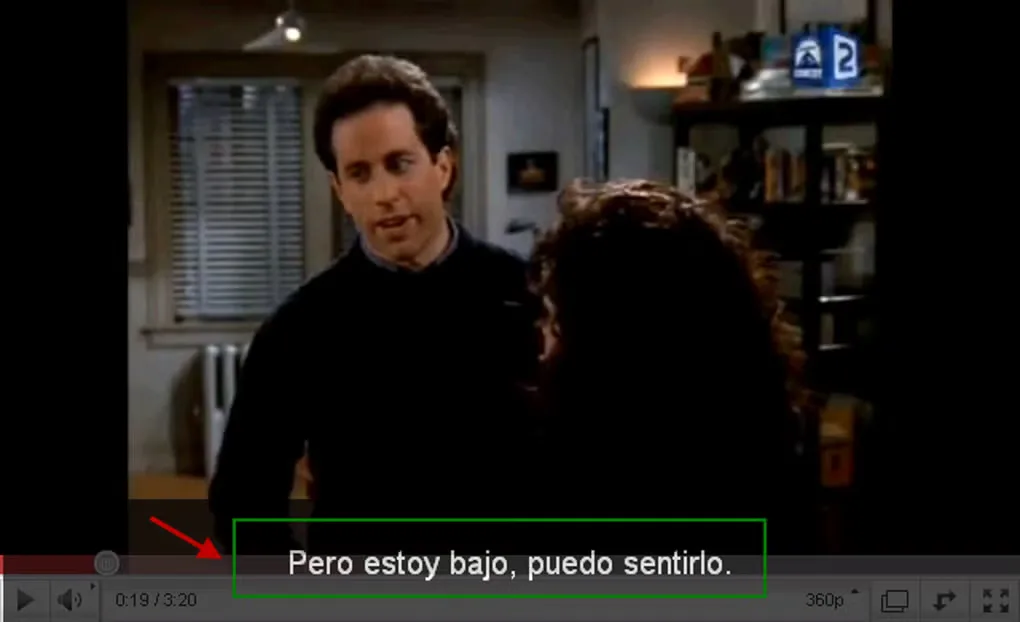
Greenfish Subtitle Player displays an existing SRT subtitle file in a partially transparent window that you can place over a video player. It is useful when you want subtitles over an online streaming video rather than subtitles built into the video itself. Rewind and Fast Forward controls let you adjust the subtitle timing to match what is playing.
The subtitles and video run separately, so you need a suitable SRT file and must synchronize it with the video. The publisher requires Microsoft .NET Framework 4.0 or Mono. This entry links to the publisher's version 1.3 ZIP package; it does not establish compatibility with specific current Windows releases or a particular processor architecture.
What it offers
- Play SRT subtitle files in a partially transparent overlay window.
- Place the subtitle window over a separate video player, including a streaming video.
- Use Rewind and Fast Forward controls to synchronize subtitles with the video.
Good to know
- Requires an existing SRT subtitle file and synchronization with the separately playing video.
- Requires Microsoft .NET Framework 4.0 or Mono, according to the publisher.
Product images
Sources
References used for this listing. Retrieval dates do not indicate hands-on testing.
More in multimedia & graphics
View category ↗
1by1 2.17
Play music directly from folders with 1by1, a free Windows audio player with resume, gapless playback and file tools. Formats beyond MP3 need additional decoders.
3DVista Virtual Tour Pro
Build interactive 360° virtual tours from panoramas, videos and 3D models with 3DVista Virtual Tour Pro for Windows. Commercial software with a 30-day trial.

4DDiG Video Repair
Repair corrupted or unplayable videos in batches with the Video Repair tool in 4DDiG File Repair for Windows. A free trial is available; advanced features require a paid license.