
Multimedia & graphics Windows
HDRView for Windows
Inspect HDR photographs and renders, compare OpenEXR layers, and read pixel values with HDRView, a free, open-source image viewer for Windows.
- Operating system
- Windows; publisher does not specify a minimum Windows version in the cited release documentation
- Architecture
- x64 (x86_64)
- Download package
- ZIP containing HDRView.exe and its assets folder
Keep the executable and assets folder together. ARM64 uses a separate release asset. True HDR output requires compatible display support.
Link checked · Download guidance
What is HDRView?
HDRView helps you examine high-dynamic-range images rather than just browse them. It is aimed at research and rendering workflows where you need to compare an image with a reference, inspect individual channels, or understand why colors and brightness look different. Pixel readouts, histograms, metadata panels and color-space controls put the underlying image data alongside the preview.
You can adjust exposure and gamma, use false-color views, and compare files or channel groups with difference and other blend modes. Multi-layer and multi-part OpenEXR support makes it useful for inspecting render outputs. Basic editing includes cropping, resizing, color adjustments and filters, with an undo history. Windows HDR output uses Advanced Color on a compatible HDR display; an ordinary SDR screenshot cannot demonstrate that output range.
This entry links to the publisher's HDRView 3.1.0 Windows x64 ZIP, released on October 26, 2026. Keep HDRView.exe and its assets folder together after extraction. A separate ARM64 package is available from the publisher. The Softonic discovery page still lists 3.0.2, so its version and package size should not be treated as details of this download.
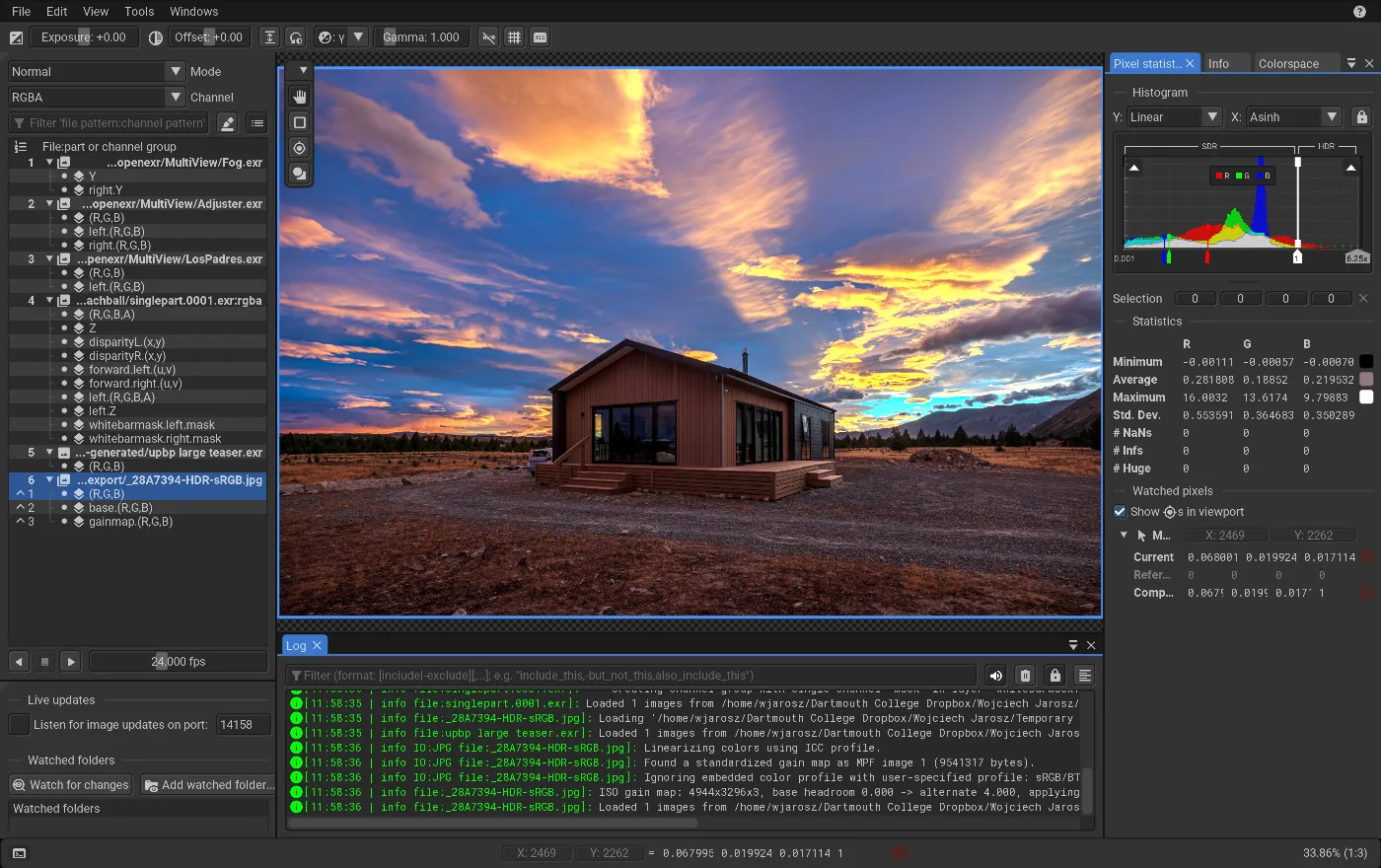
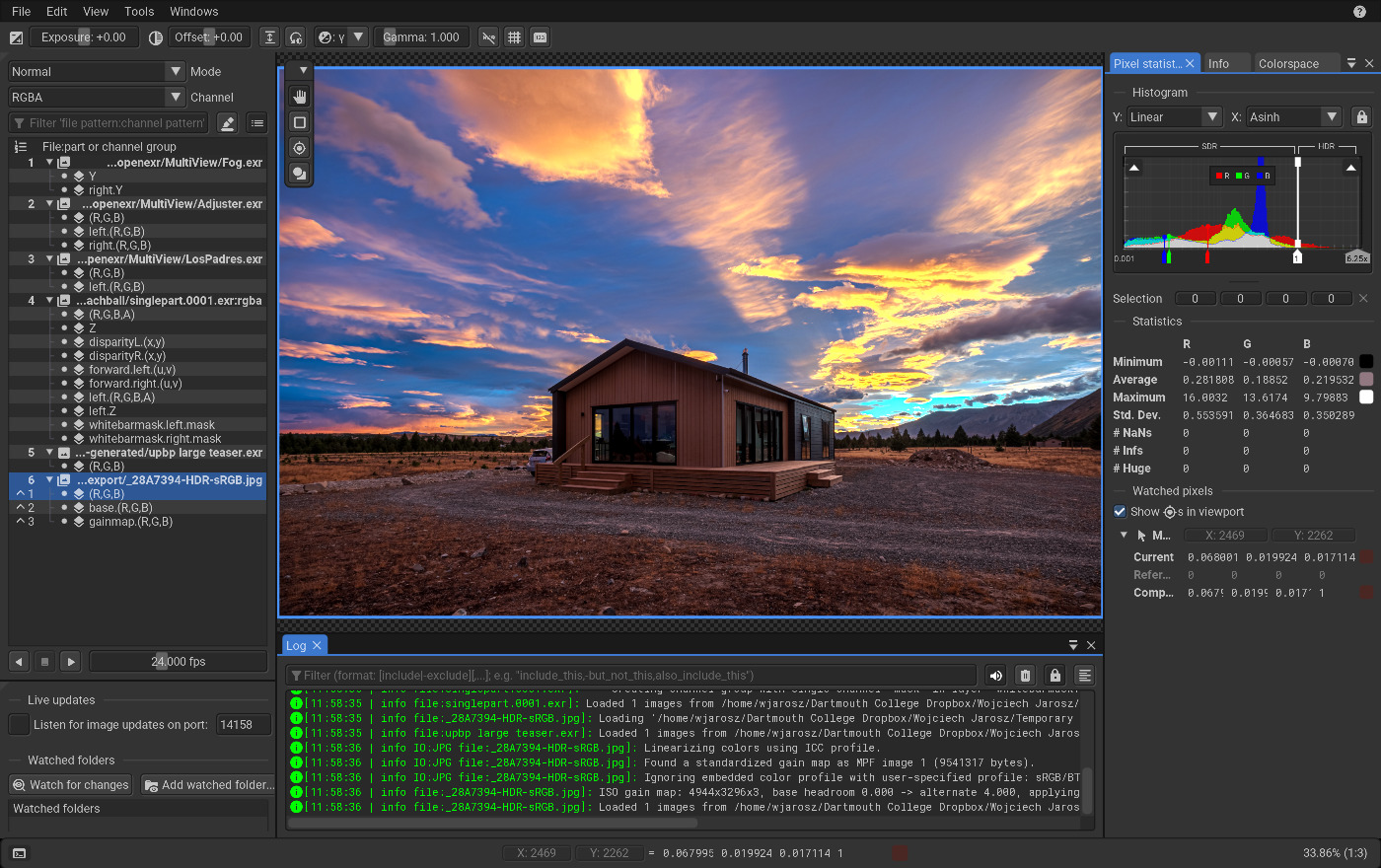
Format support depends on what was compiled into the build; the publisher points to About → Build info for the actual list. In version 3.1.0, HEIF/AVIF gain maps cannot be exported. The screenshot is the publisher's cross-platform desktop interface illustration, not a capture of a locally installed Windows copy.
What it offers
- Inspect pixel values, histograms, image metadata and color-space information.
- Compare a current image with a reference using difference, subtract and other blend modes.
- Browse channels and layers in OpenEXR files, including multi-part images.
- Adjust exposure, gamma and false-color views; crop, resize and apply basic filters with undo history.
- Use Windows Advanced Color for HDR output on a compatible HDR display.
Good to know
- Version 3.1.0 cannot export HEIF/AVIF gain maps.
- Available file formats depend on build options; check About → Build info rather than assuming every documented decoder is included.
- Keep the executable and its assets folder together; the selected ZIP is the x64 package, not the separate ARM64 build.
Product images
Sources
References used for this listing. Retrieval dates do not indicate hands-on testing.
More in multimedia & graphics
View category ↗
1by1 2.17
Play music directly from folders with 1by1, a free Windows audio player with resume, gapless playback and file tools. Formats beyond MP3 need additional decoders.
3DVista Virtual Tour Pro
Build interactive 360° virtual tours from panoramas, videos and 3D models with 3DVista Virtual Tour Pro for Windows. Commercial software with a 30-day trial.

4DDiG Video Repair
Repair corrupted or unplayable videos in batches with the Video Repair tool in 4DDiG File Repair for Windows. A free trial is available; advanced features require a paid license.