

Multimedia & graphics Windows
Houdoku for Windows
Read manga, organize a desktop library and save chapters for offline reading with Houdoku, a free, open-source reader for Windows.
Version 2.16.0 · Direct publisher file
Link checked · Download guidance
What is Houdoku?
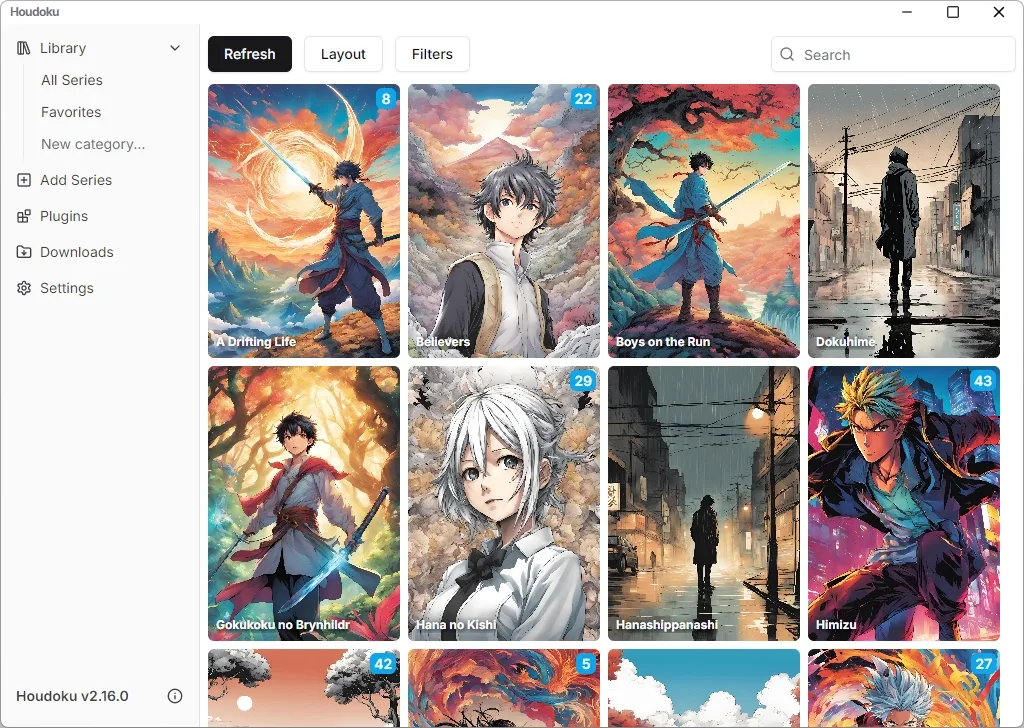
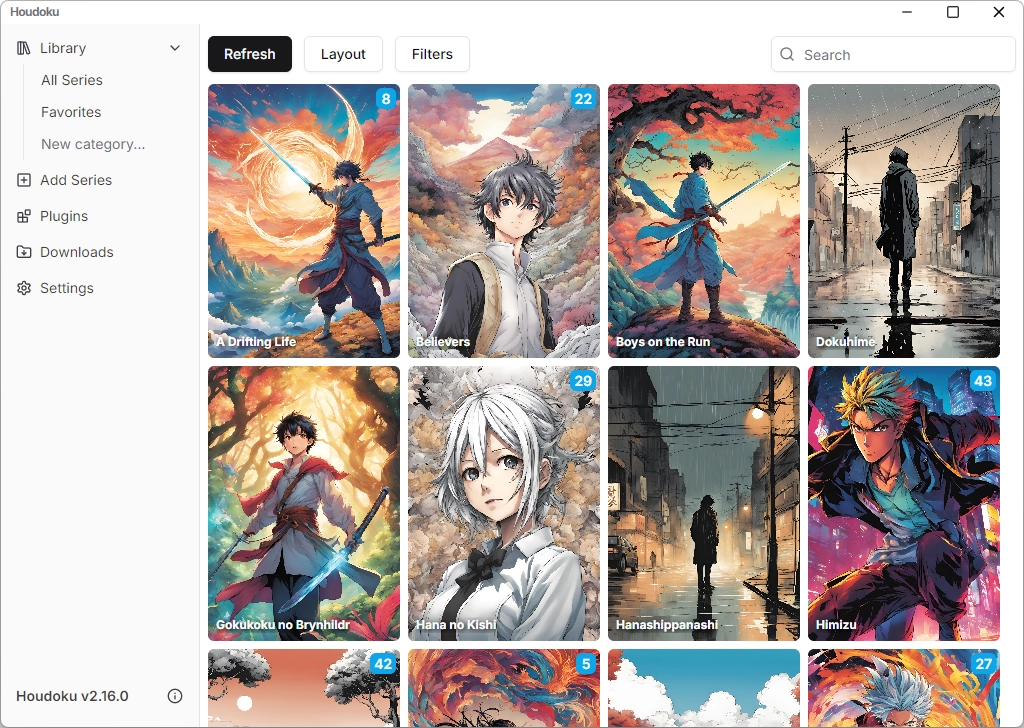
Houdoku brings a manga collection into a desktop library with tags and filters. Import series from local folders or supported chapter archives, or install a content-source plugin to add manga from supported websites. Chapters can be downloaded for offline reading, and the reader uses saved chapters automatically when available.
Choose single-page, double-page or vertical long-strip layouts, set the reading direction and adjust image sizing or keyboard shortcuts. Light and dark themes change the interface, while tracker connections can sync reading progress with services such as AniList and MyAnimeList.
Local imports remain linked to their original folders rather than being copied into a separate managed collection. If you move a series, remove and re-add it in Houdoku. External website access requires a suitable plugin. This entry links to the publisher’s Windows Setup EXE for version 2.16.0, released in December 2024; it does not claim that this older release is current.
What it offers
- Organize manga in a library with tagging and filtering.
- Import local image folders and ZIP, RAR, CBR or CBZ chapter archives containing images.
- Save chapters for offline reading and use downloaded copies automatically.
- Switch between single-page, double-page and vertical long-strip reading with configurable direction, image sizing and keybinds.
- Connect reading-progress trackers such as AniList and MyAnimeList.
Good to know
- Moving an imported local series breaks its stored folder location; remove and re-add the series after moving it.
- Third-party website sources require a suitable content-source plugin; local importing does not require one.
- The linked installer is the dated 2.16.0 release, not a claim of the newest available build.
Product images
Sources
References used for this listing. Retrieval dates do not indicate hands-on testing.
- GitHub - xgi/houdoku: Manga reader and library manager for the desktop ↗Retrieved
- Release v2.16.0 · xgi/houdoku ↗Retrieved
- Houdoku v2.16.0 publisher release assets ↗Retrieved
- Houdoku ↗Retrieved
- Getting Started | Houdoku ↗Retrieved
- Customize | Houdoku ↗Retrieved
- Adding from Filesystem | Houdoku ↗Retrieved
- Houdoku MIT License ↗Retrieved
More in multimedia & graphics
View category ↗
1by1 2.17
Play music directly from folders with 1by1, a free Windows audio player with resume, gapless playback and file tools. Formats beyond MP3 need additional decoders.
3DVista Virtual Tour Pro
Build interactive 360° virtual tours from panoramas, videos and 3D models with 3DVista Virtual Tour Pro for Windows. Commercial software with a 30-day trial.

4DDiG Video Repair
Repair corrupted or unplayable videos in batches with the Video Repair tool in 4DDiG File Repair for Windows. A free trial is available; advanced features require a paid license.