

Multimedia & graphics Windows
ImageGlass for Windows
Browse photos, RAW files and animated images with ImageGlass Classic, a free Windows viewer with crop, resize and color-picking tools.
- Operating system
- Windows 10 version 1809 or later; Windows 11
- Architecture
- x64
- Download package
- MSI installer
Selected download is Windows x64. Publisher offers separate ARM64 and other package types.
Link checked · Download guidance
What is ImageGlass?
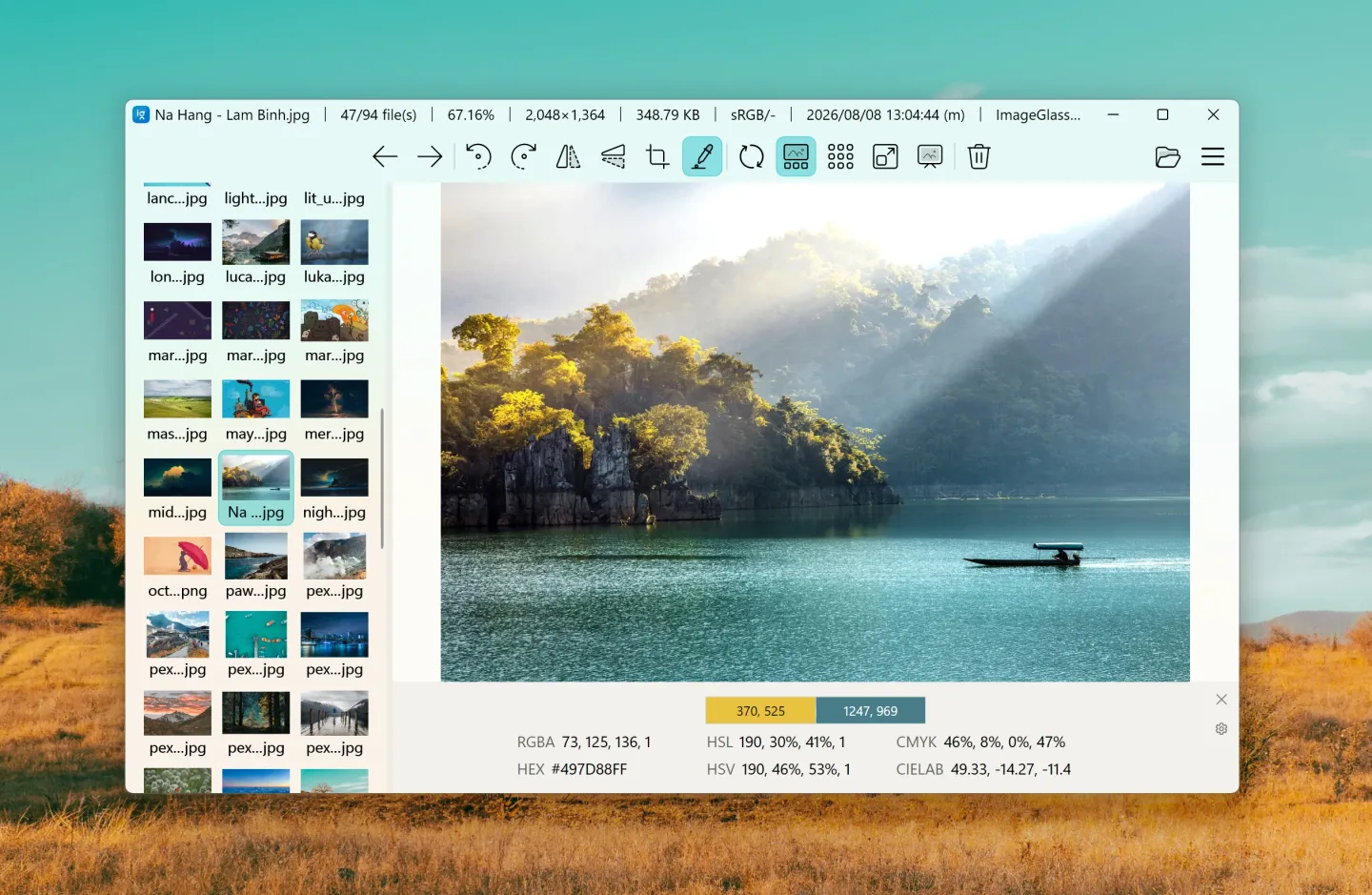
ImageGlass Classic is an image viewer for browsing folders of photographs, web images and other picture files. It supports more than 90 formats, including WEBP, GIF, SVG, HEIC and RAW. A thumbnail gallery, cursor-precise zoom modes and slideshow viewing help you move through a collection without opening each file in a separate application.
The viewer also includes focused tools for rotating, flipping, cropping and resizing images, sampling colors and stepping through frames. Themes, layouts and custom hotkeys let you adapt the viewing controls. For EXIF metadata, the publisher provides the separate ExifGlass companion tool.
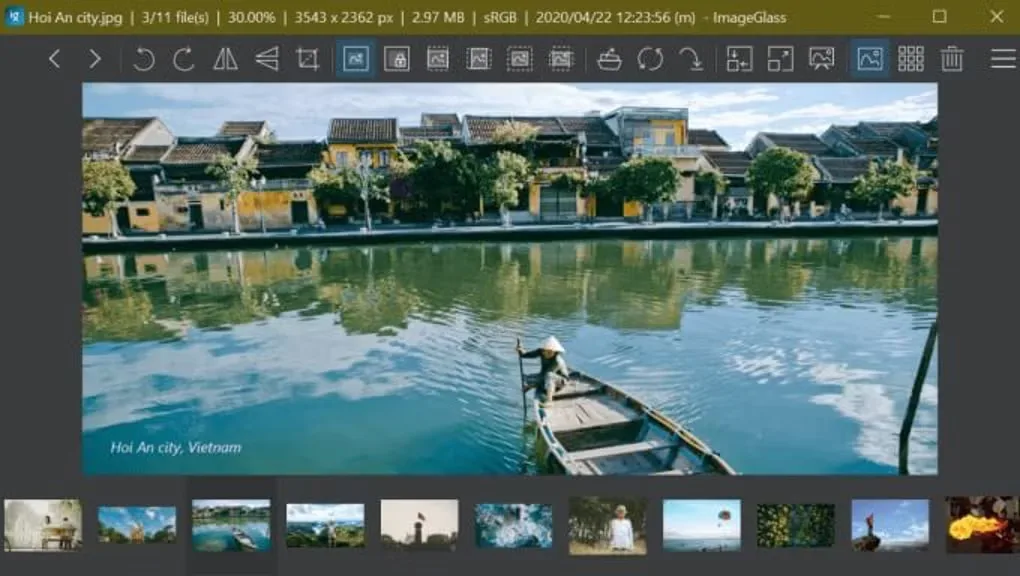
Classic is free under GPLv3; it does not include every feature advertised for ImageGlass Pro. HDR tone mapping, live file watching and managed-deployment controls require Pro. The linked file is the publisher's Windows x64 MSI package for version 10.0.6.906; ARM64 devices have separate packages. The first screenshot illustrates the version-10 Windows interface; the second is an earlier Windows interface from the Softonic gallery.
What it offers
- View more than 90 image formats, including WEBP, GIF, SVG, HEIC and RAW.
- Browse a thumbnail gallery, zoom precisely or use fullscreen and slideshow modes.
- Rotate, flip, crop and resize images with built-in tools.
- Sample colors and navigate individual frames in supported multi-frame images.
- Customize themes, layouts and hotkeys; view EXIF metadata through the ExifGlass companion tool.
Good to know
- Classic excludes Pro-only HDR tone mapping, File Watcher and managed-deployment controls.
- This x64 MSI is not the ARM64 package; Windows 10 version 1809 or later, or Windows 11, is required.
Product images
Sources
References used for this listing. Retrieval dates do not indicate hands-on testing.
- ImageGlass — official features ↗Retrieved
- ImageGlass 10.0.6.906 — official stable release and package metadata ↗Retrieved
- ImageGlass — Classic and Pro feature comparison ↗Retrieved
- ImageGlass Classic License ↗Retrieved
- ImageGlass 10.0.5.825 — publisher Windows screenshot source ↗Retrieved
- ImageGlass - Download — normal passive browser inspection ↗Retrieved
More in multimedia & graphics
View category ↗
1by1 2.17
Play music directly from folders with 1by1, a free Windows audio player with resume, gapless playback and file tools. Formats beyond MP3 need additional decoders.
3DVista Virtual Tour Pro
Build interactive 360° virtual tours from panoramas, videos and 3D models with 3DVista Virtual Tour Pro for Windows. Commercial software with a 30-day trial.

4DDiG Video Repair
Repair corrupted or unplayable videos in batches with the Video Repair tool in 4DDiG File Repair for Windows. A free trial is available; advanced features require a paid license.