

Multimedia & graphics macOS
Inkscape for macOS
Create SVG logos, illustrations and diagrams with Inkscape, a free, open-source vector graphics editor. This Mac download is the Apple silicon DMG.
- Operating system
- macOS; exact minimum for the selected DMG not independently confirmed
- Architecture
- ARM64 (Apple silicon)
- Download package
- DMG disk image
Separate Intel and arm64 packages are documented by the publisher. This download is arm64, not a universal disk image.
Link checked · Download guidance
What is Inkscape?
Inkscape creates and edits vector graphics for logos, icons, posters and diagrams. Its SVG-based artwork uses lines and curves that remain sharp when resized, making one design useful at different output sizes. Drawing tools, editable paths, text, fills and gradients let you build illustrations from individual objects; PNG export provides a raster copy for other applications.
Inkscape is free for personal and professional use under the GNU General Public License. The linked version 1.4.4 disk image is for Apple silicon Macs (arm64); Intel Macs need the separate Intel package. The publisher's installation guide describes opening the DMG and dragging Inkscape to Applications.
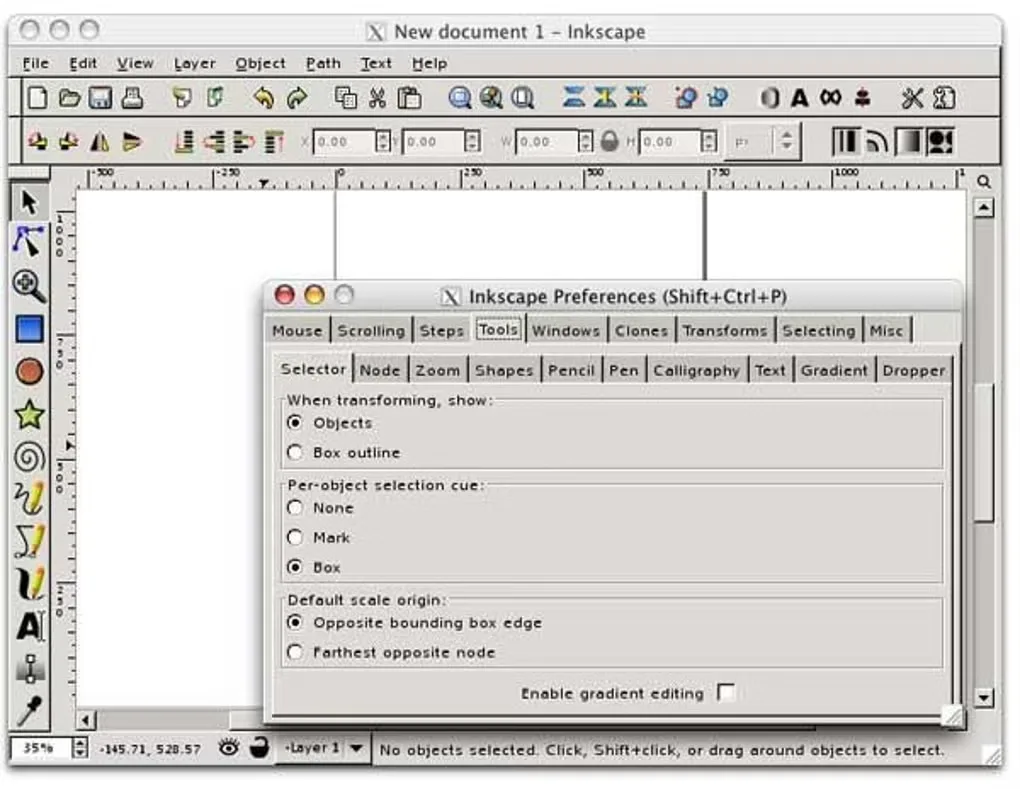
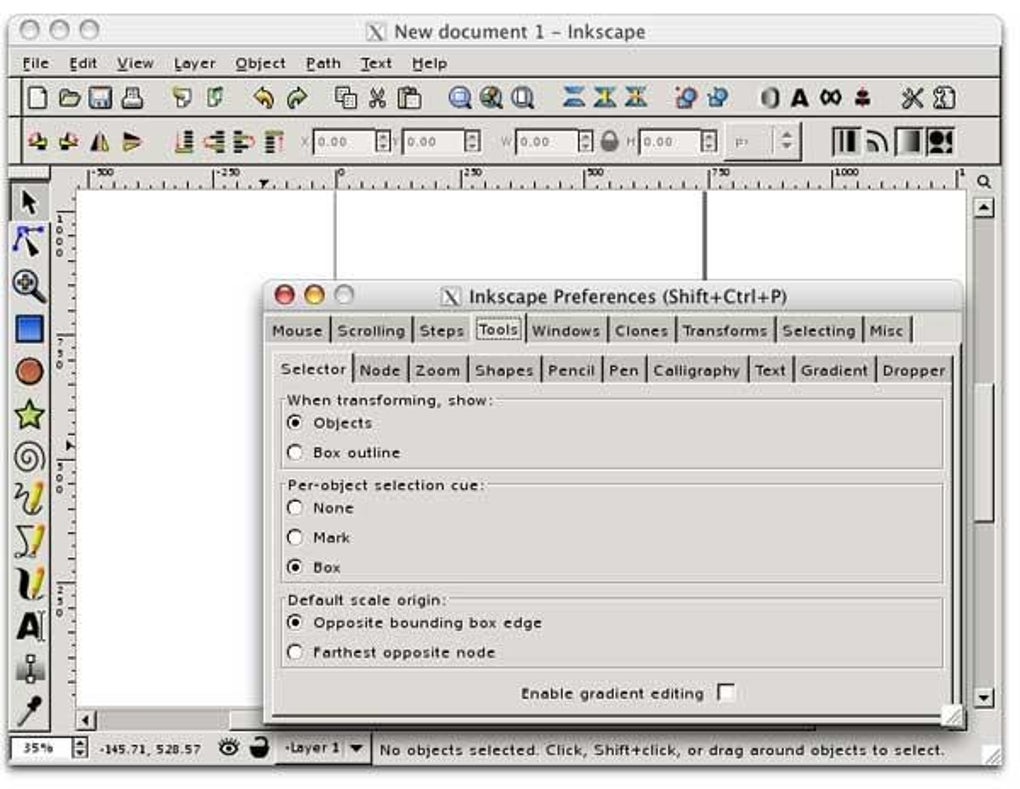
Its focus is vector drawing, not pixel-by-pixel photo editing. The project recommends a raster editor for that work, and dedicated software for CAD or 3D modeling. The screenshot shows an older Mac interface and preferences dialog from the source gallery, not the appearance of version 1.4.4.
What it offers
- Create scalable SVG artwork for logos, icons, illustrations and diagrams.
- Combine drawing tools, editable paths and text to construct vector designs.
- Style objects with fills, gradients, patterns and strokes.
- Export a page, drawing or selection as a PNG image.
Good to know
- Not intended as a dedicated raster photo editor; the project recommends GIMP for photo editing.
- The linked arm64 DMG targets Apple silicon; Intel Macs require the separate Intel download.
Product images
Sources
References used for this listing. Retrieval dates do not indicate hands-on testing.
- Installing Inkscape — official wiki ↗Retrieved
- Installing Inkscape on a Mac — Inkscape Beginners' Guide ↗Retrieved
- When do you need Inkscape? — Inkscape Beginners' Guide ↗Retrieved
- Professional Software — Inkscape Beginners' Guide ↗Retrieved
- Inkscape Beginners' Guide — contents ↗Retrieved
- Exporting a PNG File — Inkscape Beginners' Guide ↗Retrieved
- Homebrew Inkscape cask metadata ↗Retrieved
- Inkscape for Mac - Download — normal browser observation ↗Retrieved
More in multimedia & graphics
View category ↗
1by1 2.17
Play music directly from folders with 1by1, a free Windows audio player with resume, gapless playback and file tools. Formats beyond MP3 need additional decoders.
3DVista Virtual Tour Pro
Build interactive 360° virtual tours from panoramas, videos and 3D models with 3DVista Virtual Tour Pro for Windows. Commercial software with a 30-day trial.

4DDiG Video Repair
Repair corrupted or unplayable videos in batches with the Video Repair tool in 4DDiG File Repair for Windows. A free trial is available; advanced features require a paid license.