
Multimedia & graphics Windows
inPixio Photo Studio
Adjust photos, remove unwanted objects and change backgrounds with inPixio Photo Studio for Windows. Free editing has export restrictions; watermark-free HD output requires a paid plan.
- Operating system
- Windows; exact supported editions and builds not confirmed
- Architecture
- Not confirmed by the inspected sources
- Download package
- EXE installer
Publisher attachment filename: inPixioPhotoStudio12Installer.exe. HEAD confirms a binary response, not its internal version, architecture or installation requirements.
Link checked · Download guidance
What is inPixio Photo Studio?
inPixio Photo Studio is a Windows photo editor for improving individual pictures and making photo compositions. It brings together brightness and contrast adjustments, filters, background changes and tools for removing unwanted objects. That makes it relevant when a photo needs a distraction removed or a different look before sharing, rather than only a new file format.
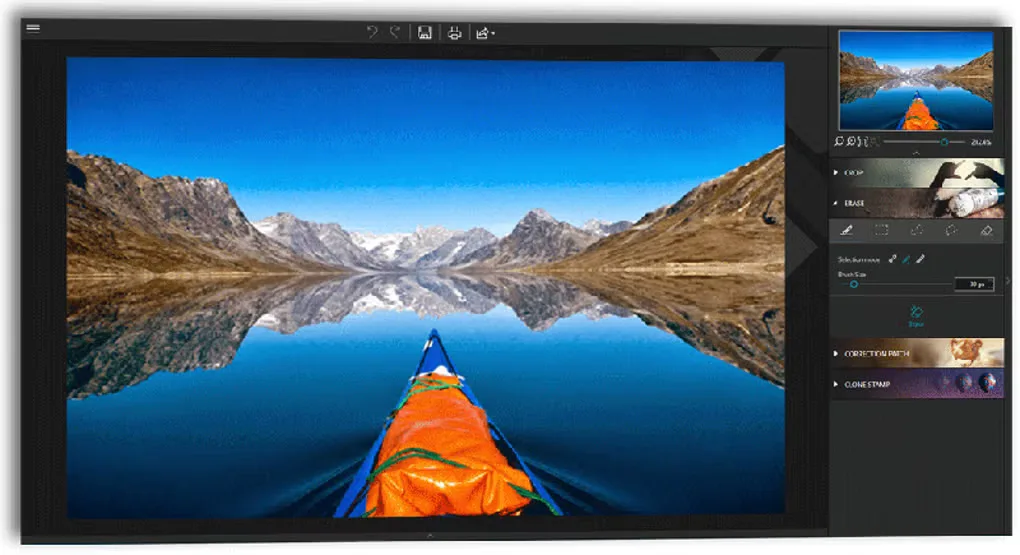
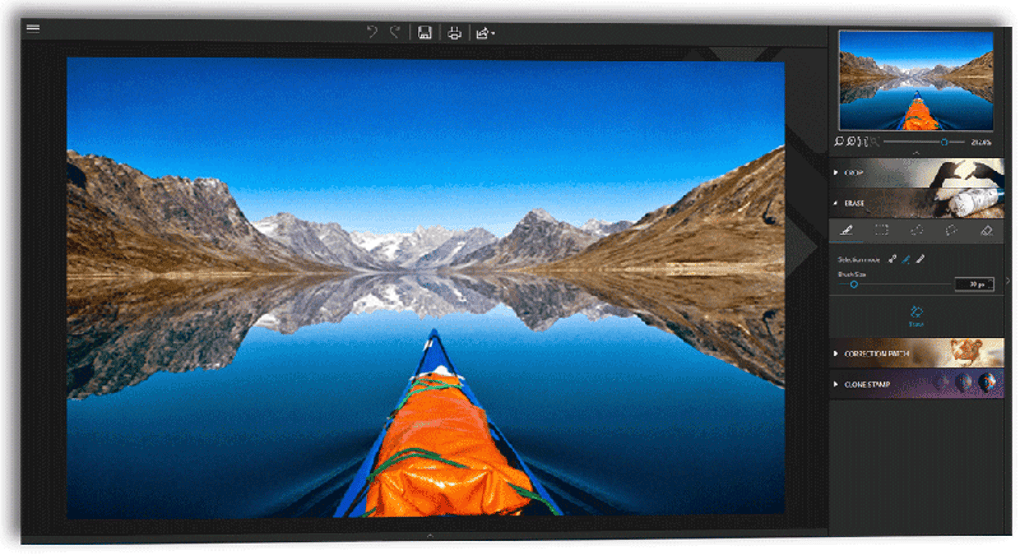
The publisher describes a workflow of opening or dragging in a picture, applying adjustments and saving the result. Its advertised creative tools include sky replacement and combining pictures with text and stickers. The screenshot shows an editing workspace with a large photo preview and an erase-tool panel; it is a source gallery image, not evidence of a locally tested installation or the current installer’s exact interface.
Do not equate the free download with unrestricted output. The publisher says basic editing features are free, but HD images without the inPixio watermark and access to advanced features require a paid subscription. Softonic also labels Photo Studio a trial and reports watermarked free exports. Check the plan’s export terms before committing to edits intended for printing or delivery to someone else.
The linked publisher endpoint identifies its attachment as inPixioPhotoStudio12Installer.exe. Its binary response was checked with HEAD only; the installer was not downloaded or run. Softonic’s listed version does not independently establish the build delivered by that endpoint, so no exact package version or CPU architecture is asserted here.
What it offers
- Adjust brightness, contrast and colors, and apply filters or overlays.
- Remove unwanted objects and change or remove image backgrounds.
- Replace the sky to change a photograph’s scene.
- Combine pictures with text and stickers for photomontages.
Good to know
- The publisher reserves HD output without an inPixio watermark and advanced features for paid subscription plans.
- The exact Windows build requirements and CPU architecture of the linked installer were not confirmed by the inspected sources.
Product images
Sources
References used for this listing. Retrieval dates do not indicate hands-on testing.
- Photo Editor - Free & Instant | inPixio ↗Retrieved
- InPixio Photo Studio - Download ↗Retrieved
More in multimedia & graphics
View category ↗
1by1 2.17
Play music directly from folders with 1by1, a free Windows audio player with resume, gapless playback and file tools. Formats beyond MP3 need additional decoders.
3DVista Virtual Tour Pro
Build interactive 360° virtual tours from panoramas, videos and 3D models with 3DVista Virtual Tour Pro for Windows. Commercial software with a 30-day trial.

4DDiG Video Repair
Repair corrupted or unplayable videos in batches with the Video Repair tool in 4DDiG File Repair for Windows. A free trial is available; advanced features require a paid license.