
Multimedia & graphics Windows
iWatermark Pro 2
Batch watermark photos on Windows with text, logos, QR codes and metadata, using reusable presets plus resize and rename options.
- Operating system
- Windows 11 or later, as listed in the current publisher header
- Architecture
- Not specified in the inspected publisher evidence
- Download package
- MSI installer
Older review titles mention Windows 10/11; current Windows 10 support is not verified. The publisher's legacy screenshot shows 4.0.23.0, not 4.0.35.
Link checked · Download guidance
What is iWatermark Pro 2?
iWatermark Pro 2 is a Windows photo-watermarking application for applying consistent attribution or branding across a collection of images. It supports text, graphic logos and QR codes, with controls for transparency, size, rotation and placement. Multiple watermarks can be combined, and presets can be imported, exported and reused rather than recreated for each batch.
Its output tools include resizing, renaming and thumbnail creation, with JPG, PNG and TIFF among the publisher-listed formats. EXIF, IPTC and XMP metadata support provides another way to retain attribution alongside a visible mark. The publisher also describes invisible StegoMark watermarks, but its FAQ limits those to JPG files and warns that many social platforms remove metadata.
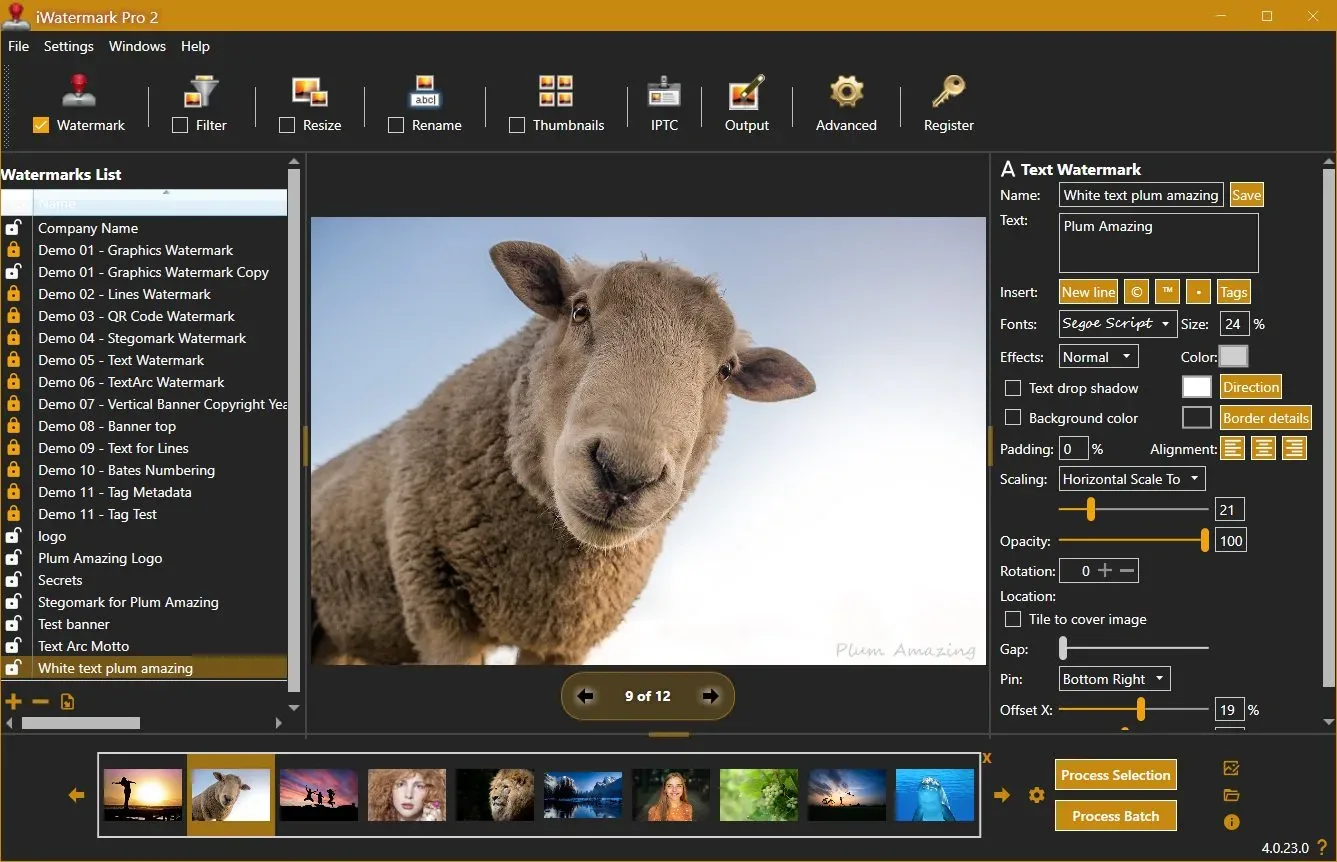
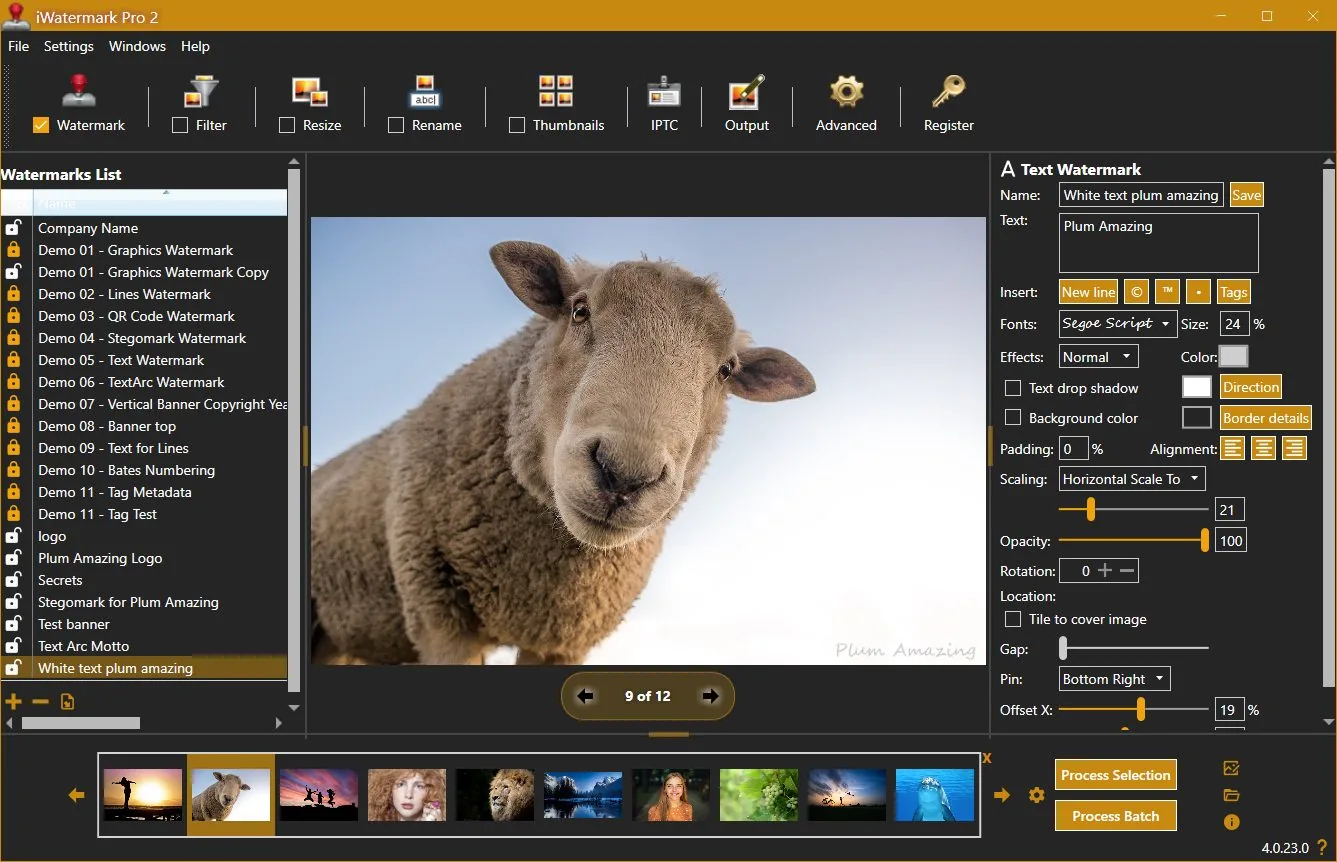
The current publisher header lists version 4.0.35 and requires Windows 11 or later. Older linked review titles mention Windows 10/11; they are not confirmation that the current installer supports Windows 10. This is commercial software with a purchase and registration path, not an established free license. The screenshot is the publisher's legacy Windows capture and shows version 4.0.23.0, not a fresh capture of 4.0.35.
What it offers
- Process individual photos or whole folders with reusable watermark settings.
- Combine text, logo/PNG and QR-code watermarks with adjustable transparency, rotation, scale and placement.
- Import, export and share watermark presets.
- Resize and rename output images, create thumbnails and export supported formats including JPG, PNG and TIFF.
- Add or preserve EXIF/IPTC/XMP metadata and use photo metadata as visible text tags.
Good to know
- The current publisher header requires Windows 11+; current Windows 10 support is not established by older review links.
- StegoMark invisible watermarking currently applies to JPG files, according to the publisher FAQ.
- Many social platforms strip metadata, so embedded metadata alone may not remain with a shared photo.
- Commercial purchase and registration are offered; exact current price and trial restrictions were not established.
Product images
Sources
References used for this listing. Retrieval dates do not indicate hands-on testing.
More in multimedia & graphics
View category ↗
1by1 2.17
Play music directly from folders with 1by1, a free Windows audio player with resume, gapless playback and file tools. Formats beyond MP3 need additional decoders.
3DVista Virtual Tour Pro
Build interactive 360° virtual tours from panoramas, videos and 3D models with 3DVista Virtual Tour Pro for Windows. Commercial software with a 30-day trial.

4DDiG Video Repair
Repair corrupted or unplayable videos in batches with the Video Repair tool in 4DDiG File Repair for Windows. A free trial is available; advanced features require a paid license.