

Multimedia & graphics Windows
JPEGsnoop for Windows
Inspect JPEG metadata and compression signatures with JPEGsnoop, a free Windows image-analysis tool that can help identify signs of editing.
Version 1.8.0a · Direct publisher file
Link checked · Download guidance
What is JPEGsnoop?
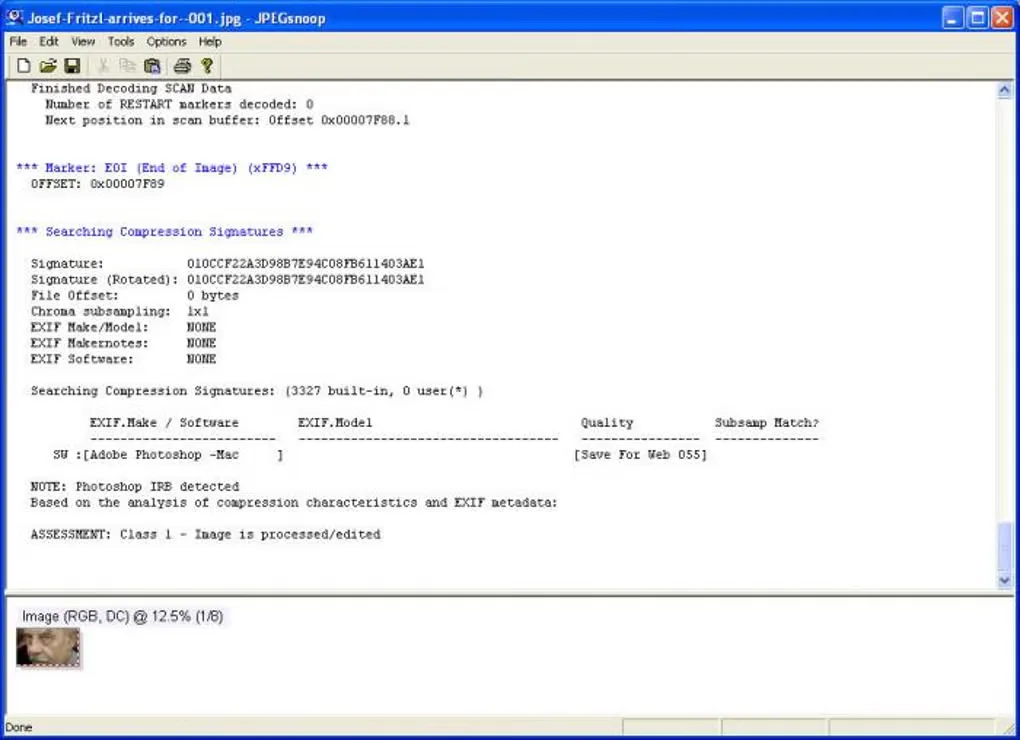
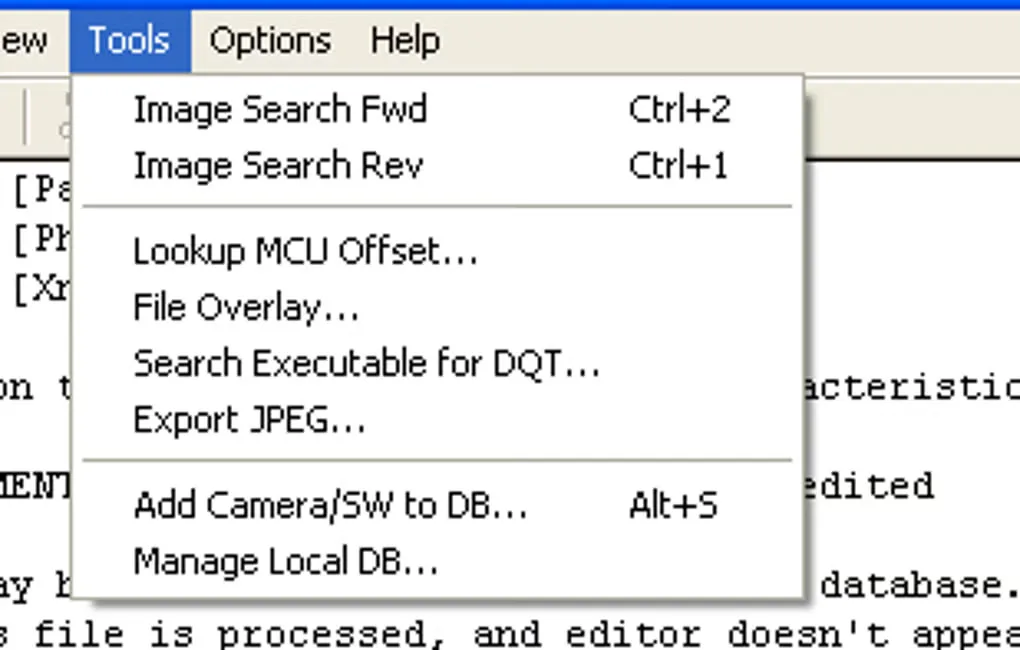
JPEGsnoop decodes image data into a technical report, exposing EXIF metadata and compression signatures that can help investigate how a picture was produced or edited. It suits examining a suspicious JPEG or inspecting its encoding details rather than making visual edits to the photo. The publisher also lists decoding for PSD images and AVI files containing Motion JPEG, embedded JPEG extraction and batch processing.
Its editing assessment needs interpretation: the analysis can return an uncertain result rather than establish whether an image is original. Softonic also notes that the detailed reports contain technical data that is not explained. Treat compression matches as clues, not a guarantee of authenticity.
The linked publisher download is the v1.8.0a Windows ZIP, added with a corrected license dialog. The project describes JPEGsnoop as requiring no installation. CPU architecture and compatibility with current Windows releases were not established from the retrieved publisher material; the software was not installed or run for this entry.
What it offers
- Inspect EXIF metadata and detailed JPEG decoding reports.
- Compare compression signatures to help identify signs of image editing.
- Decode JPEG and PSD images, plus Motion JPEG data in AVI files.
- Extract embedded JPEG images and process files in batches.
- Use the Windows application without an installation step, according to the publisher.
Good to know
- Editing assessments can be uncertain; a compression-signature result does not guarantee that a photo is original.
- Reports are technical, and Softonic notes that some data is not explained.
Product images
Sources
References used for this listing. Retrieval dates do not indicate hands-on testing.
More in multimedia & graphics
View category ↗
1by1 2.17
Play music directly from folders with 1by1, a free Windows audio player with resume, gapless playback and file tools. Formats beyond MP3 need additional decoders.
3DVista Virtual Tour Pro
Build interactive 360° virtual tours from panoramas, videos and 3D models with 3DVista Virtual Tour Pro for Windows. Commercial software with a 30-day trial.

4DDiG Video Repair
Repair corrupted or unplayable videos in batches with the Video Repair tool in 4DDiG File Repair for Windows. A free trial is available; advanced features require a paid license.