

Multimedia & graphics Windows
Kdenlive for Windows
Edit video and audio across multiple tracks, add titles and subtitles, and use proxy clips with Kdenlive, a free, open-source video editor for Windows.
- Operating system
- 64-bit Windows 10 version 1809 or newer
- Architecture
- x64 (Intel or AMD)
- Download package
- EXE installer
This is the installable desktop package, not the standalone edition or a browser extension. The installer requires administrator rights. The manual lists at least 8 GB RAM for HD editing and 16 GB for 4K.
Link checked · Download guidance
What is Kdenlive?
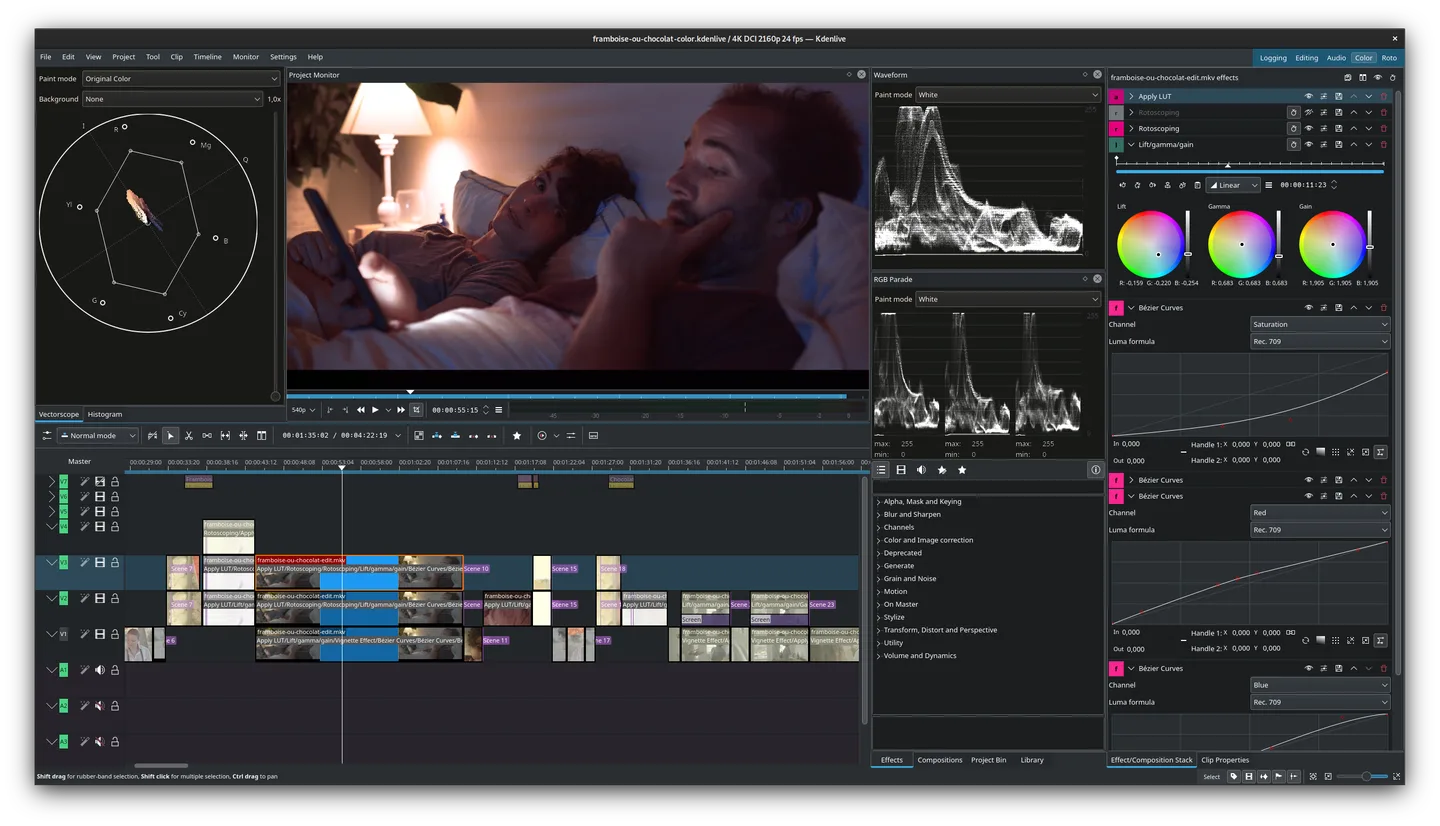
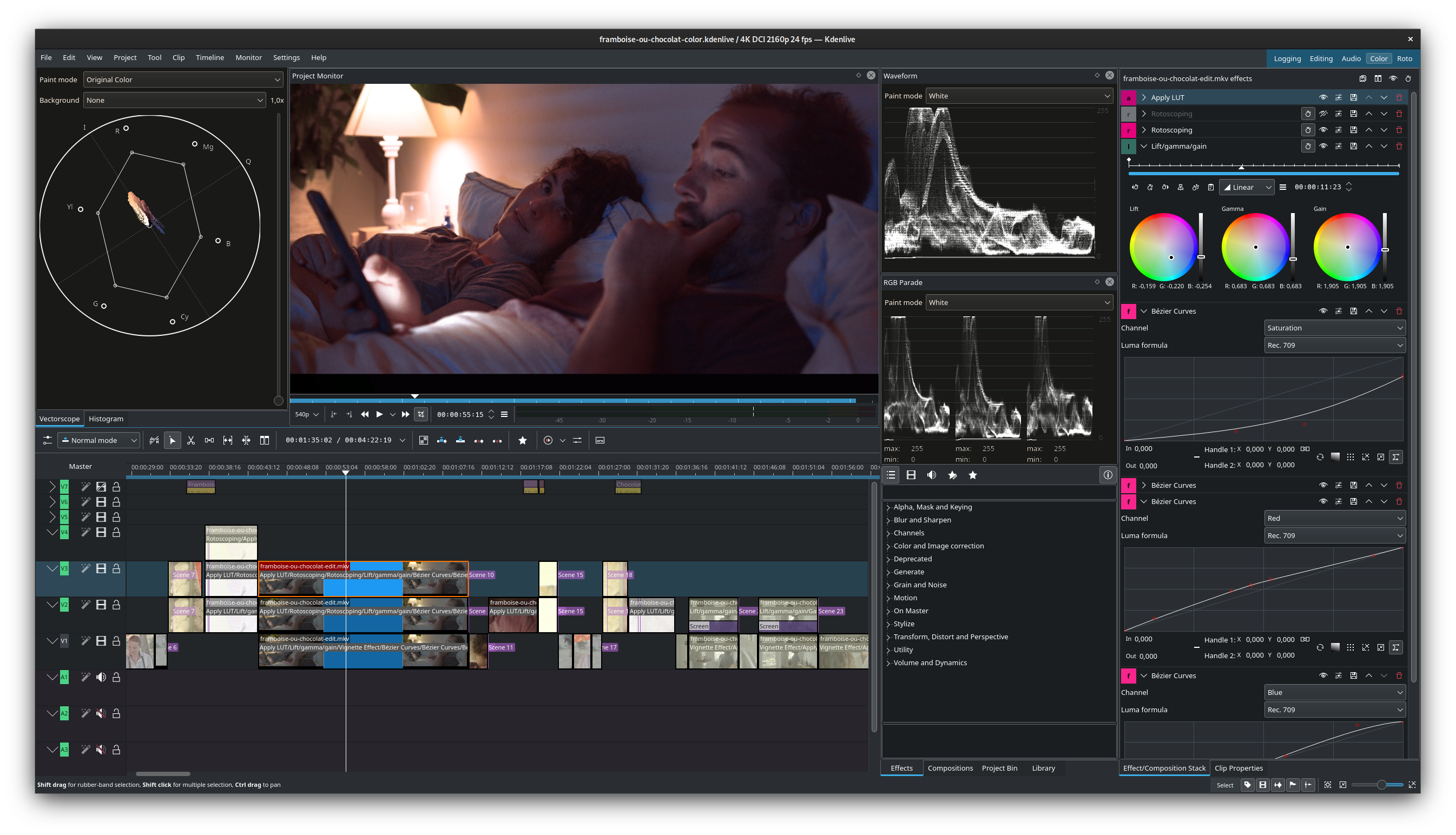
Kdenlive is a non-linear video editor for assembling footage, sound and text into a finished video. Its multitrack timeline lets you arrange clips alongside separate audio tracks, while nested sequences help divide longer edits into smaller sections. Effects, transitions and keyframes provide control over how clips look and change over time.
For projects with demanding footage, proxy editing lets you work with lower-resolution copies during editing. Titles, subtitles, an audio mixer and voiceover recording cover common finishing tasks without turning the project into a collection of separate tools.
Timeline playback uses the CPU, even though some render profiles support GPU processing. A graphics card alone therefore does not remove preview bottlenecks; the manual recommends proxies, reduced preview resolution or timeline preview rendering on less powerful computers.
What it offers
- Arrange video and audio on multiple tracks and organize longer edits with nested sequences.
- Apply video and audio effects, transitions and keyframed changes.
- Create title clips and edit subtitles within a project.
- Mix audio and record voiceovers in the editor.
- Use proxy clips and timeline preview rendering to reduce the load while editing demanding footage.
Good to know
- Timeline playback is CPU-based; GPU-enabled rendering profiles do not make timeline playback GPU-accelerated.
- The Windows edition requires a 64-bit system. The manual does not guarantee operation on server or embedded Windows editions.
Product images
Sources
References used for this listing. Retrieval dates do not indicate hands-on testing.
- Kdenlive — official downloads ↗Retrieved
- Kdenlive 26.08 Manual — installation and system requirements ↗Retrieved
- Kdenlive 26.08 Manual — introduction and editing features ↗Retrieved
- Kdenlive — product tools and community ↗Retrieved
- The Story of Kdenlive — team and license ↗Retrieved
- Kdenlive 26.08.2 released ↗Retrieved
- Kdenlive — trademark and logo ↗Retrieved
- Kdenlive - Free and Open Source Video Editor — screenshot provenance ↗Retrieved
More in multimedia & graphics
View category ↗
1by1 2.17
Play music directly from folders with 1by1, a free Windows audio player with resume, gapless playback and file tools. Formats beyond MP3 need additional decoders.
3DVista Virtual Tour Pro
Build interactive 360° virtual tours from panoramas, videos and 3D models with 3DVista Virtual Tour Pro for Windows. Commercial software with a 30-day trial.

4DDiG Video Repair
Repair corrupted or unplayable videos in batches with the Video Repair tool in 4DDiG File Repair for Windows. A free trial is available; advanced features require a paid license.