

Multimedia & graphics macOS
Krita for macOS
Paint illustrations, build layered artwork and create 2D animation with Krita, a free, open-source drawing application for Mac.
What is Krita?
Krita is a digital painting application for illustrators and artists who want configurable brushes, layers and drawing aids. Its workspace can be rearranged around your canvas, with movable panels, saved layouts and custom shortcuts. Brush stabilizers help smooth freehand strokes, while vector and text tools support comic panels and lettering.
For work beyond a single painting, Krita includes a wrap-around view for seamless textures and a 2D animation workspace with a timeline and onion skinning. It can load and save PSD files, but PSD compatibility is not complete: the publisher recommends other interchange formats where possible. Keep that limitation in mind when exchanging layered work with Photoshop users.
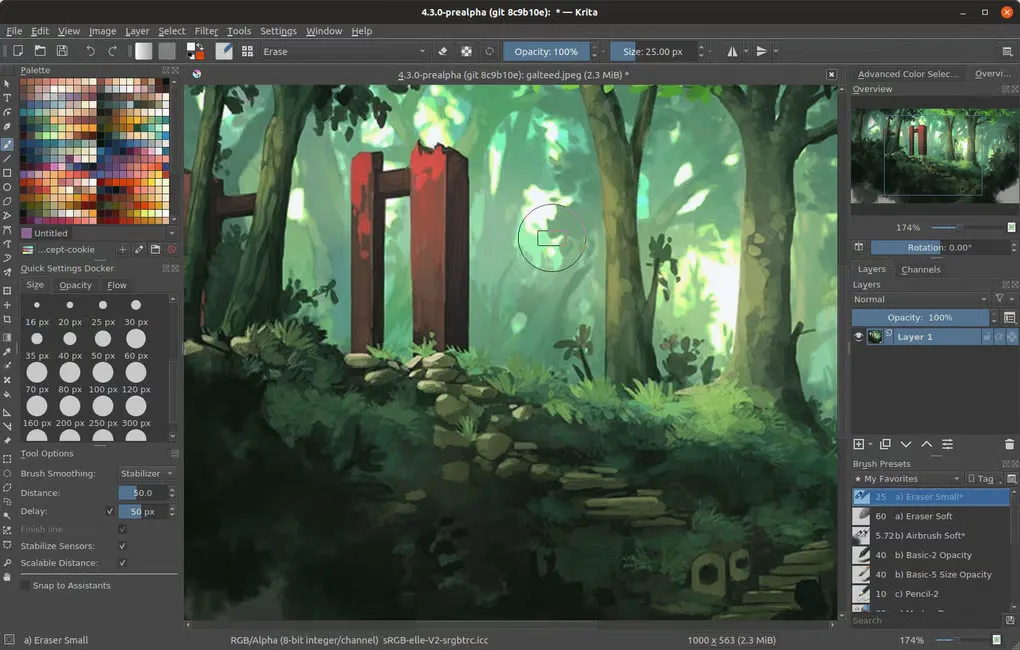
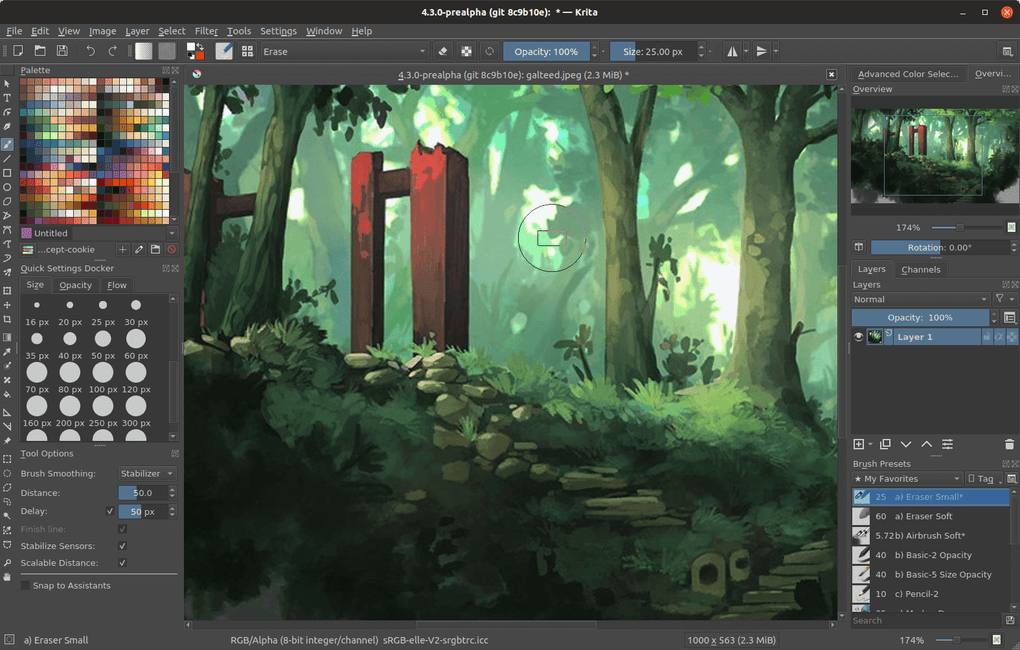
This entry links to the publisher-listed Krita 5.3.4.1 signed DMG for macOS. The download page lists macOS 10.15 and at least 4 GB RAM, with 16 GB recommended. Apple iPads and iPhones are not supported. The gallery image illustrates an older Krita desktop interface; it is not a capture of this Mac release.
What it offers
- Paint with configurable brush engines and stroke stabilizers.
- Arrange dockers, save workspaces and customize keyboard shortcuts.
- Organize artwork with layers, masks, selections, vector shapes and text.
- Preview repeating textures with wrap-around mode.
- Create 2D animation with a timeline and onion skinning.
Good to know
- PSD support is not complete; the publisher recommends other interchange formats such as ORA or TIFF where possible.
- The desktop download is not for Apple iPads or iPhones.
Product images
Sources
References used for this listing. Retrieval dates do not indicate hands-on testing.
- Krita for Mac (Mac) - Download ↗Retrieved
- Download | Krita ↗Retrieved
- Features | Krita ↗Retrieved
- *.psd — Krita Manual 5.3.0 documentation ↗Retrieved
More in multimedia & graphics
View category ↗
1by1 2.17
Play music directly from folders with 1by1, a free Windows audio player with resume, gapless playback and file tools. Formats beyond MP3 need additional decoders.
3DVista Virtual Tour Pro
Build interactive 360° virtual tours from panoramas, videos and 3D models with 3DVista Virtual Tour Pro for Windows. Commercial software with a 30-day trial.

4DDiG Video Repair
Repair corrupted or unplayable videos in batches with the Video Repair tool in 4DDiG File Repair for Windows. A free trial is available; advanced features require a paid license.