
Multimedia & graphics Windows
Krita for Windows
Paint illustrations, draw comics and create 2D animation with Krita, a free, open-source art application for Windows.
- Operating system
- Windows 8.1 or higher, as listed on the publisher download page
- Architecture
- x64 (64-bit)
- Download package
- EXE installer
Publisher lists 4 GB RAM minimum and 16 GB recommended. This is the installer, not the separate portable ZIP; current Windows builds do not support 32-bit systems.
Link checked · Download guidance
What is Krita?
Krita is built for creating digital artwork, from a first sketch to a layered illustration, comic or texture. Customizable brushes and stroke stabilization support freehand painting, while drawing assistants help with perspective. Rearrange the panels into a workspace for painting or switch to the animation workspace to work with frames and onion skins.
Krita can load and save PSD files, but that does not mean every Photoshop document transfers perfectly. Its manual recommends OpenRaster (ORA) or TIFF for interchange where possible. The download here is the Windows x64 EXE installer, not the portable ZIP or a paid store edition.
What it offers
- Customize painting brushes and smooth freehand strokes with brush stabilizers.
- Organize artwork with layers, masks and a configurable workspace.
- Use drawing assistants for perspective and wrap-around mode for repeating textures.
- Create frame-based 2D animation with a timeline and onion skinning.
- Load and save supported PSD layers, groups and transparency masks.
Good to know
- PSD interchange is not fully equivalent to Photoshop; Krita's manual recommends ORA or TIFF where possible.
- Krita does not edit indexed-color images, although it can export some indexed formats such as GIF.
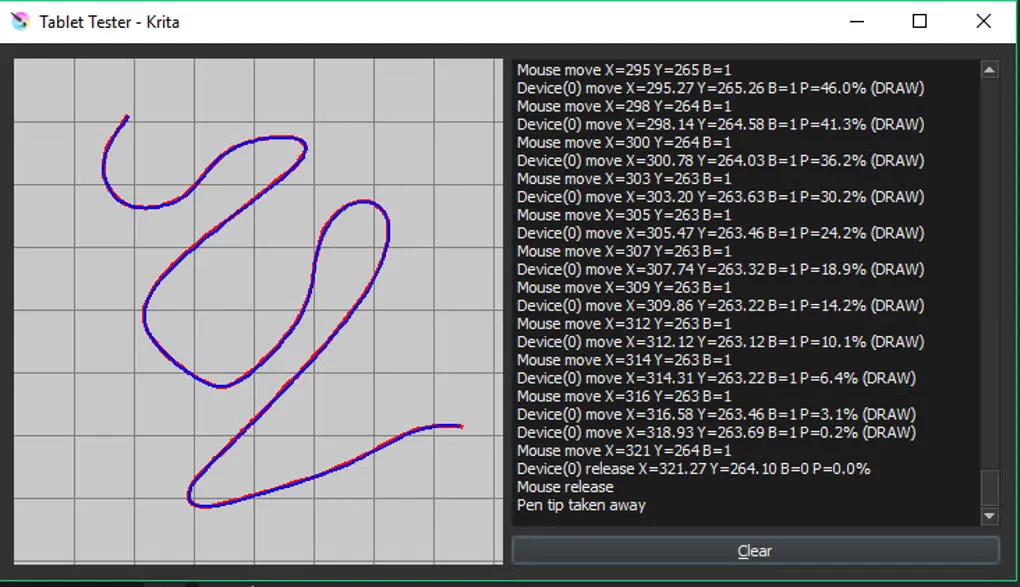
Product images
Sources
References used for this listing. Retrieval dates do not indicate hands-on testing.
- Krita — official download and system requirements ↗Retrieved
- Krita — official painting and animation features ↗Retrieved
- Krita Manual — PSD support and interchange limitations ↗Retrieved
- Krita Manual — supported art workflows and indexed-color limitation ↗Retrieved
- Krita Desktop for Windows — observed screenshot gallery ↗Retrieved
More in multimedia & graphics
View category ↗
1by1 2.17
Play music directly from folders with 1by1, a free Windows audio player with resume, gapless playback and file tools. Formats beyond MP3 need additional decoders.
3DVista Virtual Tour Pro
Build interactive 360° virtual tours from panoramas, videos and 3D models with 3DVista Virtual Tour Pro for Windows. Commercial software with a 30-day trial.

4DDiG Video Repair
Repair corrupted or unplayable videos in batches with the Video Repair tool in 4DDiG File Repair for Windows. A free trial is available; advanced features require a paid license.