
Multimedia & graphics Windows
LazPaint for Windows
Paint, retouch images and combine raster and vector layers with LazPaint, a free, open-source image editor for Windows.
- Operating system
- Windows; minimum Windows version not specified on the publisher download page
- Architecture
- 32-bit and 64-bit
- Download package
- EXE setup installer
Publisher labels this setup for both 32-bit and 64-bit Windows. Separate no-install archives are available; installation and OS compatibility were not tested.
Link checked · Download guidance
What is LazPaint?
LazPaint combines brush-based painting with editable shapes and text. Use it to draw on transparent layers, retouch part of an image with the clone stamp, or arrange several elements in one composition. Selection tools, color curves, resizing and filters cover common image-editing tasks without requiring every change to affect the whole canvas.
Keep work in LazPaint's LZP format when you need to preserve layers for later editing; export PNG or JPEG for sharing. OpenRaster provides another layered format for exchanging work with compatible editors. Format support has limits: Photoshop PSD files open flattened rather than preserving their editable layer stack. Painting with a pixel tool on a vector layer also rasterizes its shapes, so keep an editable copy before switching to brush work.
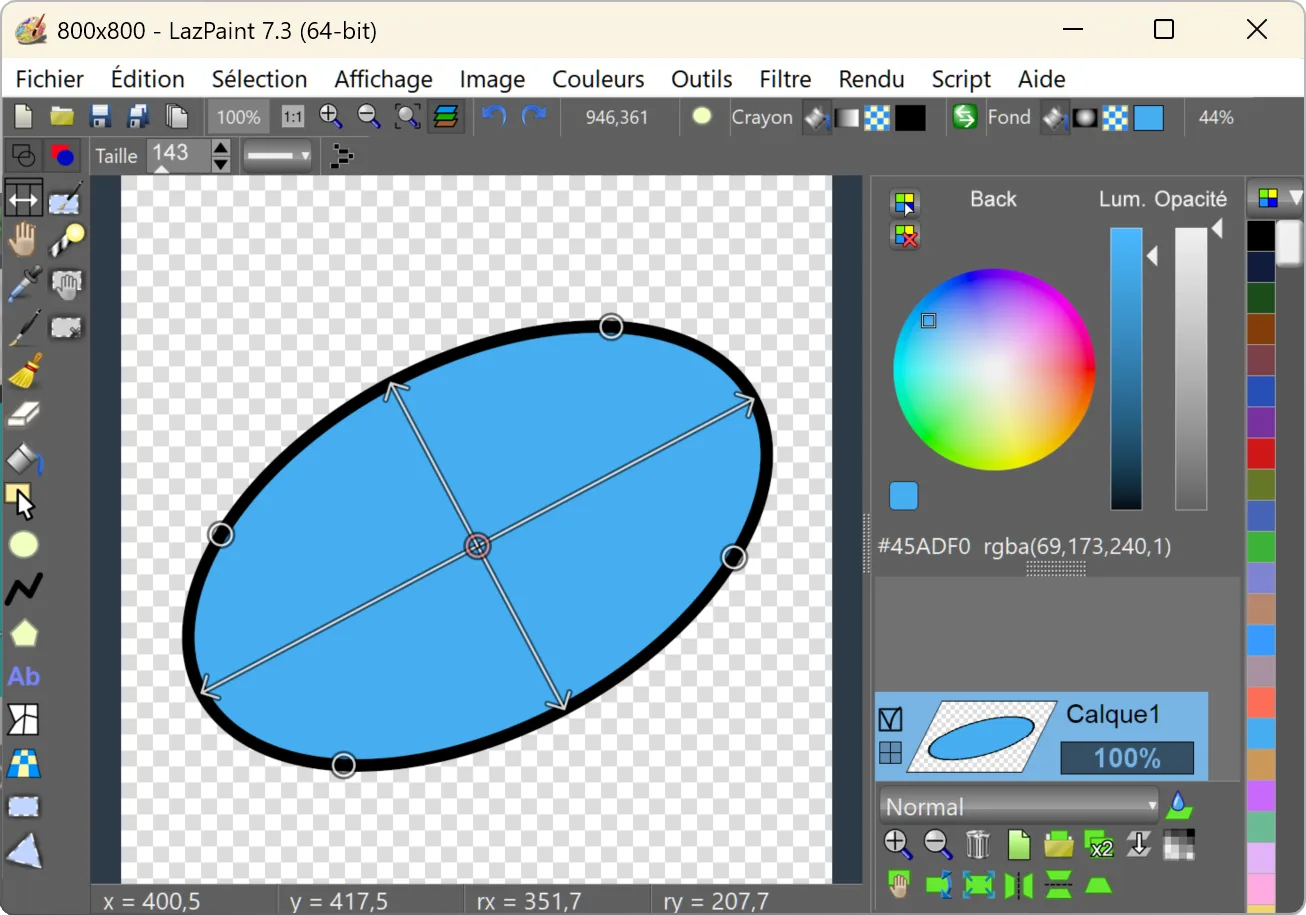
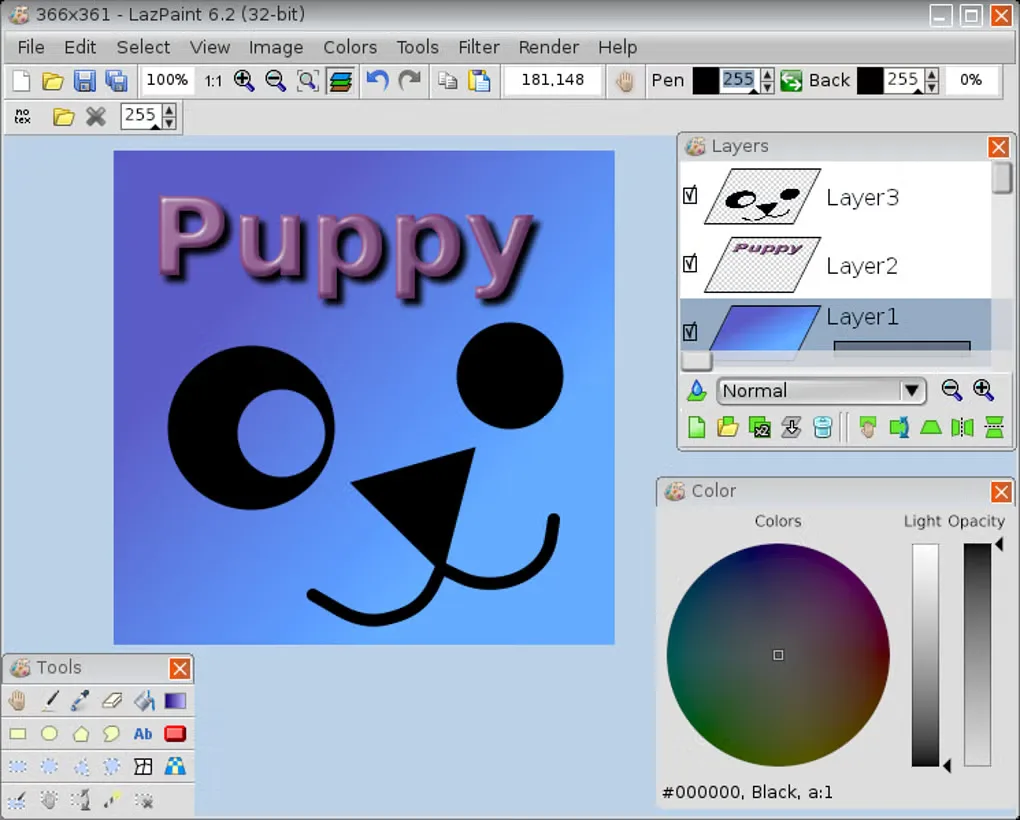
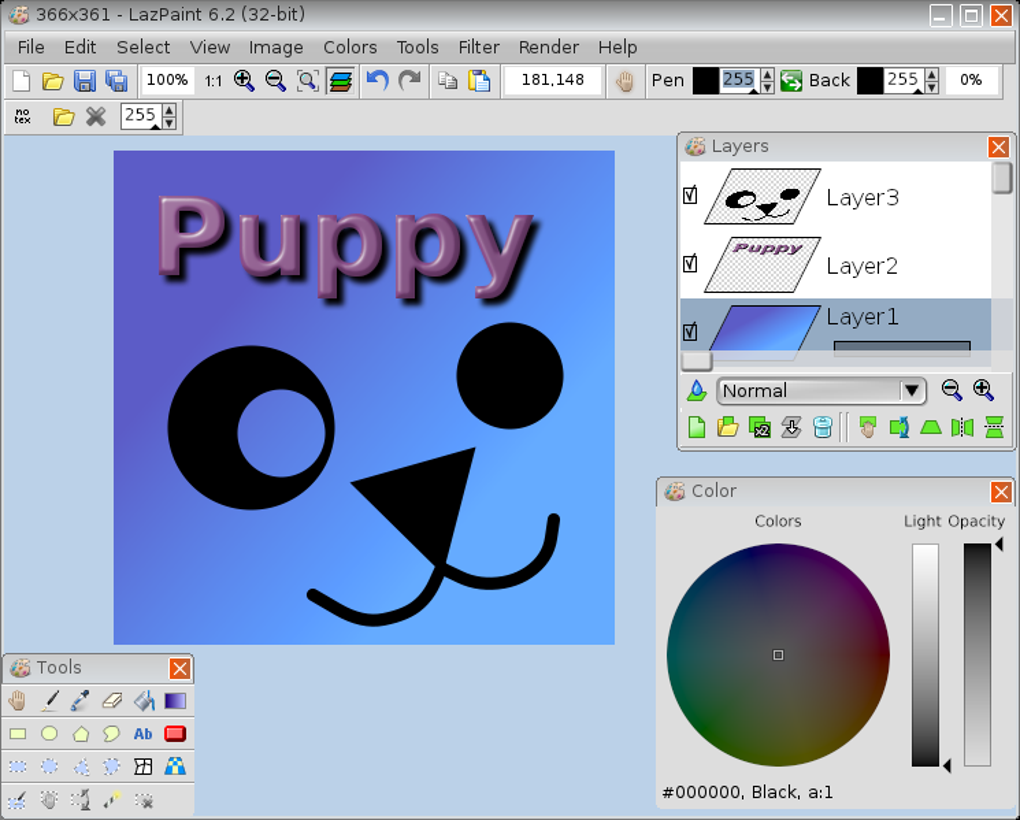
This entry links to the publisher's LazPaint 7.3 Windows setup package for 32-bit and 64-bit systems. The publisher also offers separate no-install archives. The primary screenshot shows version 7.3 with French interface labels; the additional English screenshot is a historical version 6.2 view, not a preview of the current release.
What it offers
- Combine raster layers with editable vector shapes and text; adjust layer opacity and blending.
- Paint with brushes, erase to transparency and retouch areas with the clone stamp.
- Isolate areas with rectangular, elliptical, polygon and magic-wand selections.
- Resize or rotate images, adjust color curves and apply blur, sharpening and distortion filters.
- Preserve projects in LZP or OpenRaster and export common image formats such as PNG and JPEG.
Good to know
- Photoshop PSD files open as flattened images rather than editable multilayer projects.
- Using a pixel-based painting tool on a vector layer rasterizes it, removing the shapes' editable vector properties.
Product images
Sources
References used for this listing. Retrieval dates do not indicate hands-on testing.
- Download LazPaint — publisher Windows packages ↗Retrieved
- LazPaint Documentation — tools, layers and format limitations ↗Retrieved
- Publisher GitHub release metadata — LazPaint 7.3 ↗Retrieved
- bgrabitmap/lazpaint — publisher repository ↗Retrieved
- LazPaint v7.3 COPYING.txt ↗Retrieved
- LazPaint - Download — observed source gallery ↗Retrieved
More in multimedia & graphics
View category ↗
1by1 2.17
Play music directly from folders with 1by1, a free Windows audio player with resume, gapless playback and file tools. Formats beyond MP3 need additional decoders.
3DVista Virtual Tour Pro
Build interactive 360° virtual tours from panoramas, videos and 3D models with 3DVista Virtual Tour Pro for Windows. Commercial software with a 30-day trial.

4DDiG Video Repair
Repair corrupted or unplayable videos in batches with the Video Repair tool in 4DDiG File Repair for Windows. A free trial is available; advanced features require a paid license.